Quick answer
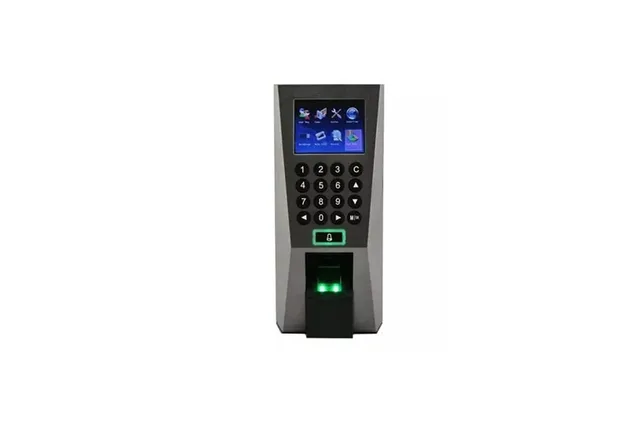
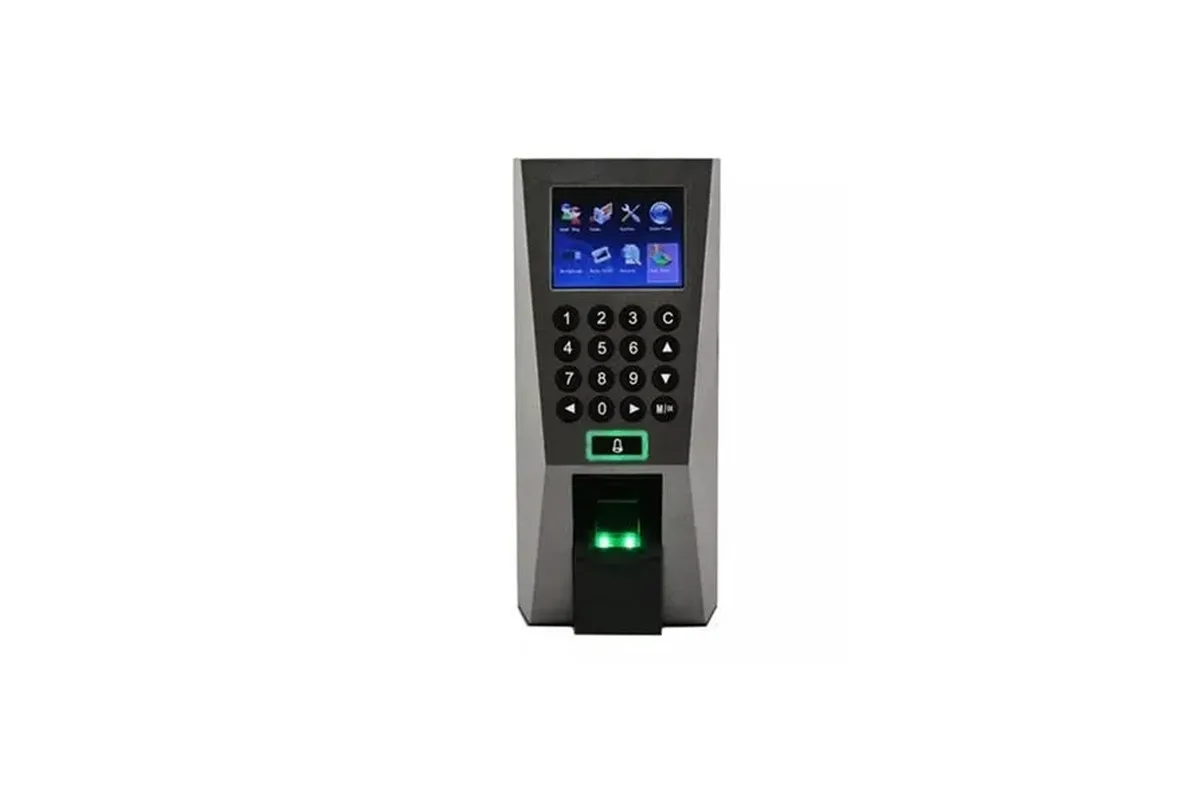
Most fingerprint failures come from the finger or the enrolment, not the machine: a dirty or scratched sensor, dry, wet or worn fingers, or a fingerprint enrolled badly. Clean the sensor, re-enrol two fingers carefully, and consider face or card for staff with worn prints. If nothing reads at all, check power, settings and the sensor itself.
Real products, live prices, in stock now
See the actual productsLive prices from the Qyvea store
Shop all fingerprint products →Key takeaways
- Clean the sensor glass gently.
- Re-enrol with the finger flat and centred.
- Dry or worn fingers: enrol a different finger or use face/card.
- Nothing reads at all: power, firmware or sensor fault.
- Check verification mode wasn't changed.
01Symptom guide
| Symptom | Likely cause | Fix |
|---|---|---|
| One person fails often | Poor enrolment or worn fingers | Re-enrol two fingers; add card or face |
| Everyone fails | Dirty or damaged sensor | Clean; replace sensor if scratched |
| Sensor doesn't light | Power or hardware fault | Check adapter; service |
| Asks for card or PIN | Verification mode changed | Reset verification mode for the user |
02Machine not working at all?
- Try another power adapter
- Restart the machine
- Check it isn't in a menu or locked by an admin
- Check the date and time (punches look missing if wrong)
When to call a professionalMachine locked, not syncing or lost its data? Qyvea services ZKTeco attendance and access devices: resets, admin recovery for the verified owner, software setup and staff re-enrolment, on site or remotely where possible. Call 0113 301 244 or WhatsApp us.
03Frequently asked questions
Why does my fingerprint not register?
Usually a dry, dirty or worn finger, or a poor original enrolment. Re-enrol with the finger flat and centred.
Can I clean the fingerprint sensor?
Yes, gently with a soft dry cloth; avoid scratching it.