POS Systems in Kenya
Stop stock and cash leaking out of your business. Qyvea supplies, installs and trains your team on POS systems for every kind of shop, restaurant and counter, with delivery across Kenya.


Security
CCTV InstallationAccess ControlBiometrics & AttendanceElectric FencingAutomatic GatesFire Alarm SystemsSecurity Guards & K9Power & Electrical
Solar InstallationSolar & Power BackupElectrical InstallationSmart Home AutomationBuilding Management (BMS)IT & Networking
Networking & Wi-FiIT SupportCyber SecuritySystem IntegrationIntercom SystemsPA SystemsPOS SystemsQueue ManagementStop stock and cash leaking out of your business. Qyvea supplies, installs and trains your team on POS systems for every kind of shop, restaurant and counter, with delivery across Kenya.
A basic POS needs a touchscreen or tablet, a receipt printer, a barcode scanner and a cash drawer, plus software. The total depends on how many tills you run and the software licence. See the POS system price guide for a breakdown, then ask us for a quote for your shop.
Qyvea Limited supplies POS hardware and installs tills, printers, scanners and networking for shops, supermarkets, pharmacies, restaurants and hotels, delivered across Kenya.
Yes. M-Pesa payments can be matched to sales, which cuts cashier errors. Ask us which software options support it.
A POS with offline mode keeps selling and syncs later. Add a small UPS to keep the till and printer running through power cuts.
Qyvea Limited supplies and installs across Kenya from Nairobi. Equipment is delivered to your site, and installation is booked after a site assessment.
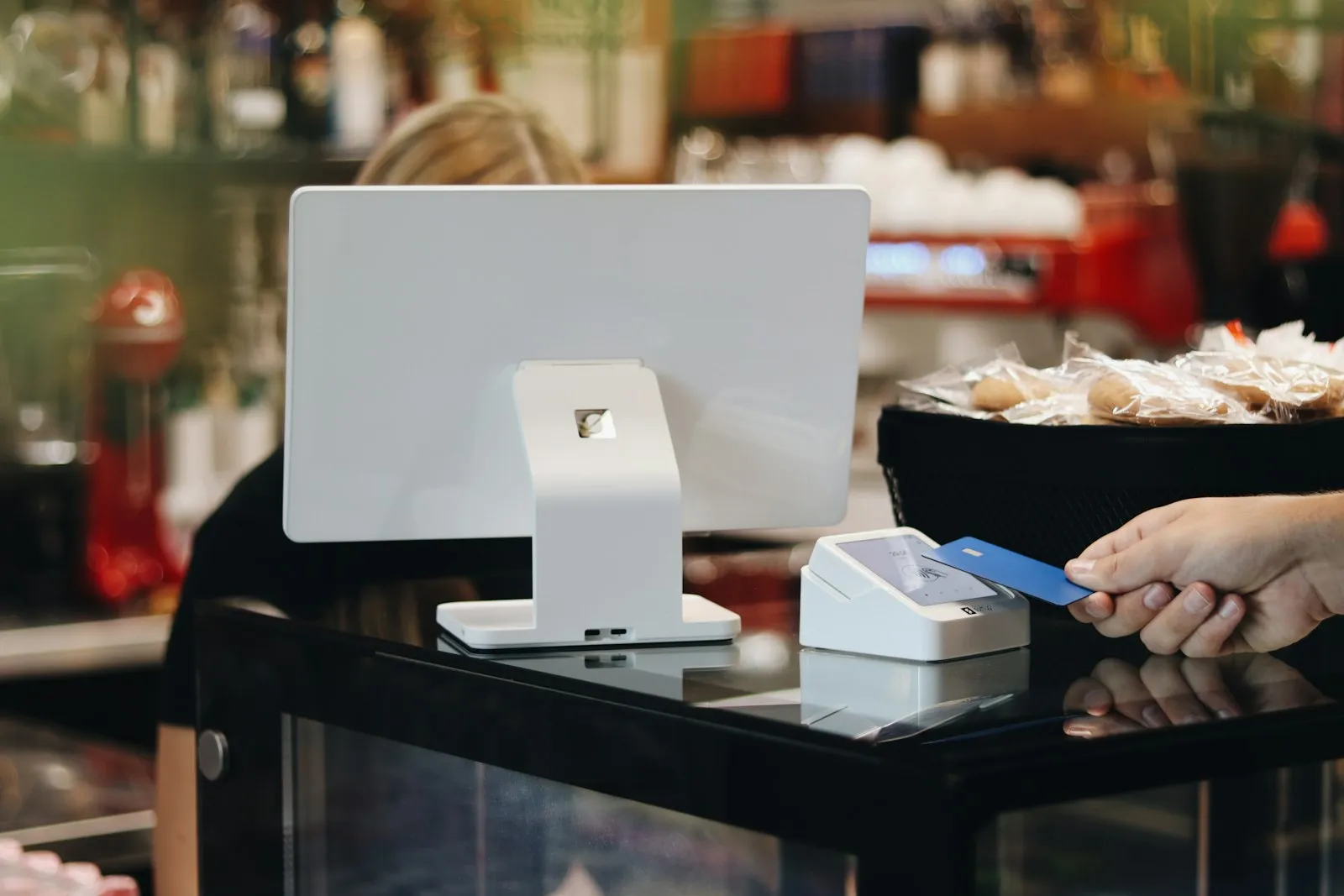
A point-of-sale system is the till, the stock book and the sales report in one. The cashier scans or taps products, the screen totals the sale, the printer prints the receipt, and the software updates stock and reports.
 Scanner
 POS terminal
 Receipt printer
 Cash drawerSoftware and reports
Touchscreen computer where the cashier works.
Reads the product code in a fraction of a second.
Prints the customer receipt, and kitchen tickets in restaurants.
Locked cash tray that opens on a sale.

Prints barcodes and price labels for products.

For goods sold by weight, such as butchery and fruit.

Shows the customer the total.

Receipt rolls for the printer.
Building this for a client? Use these lists as a starting bill of materials. We supply every part and deliver to your site anywhere in Kenya. Ask for trade support on WhatsApp.
A POS updates stock on every sale, so you know what is on the shelf and what to reorder.
Every sale carries a cashier name, so end-of-day cash is checked against records.
Scan, tap, pay and print in seconds. Customers leave happy; cashiers are not stressed.
Reports by item, category, cashier and day show what to stock and what to drop.
Pick your industry for the equipment, set-up and questions that matter to you.
We look at your counter, products and network and recommend the simplest setup that works.
Touchscreen or handheld terminals, receipt printers, scanners, cash drawers and UPS.
Products, prices, taxes and payment types loaded, including M-Pesa and card.
Tills, printers, scanners, cabling and Wi-Fi installed and tested.
Cashiers and managers trained on site until they are confident.
A named contact, spare parts and maintenance plans.
Live prices from the Qyvea store. Click any image to preview.
Kiosk or small shop
Supermarket, restaurant, pharmacy
Multi-branch retailers
Every site is different, so we survey first and quote to your requirements. Free site survey in Nairobi and surrounding counties; supply and delivery nationwide.
We visit and listen.
An itemised written quote.
Hardware and software installed and tested.
Staff trained; support when you need it.
Hardware prices are live in our store and range from small accessories to full touchscreen terminals. Complete setups with software, installation and training are quoted per business after a free survey.
Yes. It records M-Pesa, cash and card sales and we set up how each is captured and reconciled.
A POS prints a receipt on every sale and keeps records. We help connect your software to eTIMS where it supports it; confirm your tax obligations with KRA or your accountant.
Yes. We supply and ship nationwide and survey Nairobi and surrounding counties for free.
Free survey and a clear written quote. We supply, install and train, and deliver across Kenya.