Quick answer
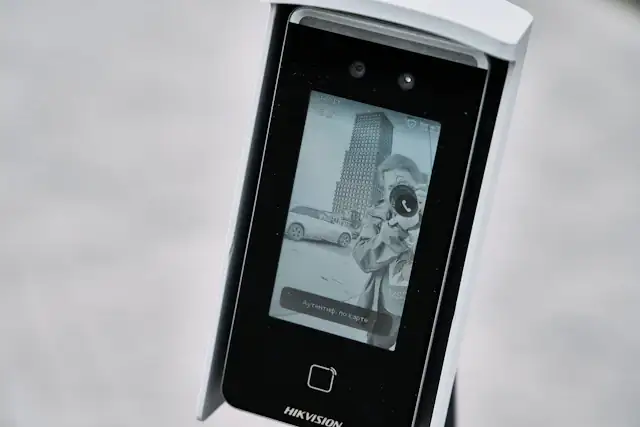
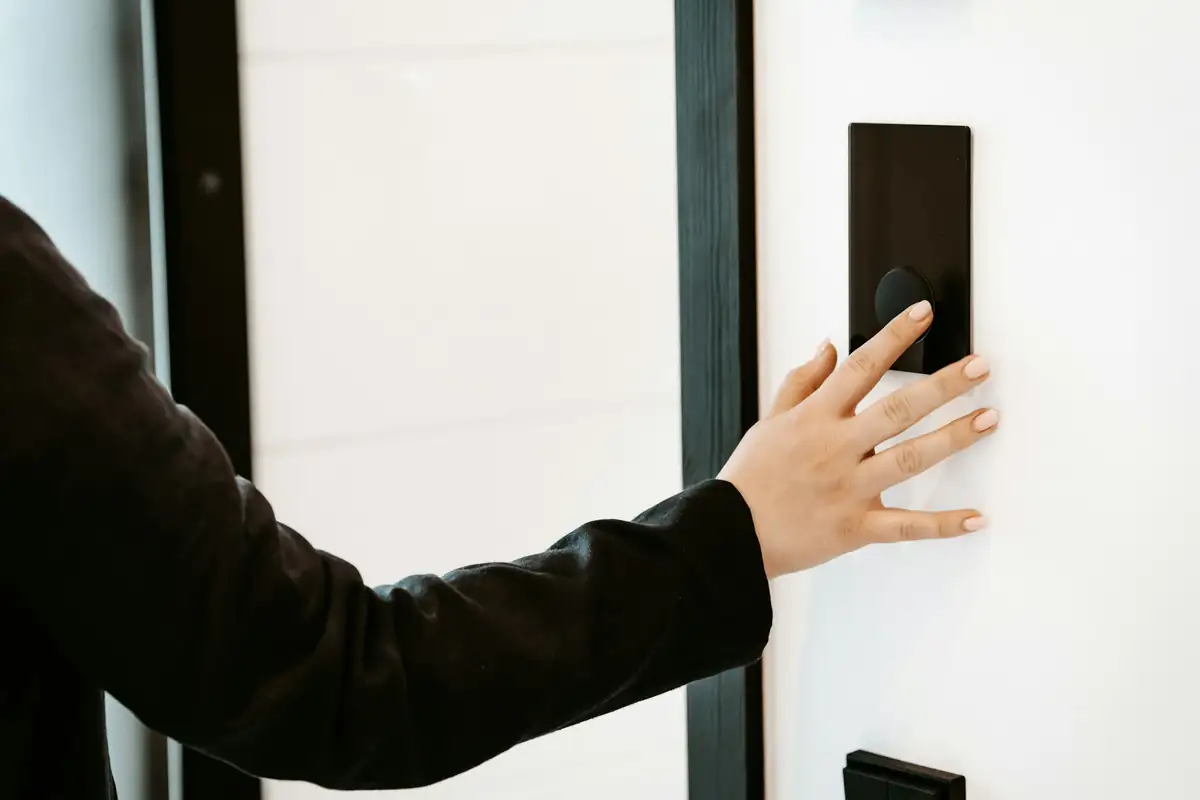
RFID cards and fobs carry an ID that a reader picks up at short range. Older 125kHz proximity cards are simple and cheap but easy to copy; 13.56MHz smart cards (such as MIFARE types) can be more secure when configured properly. PIN keypads need no hardware but codes get shared, so they work best as a second factor or for temporary access.
Real products, live prices, in stock now
See the actual productsLive prices from the Qyvea store
Shop all reader products →Key takeaways
- 125kHz proximity: cheap, common, easy to clone.
- 13.56MHz smart cards: better security when set up with encryption.
- PIN: convenient but easily shared; change codes regularly.
- Card + PIN or card + biometric raises security for sensitive doors.
01The credential types
| Type | How it works | Security note |
|---|---|---|
| 125kHz proximity card/fob | Reader reads a fixed ID number | Easy to copy with cheap tools |
| 13.56MHz smart card (e.g. MIFARE) | Card can store encrypted data | More secure if encryption is actually used |
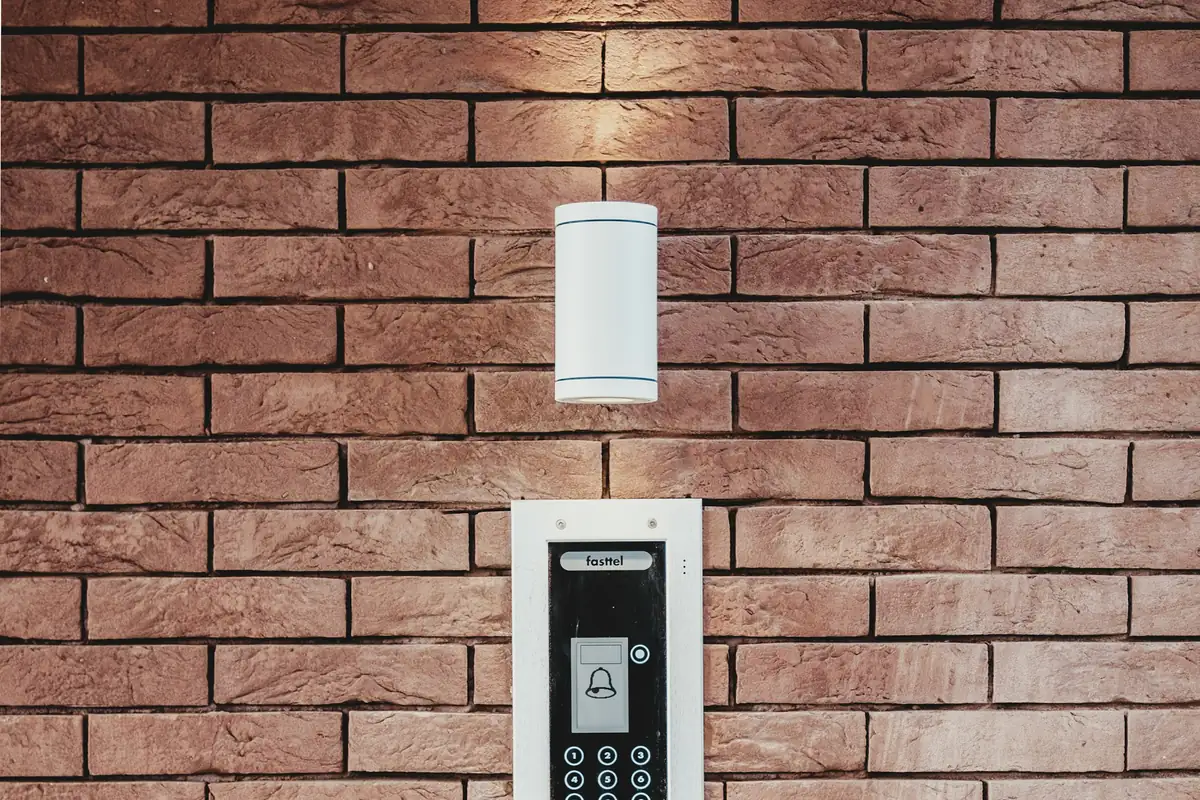
| PIN keypad | User types a code | Codes get shared or watched |
| Card + PIN | Both needed | Stronger: a lost card alone won't open the door |
02Where each fits
Main office doorsCard or biometric, with logs
Server room / storeCard + PIN or biometric
Staff gatesCard or biometric with schedules
Temporary contractorsPIN or temporary card, auto-expiring
VisitorsQR or temporary PIN
03Good practice
- Disable lost cards immediately in the software
- Don't use one shared PIN for everyone
- Change PINs when staff leave
- Use smart cards for new installations where copying is a concern
- Keep a record of which card belongs to whom
04Frequently asked questions
Can RFID cards be copied?
Older 125kHz proximity cards can be copied easily. Smart cards with encryption are much harder to copy.
Is PIN access secure?
On its own it's convenient but weak, because codes get shared. Combined with a card or biometric it's much stronger.
Can one reader take cards and PINs?
Yes, many readers combine a card reader and keypad, and can require both.