
Access Control · Technology Explained

Access Control Explained: How Door Access Systems Work

Reader, controller, lock, exit device and software: how a door decides who gets in, and what happens when the power fails.

A key that was copied once will open your door for as long as the lock stays the same.

Read on: it takes a few minutes and could save you a lot more than that.

In this guide you will see:
  • Five parts: reader, controller, lock, exit device, software.
  • The controller makes the decision, not the reader.
  • Fail-safe locks unlock when power is lost; fail-secure locks stay locked.
By Qyvea LimitedPublished 2026-09-23Updated 2026-09-233 min read
On this page01. How a door decides02. Credentials03. Locks and what happens without power04. Standalone vs networked05. See it in a real installation06. FAQ
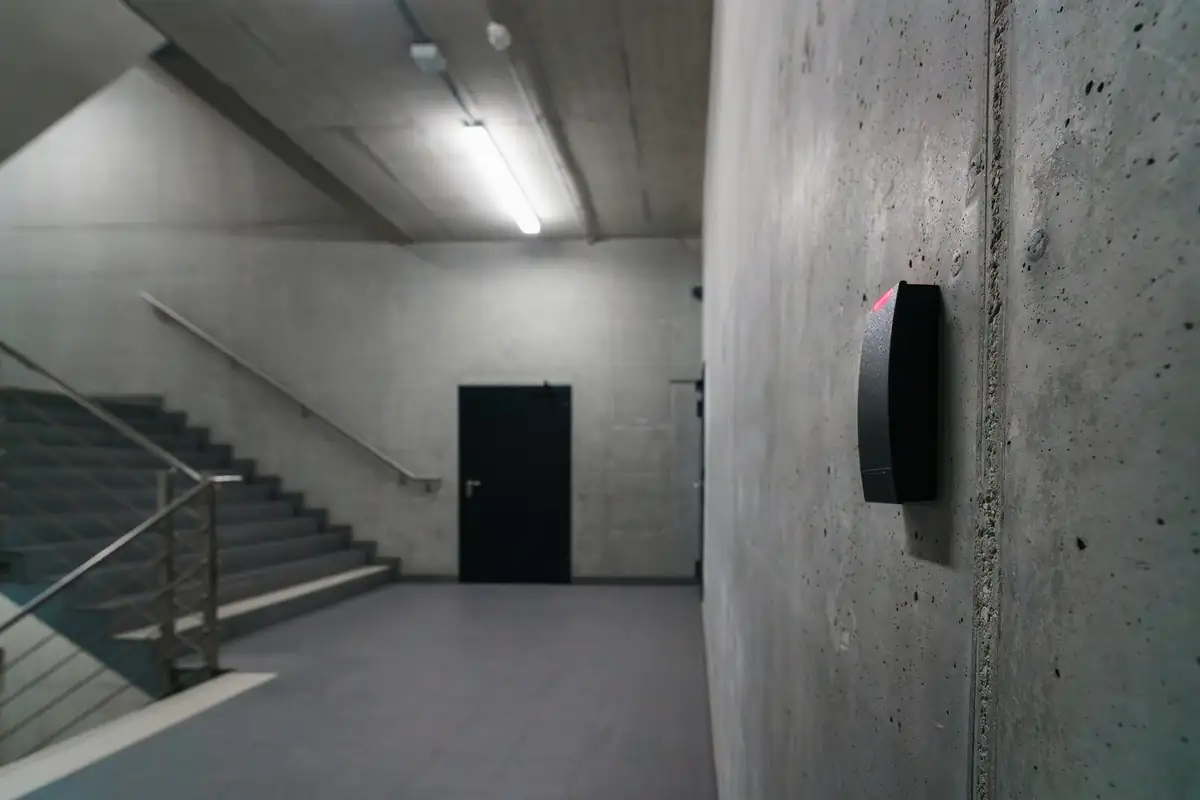
Card reader on a corridor wall
Quick answer

An access control system decides who can open a door and when. A reader identifies the person (card, fingerprint, face or PIN), a controller checks whether they're allowed in right now, and if so it releases an electric lock. An exit device lets people out, and software records every event.

Real products, live prices, in stock now
See the actual productsLive prices from the Qyvea store
Shop all reader products →

Key takeaways

  • Five parts: reader, controller, lock, exit device, software.
  • The controller makes the decision, not the reader.
  • Fail-safe locks unlock when power is lost; fail-secure locks stay locked.
  • Escape routes must always let people out.
  • Every entry is logged, and lost credentials can be disabled instantly.

01How a door decides

  1. 01
    Present credentialCard, finger, face or PIN at the reader
  2. 02
    Controller checksIs this user allowed through this door at this time?
  3. 03
    Lock releasesFor a few seconds, then relocks
  4. 04
    Door sensor confirmsKnows the door opened and closed
  5. 05
    Event loggedWho, which door, when

02Credentials

CredentialStrengthWeakness
Card / fob (RFID)Cheap, fast, familiarCan be lent, lost or copied (older types)
PINNo hardware to carryCodes get shared
FingerprintCan't be lentWorn or wet fingers; reader placement matters
FaceHands-free, fastLighting and privacy considerations
Mobile / QRGreat for visitorsNeeds a phone and the right system

Compare the biometric options in fingerprint vs face recognition.

03Locks and what happens without power

Fail-safe

Needs power to stay locked
Unlocks on power loss
Typical for maglocks on escape routes

Fail-secure

Needs power to unlock
Stays locked on power loss
Typical for strikes on store rooms
ImportantDoors on escape routes must always let people out: with an exit button, a break-glass release and fail-safe behaviour where appropriate. See maglock vs electric strike and exit devices.

04Standalone vs networked

Standalone

Reader and controller in one unit
Managed at the door
Good for one or two doors

Networked

Central software and database
Many doors, one user list
Instant revocation, central logs

Planning a system? Start with the access control planning guide.

05See it in a real installation

Face Recognition Access Control on an Office Door

A face recognition terminal, with a fingerprint sensor as a second option, mounted beside an office door. Authorised staff are recognised and the door releases.

Fingerprint Door Access Control: How It Works

A fingerprint and keypad access control reader mounted beside a glass office door. Staff unlock the door with a fingerprint, with a PIN as a backup.

06Frequently asked questions

What happens to access control in a power cut?

It depends on the lock. Fail-safe locks release; fail-secure locks stay locked. Backup batteries keep the system working through outages.

Can I get a report of who entered?

Yes. Every access event is logged and can be exported as a report.

What if an employee loses their card?

The card is disabled in the software straight away and a new one is issued. No locks need changing.
Why customers choose Qyvea

Genuine brandsManufacturer warranty on what we sell, so you are not gambling on the box.
One team, start to finishThe people who advise you also install and support it.
Fast answersWhatsApp replies usually within 30 minutes, and delivery within 24 hours in Nairobi.
Easy to buyPay by M-Pesa, bank transfer or card. Free delivery in Nairobi on orders over KES 5,000.
Risk taken off you7-day returns and exchanges on products, and a workmanship warranty on installations.
Customers say soRated 4.6/5 from 57 Google reviews.

Your next step takes one minute: send us a photo of the place on WhatsApp and we will tell you what it needs.

Related articles

Access Control · Guide
Access Control Planning Guide
Which doors to control, which credentials to use, and why.
3 min readREAD FULL ARTICLE →
Access Control · Comparison
Magnetic Lock vs Electric Strike
Maglocks hold the door with a magnet; electric strikes release the latch. How to choose for glass doors, wooden doors, fire exits and store rooms.
2 min readREAD FULL ARTICLE →
Access Control · Comparison
Fingerprint vs Face Recognition
Which biometric suits your door or attendance point? Speed, reliability, dirty or worn fingers, lighting and data protection compared.
2 min readREAD FULL ARTICLE →
Next →Access Control Schedules, Anti-Passback & Audit Logs

Need this system installed?

Talk to Qyvea. We design, install and maintain it.

Chat with us — 30 min response