Quick answer
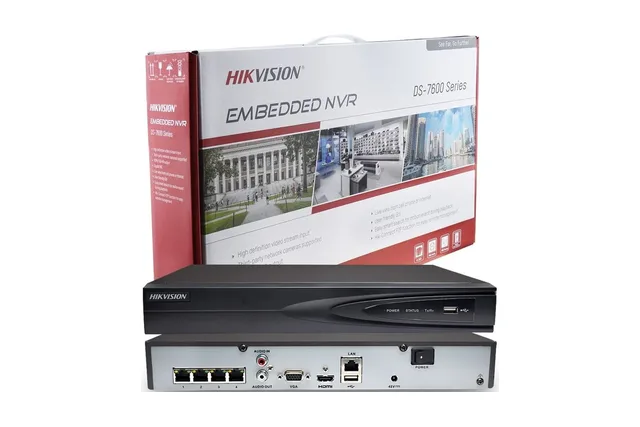
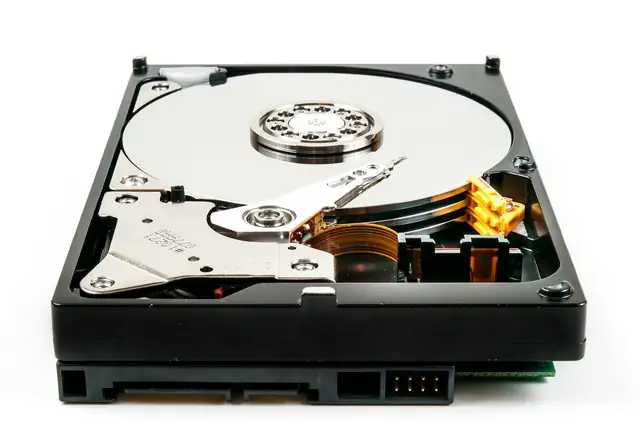
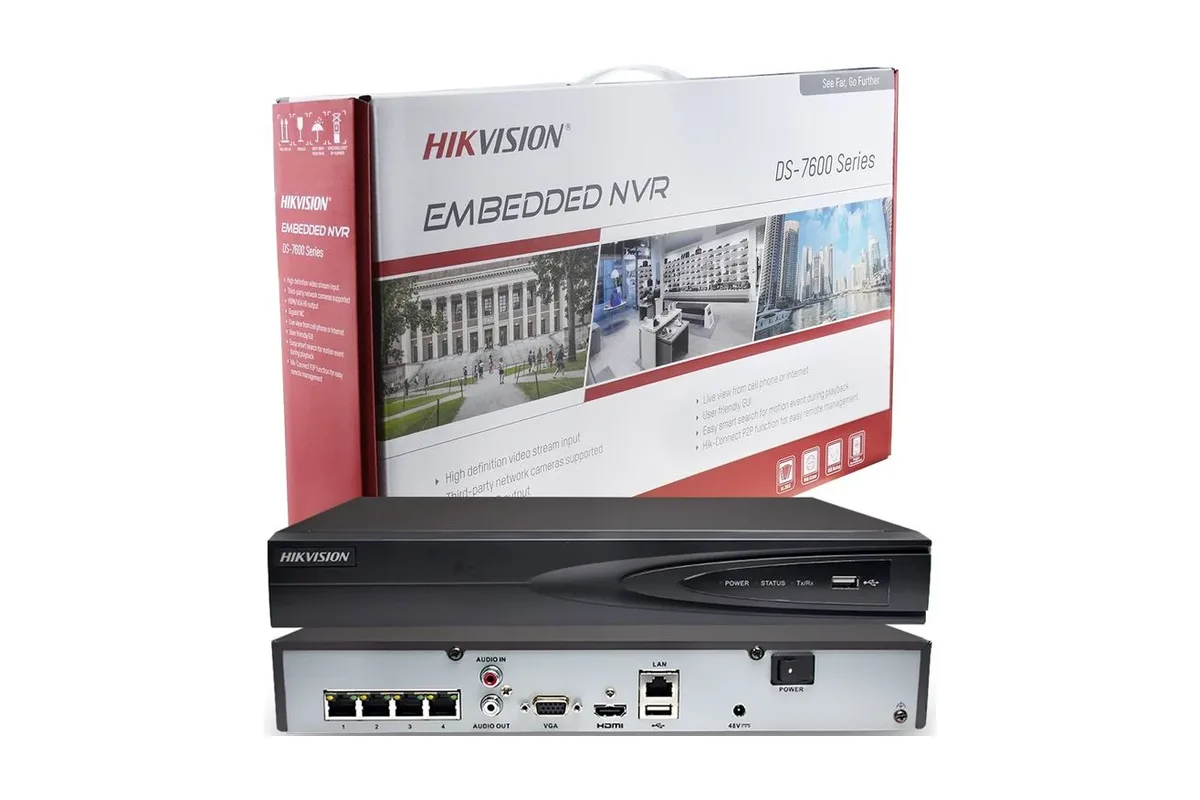
When a Hikvision recorder stops recording, the cause is usually the hard disk (failed, not initialised or full with overwrite turned off), the recording schedule, a wrong date and time, or cameras that have gone offline. Check them in that order before replacing anything.
Real products, live prices, in stock now
See the actual productsLive prices from the Qyvea store
Shop all camera products →Key takeaways
- Check the hard disk status first: it should say Normal.
- Make sure Overwrite is enabled so the disk records over the oldest footage.
- A wrong date makes recordings look 'missing'.
- Initialising a disk erases everything on it.
- A recorder that keeps restarting often has a failing disk or power supply.
01Check in this order
- 01Hard disk statusStorage / HDD: Normal is good; Uninitialised, Abnormal or Error means a disk problem.
- 02OverwriteStorage / Advanced: with overwrite off, recording stops when the disk is full.
- 03Recording scheduleEach camera needs a schedule (continuous or event) that covers the times you expect.
- 04Date and timeA wrong clock files recordings under the wrong day, so playback looks empty.
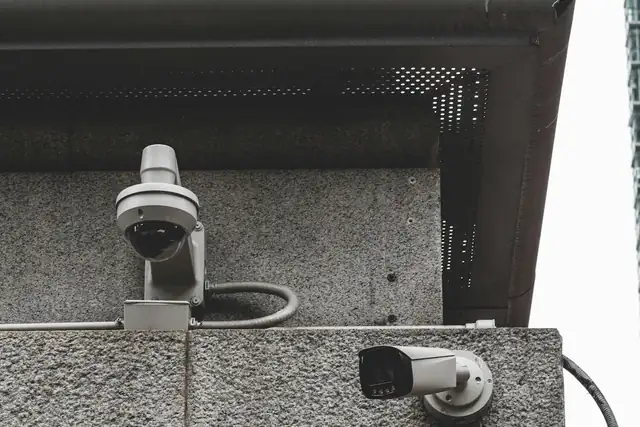
- 05Cameras onlineOffline cameras can't be recorded; see camera no picture.
02Common symptoms
| Symptom | Likely cause | Fix |
|---|---|---|
| No playback at all | Disk failed or not initialised | Replace or initialise the disk (initialising erases it) |
| Recording stopped on a date | Disk full, overwrite off | Enable overwrite |
| Gaps at night | Motion-only schedule or IR problems | Check the schedule and night image |
| Recorder beeps | HDD error or camera loss alarm | Check Storage and camera status |
| Keeps restarting | Failing disk or power supply | Test with another adapter; replace the disk |
03When to call a technician
When to call a professionalIf the disk shows Abnormal, the recorder won't boot, or you can't log in, Qyvea can test the disk, recover what's possible and get recording again. Call 0113 301 244 or WhatsApp us.
04Frequently asked questions
Why does my Hikvision DVR say HDD error?
The disk has failed, is not initialised, or is loose. Check the cables; if it still shows an error, the disk usually needs replacing.
Does initialising the disk delete recordings?
Yes. Initialising formats the disk, so only do it on a new disk or when you no longer need the footage.
Why is there no playback for yesterday?
Check the recorder's date and time and the recording schedule first; both commonly cause 'missing' footage.