On this page
01. The quick calculation02. Worked examples (continuous recording)03. How to record for longer04. FAQ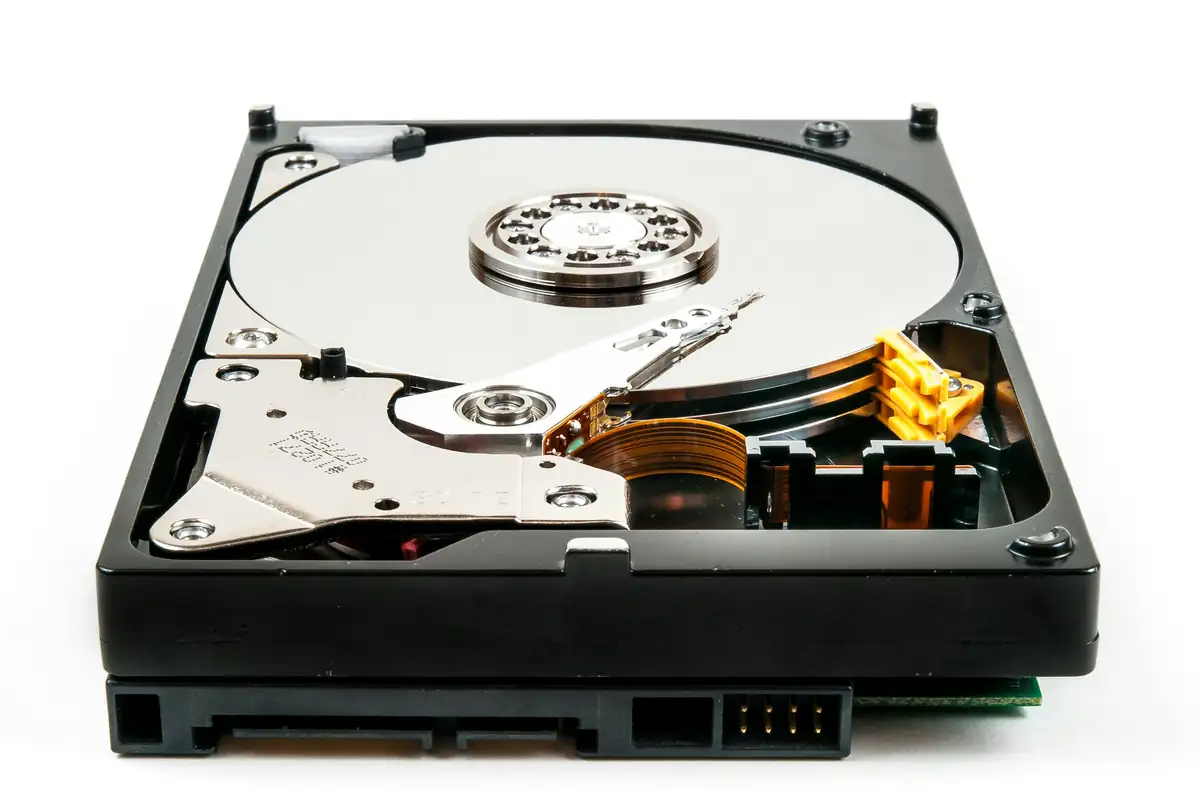
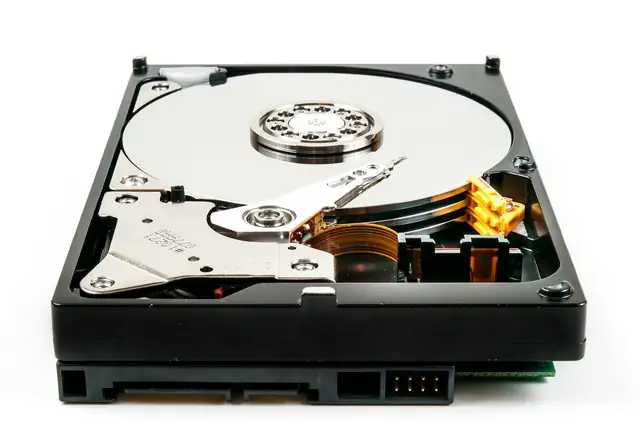
Recording time depends on hard disk size divided by how much data all cameras record per day. Each camera's daily data depends on its bitrate, which rises with resolution and scene movement and falls with H.265+ compression and motion-only recording. A camera recording continuously at 4 Mbps uses about 42 GB a day.
Key takeaways
- Days = disk size / total data per day.
- 4 Mbps continuous is about 42 GB per camera per day.
- H.265+ can cut storage needs sharply compared with H.264.
- Motion or AcuSense event recording keeps footage much longer.
- Overwrite keeps recording when the disk is full, replacing the oldest footage.
01The quick calculation
The 10.5 comes from 86,400 seconds in a day divided by 8 bits per byte and 1,024 MB per GB. Check each camera's bitrate in the recorder under Record or Video settings.
02Worked examples (continuous recording)
| System | Data per day | 1 TB lasts | 2 TB lasts | 4 TB lasts |
|---|---|---|---|---|
| 4 cameras at 2 Mbps (2MP, H.265) | about 84 GB | about 12 days | about 24 days | about 48 days |
| 8 cameras at 2 Mbps | about 168 GB | about 6 days | about 12 days | about 24 days |
| 8 cameras at 4 Mbps (4MP) | about 336 GB | about 3 days | about 6 days | about 12 days |
These are estimates; busy scenes, night noise and higher settings use more. Motion-only recording often multiplies the days several times.
03How to record for longer
- Turn on H.265+ (or H.265) on cameras and recorder
- Record on motion or AcuSense events, with a short continuous schedule if needed
- Lower the frame rate to 12 to 15 fps for general views
- Add a bigger surveillance disk or a second disk bay
- Keep the main stream for recording and the sub-stream for phone viewing
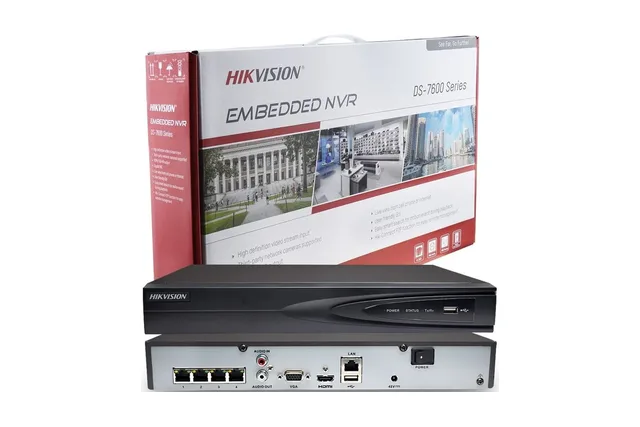
Compare recorders in Hikvision NVR and DVR prices and disks in CCTV hard disk prices.
04Frequently asked questions
How many days does a 1TB Hikvision DVR record?
For four 2MP cameras recording continuously at about 2 Mbps, roughly 12 days. Motion recording can extend this a lot.
Does Hikvision record over old footage?
Yes, if Overwrite is enabled in storage settings; otherwise recording stops when the disk is full.
Is a surveillance hard disk necessary?
Yes. Surveillance disks are built to write 24/7; desktop disks fail sooner in recorders.