CCTV · Troubleshooting

CCTV Camera Shows No Picture / Black Screen

One camera or the whole screen is black. How to tell a camera fault from a cable, power, recorder or monitor problem.

The fix is usually simpler than the stress of living with the problem.

Read on: it takes a few minutes and could save you a lot more than that.

In this guide you will see:
  • One camera black: usually its power, cable or the camera.
  • All cameras black: usually the recorder, the monitor/HDMI, or power to the whole system.
  • Black only at night: IR failure or a light problem, not a dead camera.
By Qyvea LimitedPublished 2026-09-23Updated 2026-09-232 min read
On this page01. Narrow it down02. Safe checks you can do03. When to call a professional04. FAQ
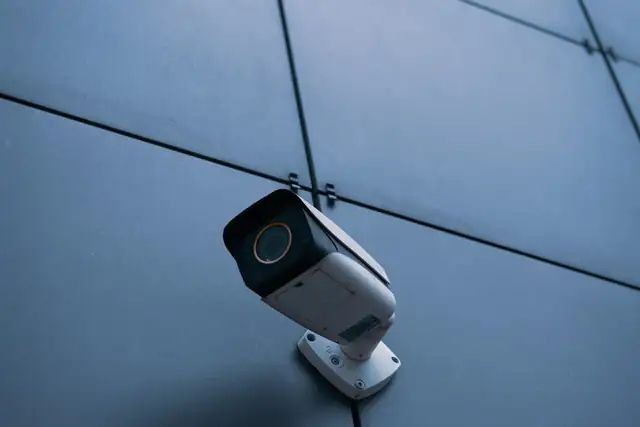
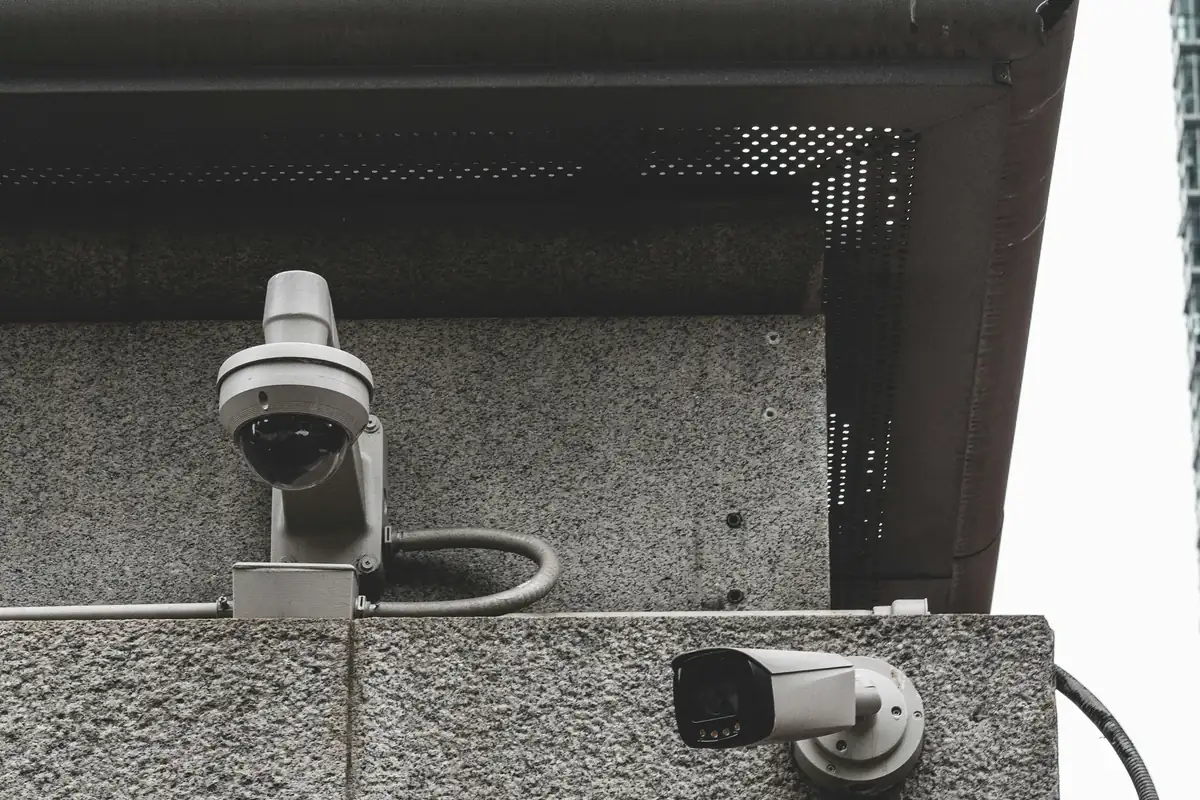
CCTV cameras on a wall
Quick answer

A black screen can come from the camera, its power supply, the cable, the recorder channel or just the monitor. The trick is to narrow it down: is it one camera or all of them, day and night or only at night, on the monitor and the phone or only one of them?

Real products, live prices, in stock now
See the actual productsLive prices from the Qyvea store
Shop all camera products →

Key takeaways

  • One camera black: usually its power, cable or the camera.
  • All cameras black: usually the recorder, the monitor/HDMI, or power to the whole system.
  • Black only at night: IR failure or a light problem, not a dead camera.
  • Black on the monitor but fine on the phone: display or HDMI issue.

01Narrow it down

What you seeMost likely area
One camera shows 'No video' / blackThat camera's power, cable or connector
All cameras black on the monitor, fine on the phoneMonitor, HDMI/VGA cable or display settings
All cameras black everywhereRecorder or its power, or shared camera power supply
Black only at nightIR LEDs, IR cut filter or scene lighting
Picture rolls, lines or noise (HD/coax)Poor coax connectors (BNC) or interference

02Safe checks you can do

  1. 01
    Compare monitor and phoneDoes the camera show in the app?
  2. 02
    Check the recorder's power and lightsIs it on? Any alarm beeping?
  3. 03
    Check the camera's power supplyHD cameras often share one power box; is it on?
  4. 04
    Restart the recorderPower it down properly, then back on
  5. 05
    Note when it startedAfter a storm, power cut or building work?
WarningDon't open camera power supplies or work on mains wiring. Storm and surge damage often affects several components at once and needs proper testing.

03When to call a professional

If checks don't restore the picture, cables, connectors and power supplies need testing with instruments. Qyvea's CCTV repair service covers cameras, recorders and cabling, including systems another company installed.

04Frequently asked questions

Why does my CCTV say 'No video'?

The recorder isn't receiving a signal on that channel: usually the camera has no power, or the cable or connector is faulty.

Why are all my cameras black after a power cut?

Power surges can damage camera power supplies or the recorder. Check the shared power supply and the recorder first.

Why is my camera black only at night?

The infrared LEDs or the IR cut filter may have failed, or there's no light for a colour camera.
Why customers choose Qyvea

Genuine brandsManufacturer warranty on what we sell, so you are not gambling on the box.
One team, start to finishThe people who advise you also install and support it.
Fast answersWhatsApp replies usually within 30 minutes, and delivery within 24 hours in Nairobi.
Easy to buyPay by M-Pesa, bank transfer or card. Free delivery in Nairobi on orders over KES 5,000.
Risk taken off you7-day returns and exchanges on products, and a workmanship warranty on installations.
Customers say soRated 4.6/5 from 57 Google reviews.

Your next step takes one minute: send us a photo of the place on WhatsApp and we will tell you what it needs.

Related articles

CCTV · Troubleshooting
NVR Not Detecting an IP Camera
A new or existing IP camera won't show up on the NVR. Power, cable, IP address, password and compatibility checks, in order.
3 min readREAD FULL ARTICLE →
CCTV · Troubleshooting
CCTV Camera Offline
Why a camera drops off the recorder or app, and the safe checks to do before calling a technician.
2 min readREAD FULL ARTICLE →
CCTV · Troubleshooting
CCTV Night Vision Problems
Dark, washed-out or foggy night images: what causes them and how they're fixed.
2 min readREAD FULL ARTICLE →
← PreviousCCTV Camera Positioning: Heights, Angles & Blind SpotsNext →CCTV Camera Types: Dome vs Bullet vs Turret vs PTZ

Still experiencing the problem?

Qyvea can inspect and diagnose the system on site.

Chat with us — 30 min response