On this page
01. Which reset option do you have?02. Resetting it yourself03. When you need an installer04. FAQ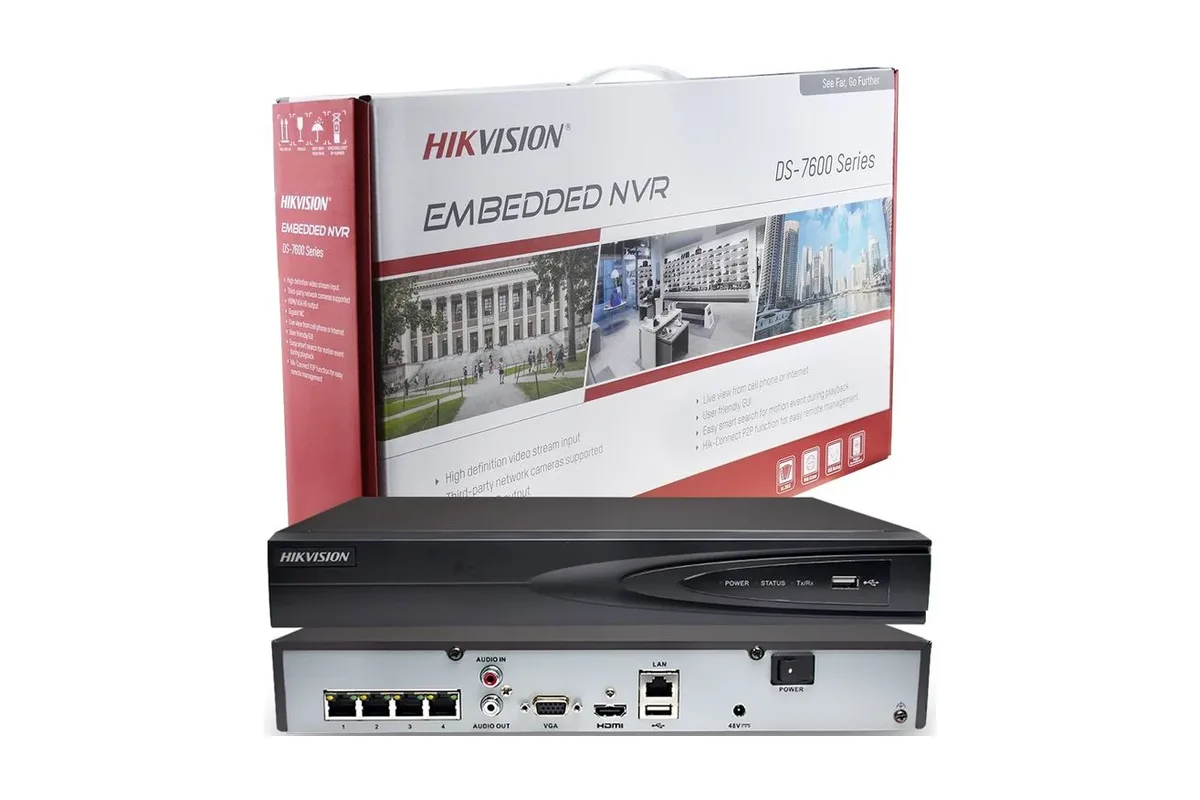
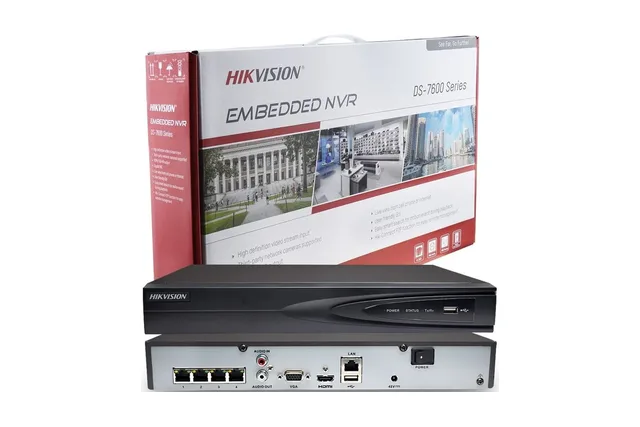
Hikvision recorders can only be reset through official methods that prove you own the device: security questions or a reserved email you set when the recorder was first activated, the Hik-Connect app if the recorder is on your account, a GUID file you exported earlier, or an official reset done by Hikvision or an authorised installer. A correct password reset changes the admin password; it does not normally erase your recordings.
Key takeaways
- Start at the recorder's login screen: choose Forgot Password and see which options it offers.
- A reserved email or security questions set at activation are the fastest route.
- If none were set, the reset has to come through Hikvision or an authorised installer.
- Avoid 'unlock tools' from the internet: they can brick the recorder or open it to attackers.
- Qyvea resets Hikvision devices through Hik-Partner Pro for the verified owner.
01Which reset option do you have?
| If you… | Reset option | Who can do it |
|---|---|---|
| Set security questions when the recorder was activated | Answer them on the Forgot Password screen | You |
| Set a reserved email at activation | Scan the QR code shown on screen with the Hik-Connect app; a verification code goes to that email | You |
| Added the recorder to your Hik-Connect account | Reset the device password from the app, on supported devices | You |
| Exported a GUID file earlier | Import the GUID file on the Forgot Password screen | You |
| None of the above | Official reset through Hikvision or an authorised installer | Hikvision / installer such as Qyvea |
The exact screens differ by firmware version and model, so the options you see may not include every row above.
02Resetting it yourself
- 01Connect a monitor and mouseOr open the recorder's IP address in a browser on the same network.
- 02Choose Forgot PasswordOn the login window, under the admin user.
- 03Pick the method offeredSecurity questions, reserved email (via the QR code and Hik-Connect app) or GUID file.
- 04Set a new strong passwordThen write it down somewhere safe and set up a recovery option for next time.
03When you need an installer
If no recovery option was set, which is common when a system was installed by someone else, the reset must go through Hikvision's official channel. Authorised installers use Hik-Partner Pro to reset devices for verified owners, so you keep your settings and recordings.
04Frequently asked questions
Will resetting the password delete my recordings?
An official password reset changes the admin password and normally leaves recordings on the hard disk. A full factory reset is different and may clear settings.
Can I reset a Hikvision DVR without the reserved email?
If no security questions, email or GUID file were set, the reset has to be done through Hikvision or an authorised installer.
How long does an installer reset take?
Usually the same day once ownership is confirmed. Qyvea can do it on site in Nairobi.
Can you reset a Hikvision camera too?
Yes. IP cameras use the same official reset options as recorders.