Quick answer
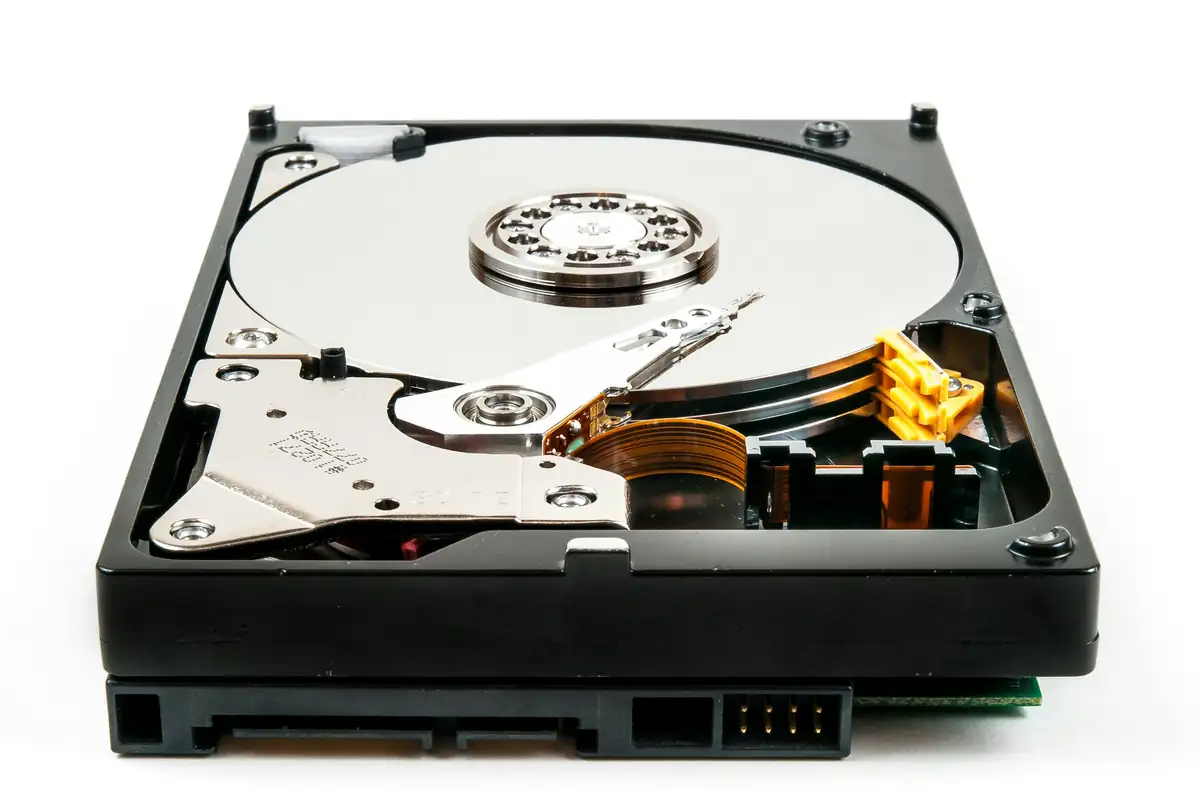
CCTV keeps footage until the hard drives fill up, then overwrites the oldest recordings. The number of days depends on drive size and how much data the cameras produce. As a guide, a camera streaming at 4 Mbps produces about 43 GB per day, so the maths is simple once you know each camera's bitrate.
Real products, live prices, in stock now
See the actual productsLive prices from the Qyvea store
Shop all camera products →Key takeaways
- Footage is overwritten in a loop: oldest first.
- Storage per day ≈ bitrate (Mbps) × 86,400 ÷ 8 ÷ 1,000 GB.
- Use surveillance-rated drives designed for 24/7 writing.
- Decide how many days you need before choosing drives: many businesses choose 14–30 days.
01The calculation
- 01Find each camera's bitrateIn the recorder settings, e.g. 4 Mbps
- 02Convert to GB per day4 Mbps × 86,400 s ÷ 8 = 43,200 MB ≈ 43 GB/day
- 03Multiply by cameras8 cameras × 43 GB ≈ 346 GB/day
- 04Multiply by days14 days × 346 GB ≈ 4.8 TB
- 05Add headroomChoose drives with some margin: here, 6 TB
The full method, with a working calculator, is in the CCTV storage calculator guide.
02Continuous vs motion recording
Continuous
Records 24/7
Nothing is missed
Uses the most storage
Motion / event
Records when something happens
Many more days on the same drives
Can miss events if detection is poorly set
TipA common compromise: continuous recording on key cameras (gate, till), event recording elsewhere, with AI detection to avoid missing real events.
03Choosing hard drives
- Surveillance-rated drives (such as WD Purple or Seagate SkyHawk ranges) are designed for constant writing
- Desktop drives wear out faster under 24/7 recording
- Check the recorder's maximum drive size and number of bays
- Recorders need good ventilation: heat shortens drive life
- Plan to check drive health during maintenance
WarningA failing drive often shows no obvious symptom until you try to play back footage. Recording checks should be part of every maintenance visit.
04Frequently asked questions
How long does CCTV keep recordings?
Until the drives are full, then the oldest footage is overwritten. Typical systems keep 7 to 30 days depending on drives and settings.
Can I keep footage longer?
Add or upgrade drives, lower bitrate, use H.265, or use event recording on less important cameras.
How do I save footage of an incident?
Export the clip from the recorder or app promptly, before it's overwritten.