Biometrics & Attendance · Comparison

Cloud vs Offline Attendance Systems

Software on your own computer, or in the cloud? Multi-site reporting, internet dependency, data control and running costs compared.

Month end should not be an argument.

Read on: it takes a few minutes and could save you a lot more than that.

In this guide you will see:
  • Offline: no subscription, works without internet, one site is easy.
  • Cloud: multi-site, remote access, automatic backups, subscription.
  • Terminals usually buffer punches during outages.
By Qyvea LimitedPublished 2026-09-23Updated 2026-09-232 min read
On this page01. Comparison02. Which suits you03. Networking the terminals04. FAQ
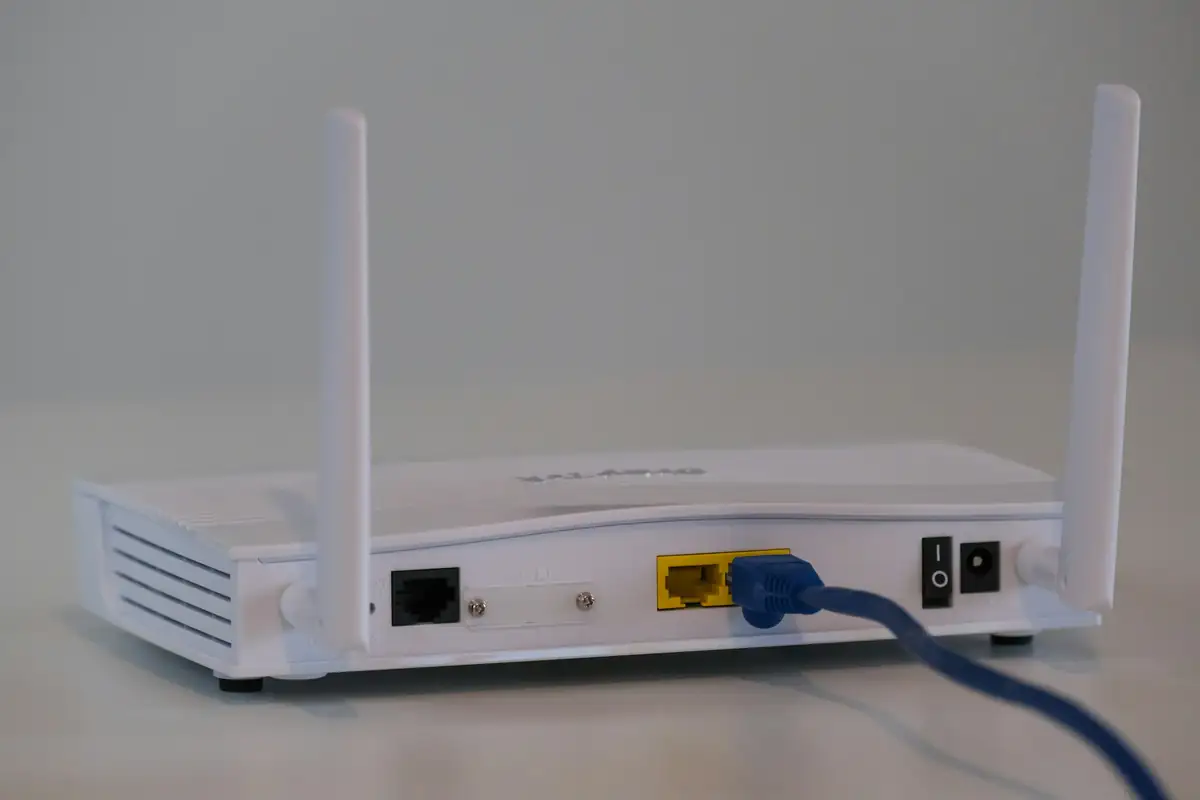
Network router
Quick answer

Offline (on-premise) attendance software runs on a computer on site and doesn't need internet. Cloud attendance sends punches to an online service, which makes multi-site reporting and remote access easy but depends on connectivity and usually has a subscription. Terminals typically store punches locally, so short outages don't lose data either way.

Real products, live prices, in stock now
See the actual productsLive prices from the Qyvea store
Shop all fingerprint products →

Key takeaways

  • Offline: no subscription, works without internet, one site is easy.
  • Cloud: multi-site, remote access, automatic backups, subscription.
  • Terminals usually buffer punches during outages.
  • Choose by number of sites and who needs the reports.

01Comparison

FactorOffline / on-premiseCloud
Internet neededNo (local network only)Yes, to sync
Multi-siteHarderBuilt in
Remote access for HRLimitedFrom anywhere
CostsUsually one-offUsually subscription
BackupsYour responsibilityProvider's
Data locationOn your computerProvider's servers

02Which suits you

Offline suits

One site
Unreliable internet
Preference to keep data in-house

Cloud suits

Several sites or branches
HR working remotely
No one on site to maintain a PC
TipWhichever you choose, back up attendance data. An on-premise PC that dies takes months of records with it.

03Networking the terminals

Terminals connect by network cable (best), Wi-Fi or, on some models, mobile data. A cabled connection with backup power is the most reliable. See structured cabling.

04Frequently asked questions

Will I lose punches if the internet drops?

Usually not: terminals store punches and sync when the connection returns. Check the model's storage capacity.

Is cloud attendance secure?

Reputable providers secure data, but attendance and biometric data are personal data, so check where and how it's stored.

Can I move from offline to cloud later?

Often, depending on the terminal and software. Check compatibility before buying.

Why customers choose Qyvea

Genuine brandsManufacturer warranty on what we sell, so you are not gambling on the box.
One team, start to finishThe people who advise you also install and support it.
Fast answersWhatsApp replies usually within 30 minutes, and delivery within 24 hours in Nairobi.
Easy to buyPay by M-Pesa, bank transfer or card. Free delivery in Nairobi on orders over KES 5,000.
Risk taken off you7-day returns and exchanges on products, and a workmanship warranty on installations.
Customers say soRated 4.6/5 from 57 Google reviews.

Your next step takes one minute: send us a photo of the place on WhatsApp and we will tell you what it needs.

Related articles

Biometrics & Attendance · Guide
Shifts, Overtime & Attendance Reports
Fixed shifts, rotating shifts, night shifts crossing midnight, grace periods and overtime rules, plus the reports HR actually uses.
2 min readREAD FULL ARTICLE →
Biometrics & Attendance · Buying Guide
How to Choose a Biometric Attendance Device
User capacity, fingerprint or face, card backup, network, outdoor rating and software: a checklist before you buy an attendance terminal.
2 min readREAD FULL ARTICLE →
Biometrics & Attendance · Technology Explained
Biometric Time Attendance Explained
From the fingerprint or face at the door to the report that feeds payroll: how a biometric attendance system works end to end.
2 min readREAD FULL ARTICLE →
← PreviousBiometric Time Attendance ExplainedNext →How to Add a User on a ZKTeco Machine

Not sure which system you need?

Request an assessment and we'll recommend what fits your site.

Chat with us — 30 min response