On this page
01. How it's organised02. What 'good' looks like03. For security systems04. See it in a real installation05. FAQ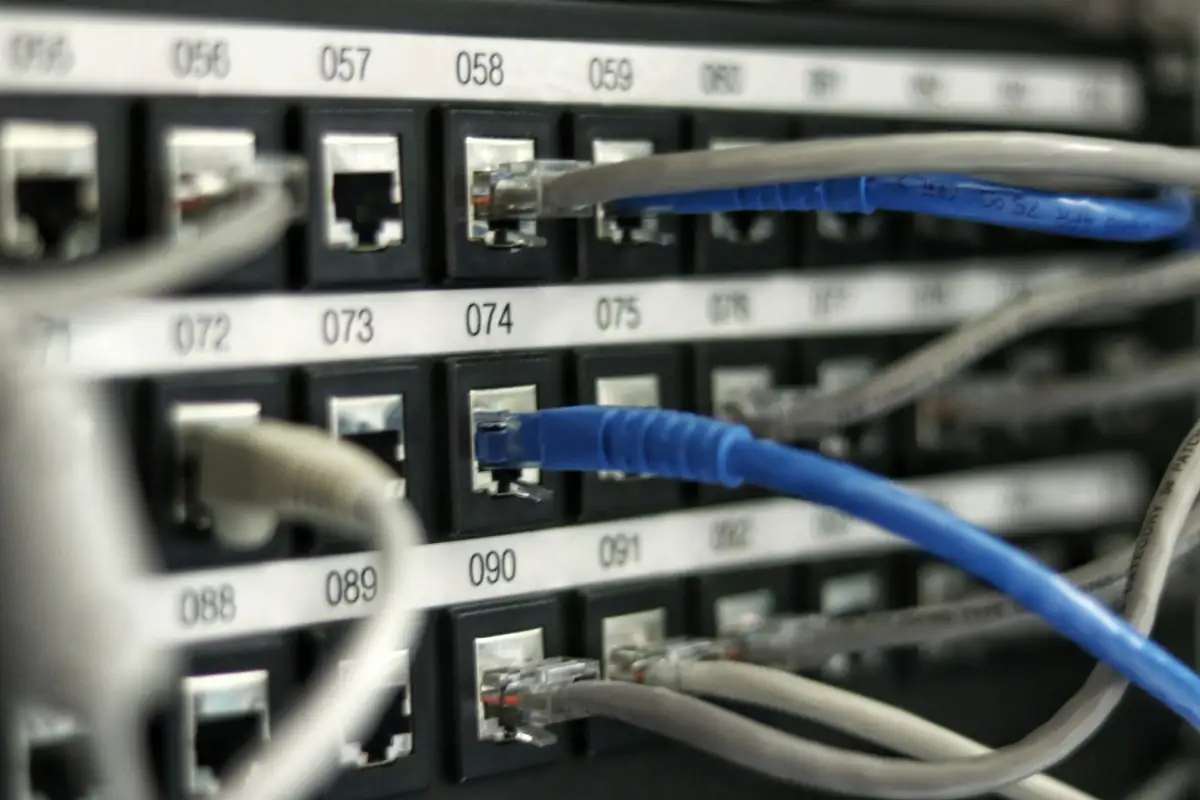
Structured cabling is an organised way of running network cable: every outlet is cabled back to a patch panel in a rack, labelled, and tested. Devices are connected with short patch leads. The result is a network that's easy to change, troubleshoot and expand, unlike cables run directly from device to switch.
Key takeaways
- Outlets → permanent cable → patch panel → patch lead → switch.
- Labelling and testing are part of the job, not extras.
- Copper runs are limited to about 100 m.
- CCTV and access control benefit as much as office PCs.
01How it's organised
02What 'good' looks like
- Every cable labelled at both ends
- Every link tested, with results recorded
- Cables in trunking or conduit, not loose
- Patch panels and cable management in a rack
- Spare capacity for future devices
- Separate power and data routes where possible
03For security systems
IP cameras, access controllers, attendance terminals and intercoms all ride on network cabling. Structured cabling means a failed camera can be traced to its port in seconds. See the network cabling checklist and Cat5e vs Cat6 vs Cat6A.
04See it in a real installation
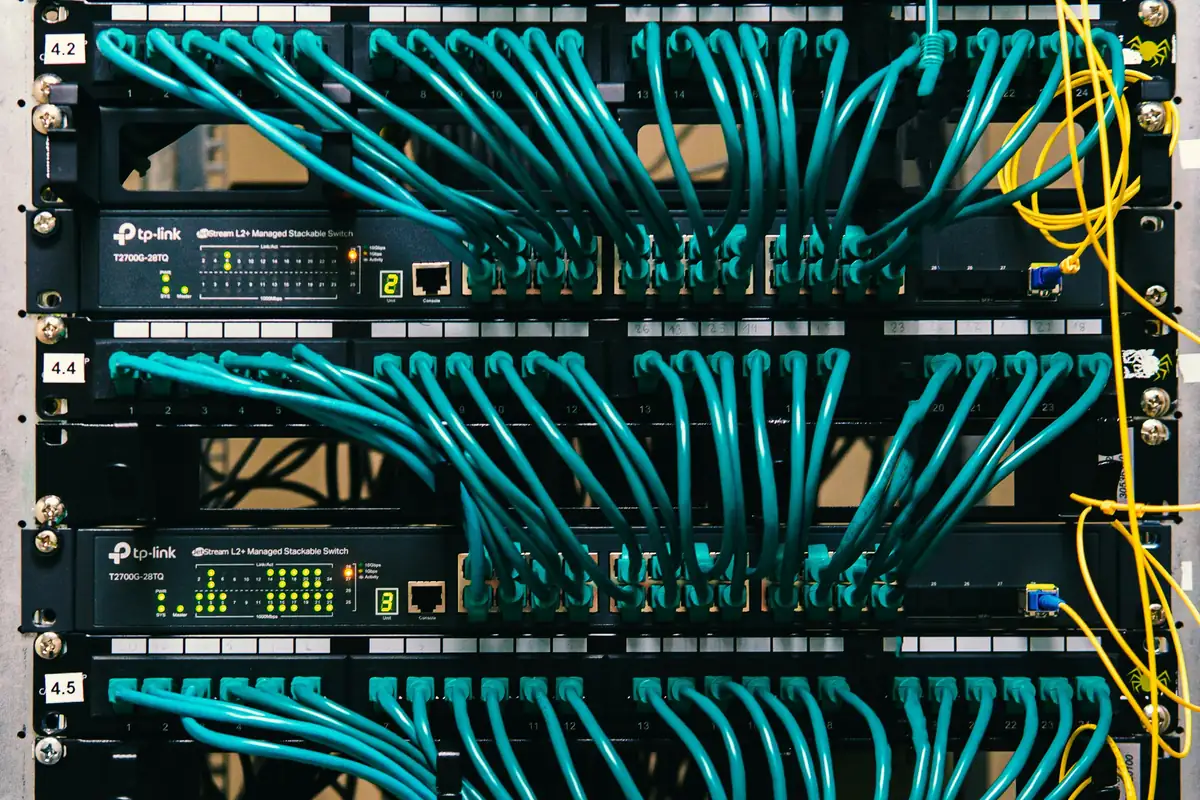
Network Cabinet Redone for Clean Cable Management
A network cabinet redone from scratch: cables re-terminated, routed and dressed so every link is tidy, labelled and easy to trace.
05Frequently asked questions
What is a patch panel?
A panel in the rack where permanent cables terminate. Short patch leads connect each port to the switch.
How far can a network cable run?
About 100 m for copper Ethernet, including patch leads.
Is structured cabling worth it for a small office?
Yes: it's cheaper to install properly once than to untangle and re-run later.