CCTV · Troubleshooting

CCTV Footage Already Overwritten? How to Keep Recordings Longer

Why footage disappears and how to keep 30+ days.

Every day this stays broken costs you more than the repair would.

Read on: it takes a few minutes and could save you a lot more than that.

In this guide you will see:
  • Recorders overwrite the oldest footage when full.
  • More cameras and higher resolution fill drives faster.
  • H.265+ can cut storage use dramatically versus H.264.
By Qyvea LimitedPublished 2026-10-08Updated 2026-10-082 min read
On this page01. Quick checks you can do first02. What usually causes it03. When to call a technician04. Parts that fix it05. FAQ
CCTV hard drive
Quick answer

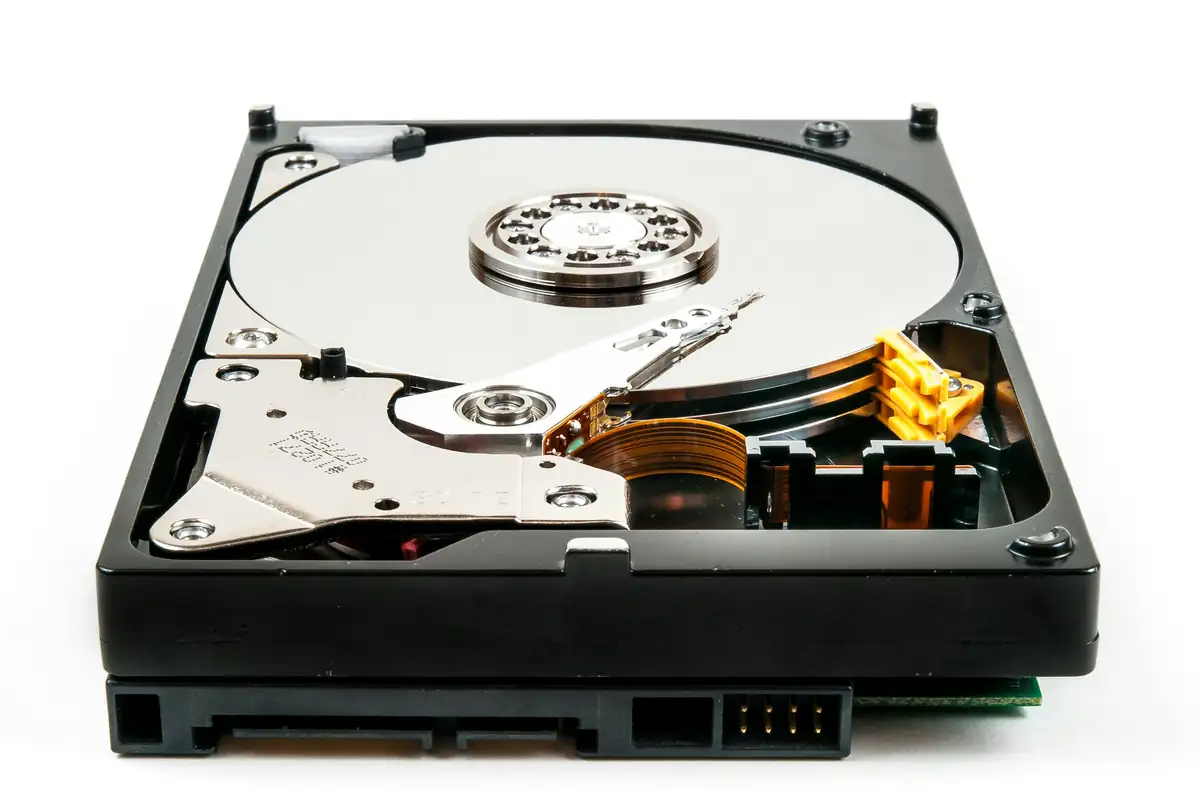
CCTV recorders overwrite the oldest footage when the drive is full. If you only get a few days, the drive is too small for the number and resolution of cameras, or everything records continuously at full quality. Bigger surveillance drives, H.265+ compression and motion- or event-based recording can multiply retention. Businesses should set a retention target (often 30 days) and check it on every service visit.

Real products, live prices, in stock now
See the actual productsLive prices from the Qyvea store
Shop all hard drives →

Key takeaways

  • Recorders overwrite the oldest footage when full.
  • More cameras and higher resolution fill drives faster.
  • H.265+ can cut storage use dramatically versus H.264.
  • Motion recording extends retention.
  • Export incident footage immediately.

01Quick checks you can do first

  1. 01
    Check the oldest recordingPlay back the earliest date available. That's your real retention.
  2. 02
    Check compressionSwitch to H.265 or H.265+ if supported.
  3. 03
    Review recording modeContinuous on key cameras, motion on quiet areas.
  4. 04
    Check drive sizeCompare with your retention target.
  5. 05
    Export incidents nowSave important clips to USB as soon as you know about an incident.
ImportantSwitch off and isolate power before opening any equipment. Batteries, inverters and mains wiring can cause serious injury; leave internal work to a qualified technician.

02What usually causes it

SymptomLikely causeFix
Only 3–7 daysDrive too smallBigger drive or second drive
Retention dropped suddenlyResolution raised or drive failingReview settings, test drive
Missing hoursRecording schedule gapsFix schedule
Gaps after power cutsNo UPSUPS for recorder
Huge filesH.264 at max bitrateH.265+, tune bitrate

03When to call a technician

  • You need a set retention for compliance or insurance.
  • Footage for an incident is needed now.
  • Recorders need upgrading to H.265.
  • Many sites need consistent settings.
When to call a professionalQyvea technicians diagnose and fix this on site across Nairobi and Kenya. Call 0113 301 244 or WhatsApp a technician.

Running this across several sites or branches? A Qyvea maintenance contract catches these faults on scheduled visits, with a written report after each one.

04Parts that fix it

Surveillance drivesLive prices from the Qyvea store
Shop all hard drives →

05Frequently asked questions

How many days of CCTV footage should a business keep?

Many businesses aim for 30 days; banks and some sectors keep longer. Set it by your risk and any client or insurer requirements.

Does motion recording miss things?

It can if poorly set. Keep continuous recording on entrances and tills.

Can footage be backed up off-site?

Yes, to cloud or another site, if the upload bandwidth allows.

Why customers choose Qyvea

Genuine brandsManufacturer warranty on what we sell, so you are not gambling on the box.
One team, start to finishThe people who advise you also install and support it.
Fast answersWhatsApp replies usually within 30 minutes, and delivery within 24 hours in Nairobi.
Easy to buyPay by M-Pesa, bank transfer or card. Free delivery in Nairobi on orders over KES 5,000.
Risk taken off you7-day returns and exchanges on products, and a workmanship warranty on installations.
Customers say soRated 4.6/5 from 57 Google reviews.

Your next step takes one minute: send us a photo of the place on WhatsApp and we will tell you what it needs.

Related articles

CCTV · Troubleshooting
DVR 'HDD Error' or 'No Hard Drive'? Your CCTV May Not Be Recording
What HDD errors mean for your footage, and how to get recording back.
3 min readREAD FULL ARTICLE →
CCTV · Troubleshooting
CCTV Showing the Wrong Date and Time? Why It Matters and How to Fix It
Wrong timestamps weaken evidence. Set automatic time sync and fix resets.
2 min readREAD FULL ARTICLE →
CCTV · Troubleshooting
CCTV Camera Not Recording
Live view works but there's no footage: the usual causes, from hard drives to recording schedules.
2 min readREAD FULL ARTICLE →
← PreviousCCTV Explained: How a Complete CCTV System WorksNext →CCTV Image Blurry, Foggy or Washed Out? Causes and Fixes

Still experiencing the problem?

Qyvea can inspect and diagnose the system on site.

Chat with us — 30 min response