On this page
01. The complete system at a glance02. Cameras: where the picture is made03. Cabling and power: the part people underestimate04. The recorder and its hard drives05. Viewing: monitor, network and phone06. What keeps it working07. FAQ
A CCTV system turns light into video at the camera, carries it over a cable to a recorder, stores it on hard drives, and makes it viewable on a monitor or phone. Every link matters: a sharp camera on a failing hard drive, or a good recorder without backup power, still leaves you without footage when you need it.
Key takeaways
- There are five parts: cameras, cabling & power, recorder, storage, and viewing (monitor/phone).
- HD (analog) systems use coax cable and a DVR; IP systems use network cable and an NVR.
- Storage size decides how many days of footage you keep.
- Remote viewing needs internet at the site; recording doesn't.
- Backup power and regular maintenance decide whether the system works when it matters.
01The complete system at a glance
Think of it as a chain. Video starts at the camera, travels down a cable, gets recorded and stored, then leaves the site over the internet so you can watch it on a phone. If any link fails, the chain breaks.
02Cameras: where the picture is made
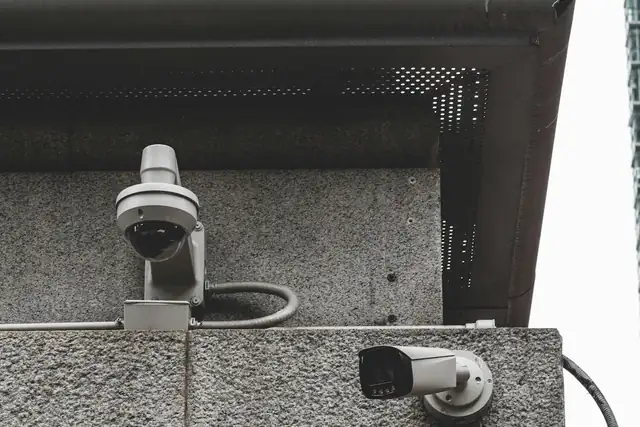
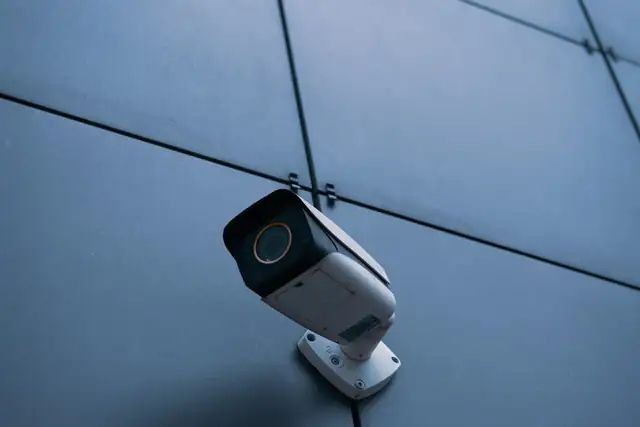
The camera's sensor and lens decide what detail is captured. Resolution (2MP, 4MP, 8MP) sets how many pixels there are; the lens decides how wide or narrow the view is; and night performance depends on infrared or full-colour technology.
See CCTV camera types explained and 2MP vs 4MP vs 5MP vs 8MP.
03Cabling and power: the part people underestimate
HD CCTV
IP CCTV
HD (analog) systems send video over coaxial cable, with a separate power supply for each camera. IP systems send digital video over network cable, usually with Power over Ethernet (PoE) so one cable carries both power and data. Cable quality and routing affect reliability more than most buyers expect.
04The recorder and its hard drives
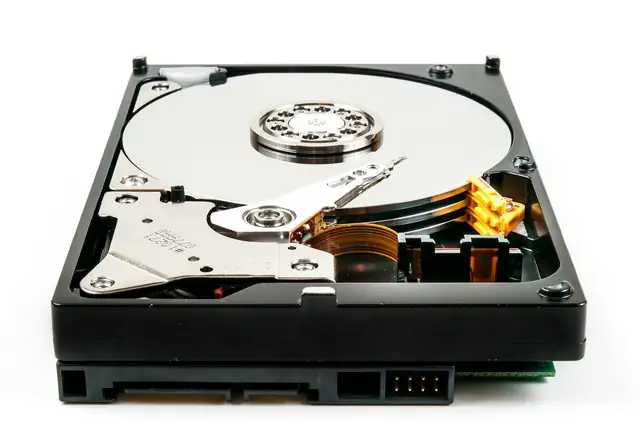
A DVR records HD/analog cameras; an NVR records IP cameras. Both compress video (H.264, H.265) and write it continuously to hard drives. The drives decide how many days you can go back.
| What decides storage | Why |
|---|---|
| Number of cameras | Each camera adds its own stream |
| Resolution & frame rate | More detail and more frames = more data |
| Compression (H.264/H.265) | H.265 needs noticeably less space for similar quality |
| Recording mode | Continuous vs motion/event recording |
| Days to keep | The number most businesses actually care about |
Work out your own numbers with the CCTV storage calculator guide.
05Viewing: monitor, network and phone
On site, a monitor connected to the recorder shows live and recorded video with no internet needed. Remote viewing needs the recorder connected to the internet through a router. Hikvision systems commonly use the Hik-Connect app. See how Hik-Connect mobile viewing works.
06What keeps it working
- Backup power (UPS/batteries) so recording continues in outages
- Surveillance-rated hard drives
- Cameras positioned without glare or blind spots
- Recorder in a ventilated, locked cabinet
- Scheduled maintenance: lens cleaning, recording checks, firmware
07Frequently asked questions
Does CCTV need internet to record?
No. Cameras record to the recorder on site. Internet is only needed to view the system remotely and to receive phone notifications.
How many days of footage does CCTV keep?
It depends on the hard drive size, number of cameras, resolution and compression. Many businesses size for 14 to 30 days.
Is IP CCTV better than HD CCTV?
Not always. IP offers higher resolutions and analytics; HD can be a cost-effective choice where coax cabling already exists. See HD vs IP CCTV.