On this page
01. Quick checks you can do first02. What usually causes it03. When to call a technician04. Parts that fix it05. FAQ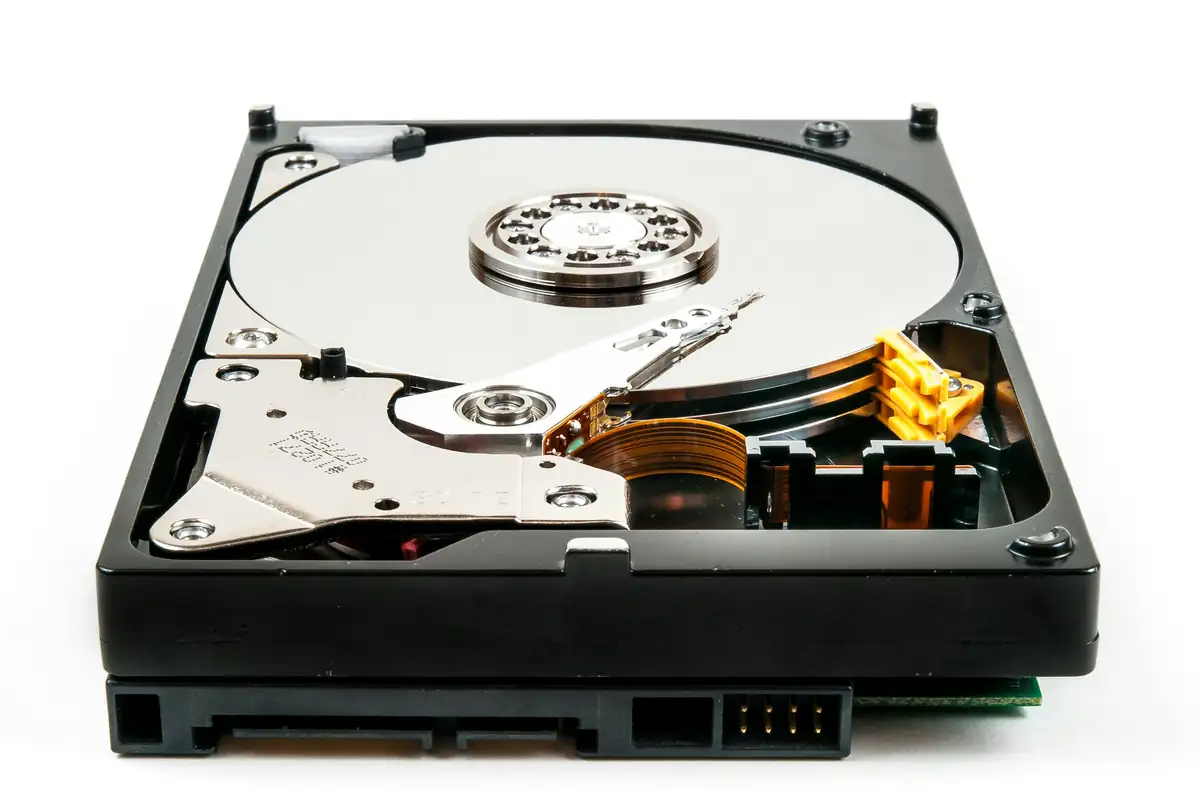
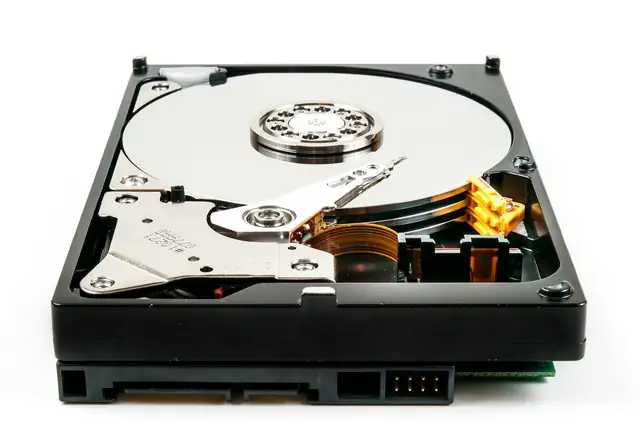
An HDD error means your recorder can't write to its hard drive, so your CCTV is probably not recording, even if the live view looks fine. Causes include a failed drive, a loose SATA or power cable, an unformatted new drive, or a drive that isn't a surveillance model. Check the HDD status in the menu; if the drive has failed, replace it with a surveillance-grade disk.
Key takeaways
- Live view can work while recording has stopped.
- Check HDD status in the recorder menu.
- Loose SATA cables cause errors after moves or knocks.
- Use surveillance drives (e.g. WD Purple, Seagate SkyHawk).
- Power surges kill drives: use a UPS.
01Quick checks you can do first
- 01Check HDD statusStorage or HDD menu: Normal, Error, Uninitialised or Sleeping.
- 02Check playbackTry to play back yesterday. No footage confirms recording stopped.
- 03Reseat cablesWith power off, reseat the SATA data and power cables.
- 04Format a new driveA new disk must be initialised in the recorder (this erases it).
- 05Replace a failed driveFit a surveillance-grade disk of the right size.
02What usually causes it
| Symptom | Likely cause | Fix |
|---|---|---|
| 'No HDD' | Loose cable or dead drive | Reseat, then replace |
| 'Uninitialised' | New or reset drive | Format in recorder |
| 'HDD error' after power cut | Surge-damaged drive | Replace; add UPS |
| Records then stops | Failing drive | Replace soon |
| Short retention | Drive too small | Bigger drive |
03When to call a technician
- You need footage off a failing drive.
- The recorder doesn't detect any drive.
- You need longer retention for compliance.
- Recorders across sites need checking.
Running this across several sites or branches? A Qyvea maintenance contract catches these faults on scheduled visits, with a written report after each one.
04Parts that fix it
05Frequently asked questions
Can footage be recovered from a failed CCTV drive?
Sometimes, if the drive isn't badly damaged. Stop using it and get it checked quickly.
What size hard drive do I need?
It depends on cameras, resolution and days of retention. 4 cameras at 2 MP for 30 days typically need 2–4 TB.
Why use a surveillance drive?
They're built to write 24/7. Desktop drives fail sooner in recorders.