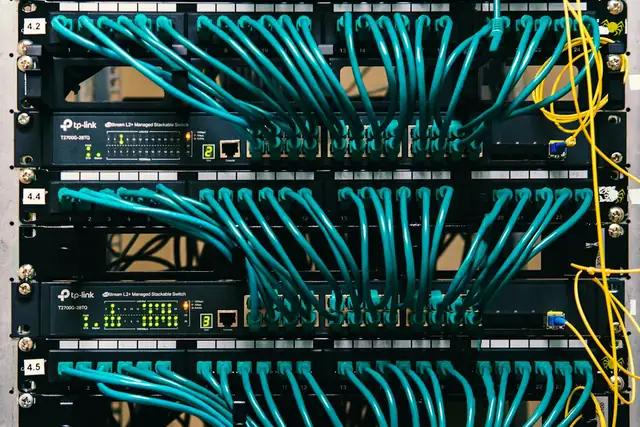
Networking & IT · Troubleshooting

Wi-Fi Slow or No Signal Upstairs? How to Fix Coverage Properly

Why concrete blocks Wi-Fi and how mesh, access points and cabling fix it.

A fault you work around is a fault that gets worse.

Read on: it takes a few minutes and could save you a lot more than that.

In this guide you will see:
  • Concrete slabs and stone walls block Wi-Fi heavily.
  • Router placement matters more than router price.
  • Mesh works well when nodes can see each other.
By Qyvea LimitedPublished 2026-10-08Updated 2026-10-083 min read
On this page01. Quick checks you can do first02. What usually causes it03. When to call a technician04. Parts that fix it05. FAQ
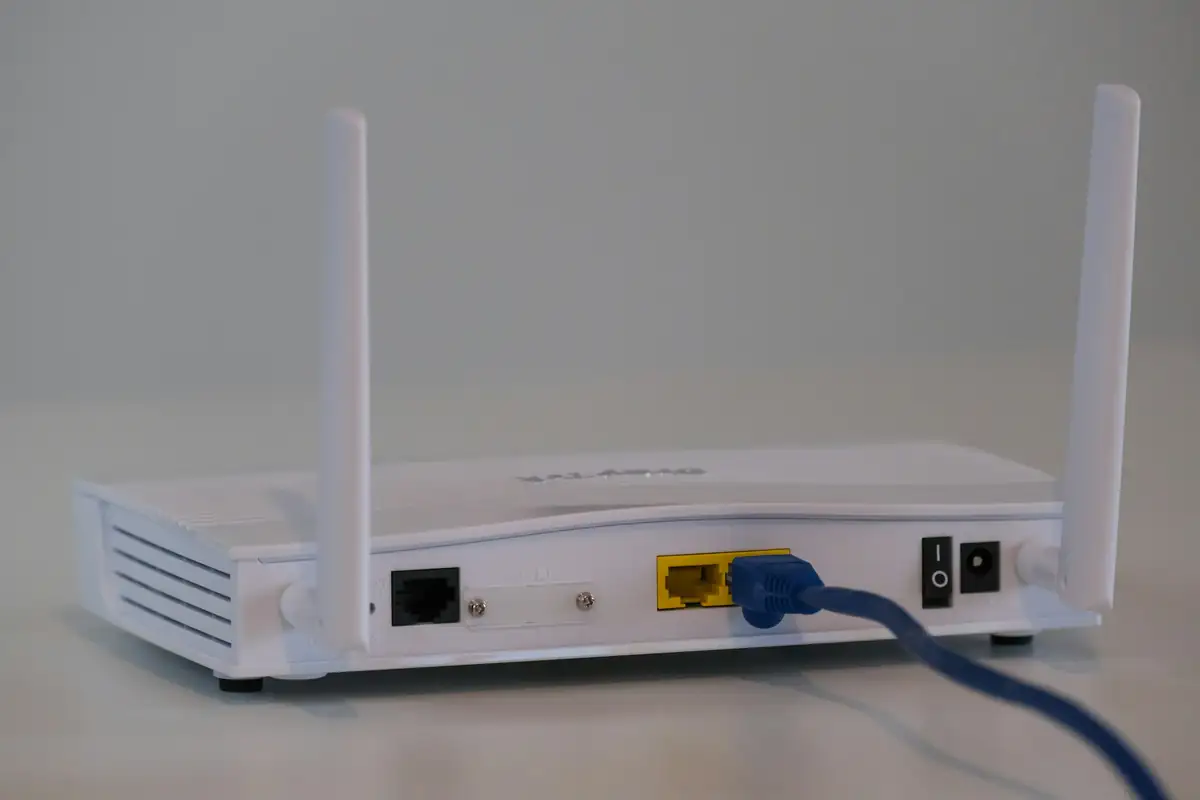
Wi-Fi router
Quick answer

Kenyan buildings use stone, concrete and steel, which block Wi-Fi far more than drywall. One router in a corner rarely covers a two-storey home or office. Move the router to a central, high spot first. If that's not enough, add a mesh system or, best, a cabled access point on each floor. Plug-in boosters usually halve speed.

Real products, live prices, in stock now
See the actual productsLive prices from the Qyvea store
Shop all Wi-Fi kits →

Key takeaways

  • Concrete slabs and stone walls block Wi-Fi heavily.
  • Router placement matters more than router price.
  • Mesh works well when nodes can see each other.
  • Cabled access points give the best speed per floor.
  • Cheap repeaters usually cut speed in half.

01Quick checks you can do first

  1. 01
    Move the routerCentral, high and out of cabinets; not next to the ISP box on the floor.
  2. 02
    Test both bands5 GHz is faster but shorter range; 2.4 GHz goes further through walls.
  3. 03
    Count the wallsTwo or more concrete walls or a slab between you and the router will be weak.
  4. 04
    Check the ISP speedTest next to the router. If it's slow there too, the problem is the line, not Wi-Fi.
  5. 05
    Restart and updateRestart the router and check for firmware updates.
ImportantSwitch off and isolate power before opening any equipment. Batteries, inverters and mains wiring can cause serious injury; leave internal work to a qualified technician.

02What usually causes it

SymptomLikely causeFix
Fine downstairs, weak upstairsConcrete slabAccess point or mesh node upstairs
Weak in back roomsThick wallsRelocate router or add AP
Full bars but slowInterference or busy channelChange channel, use 5 GHz
Slow everywhereISP or plan limitTest at router; contact ISP
Booster connected but slowRepeater halves bandwidthReplace with mesh or cabled AP

03When to call a technician

  • You need full coverage across floors or a compound.
  • It's an office, school, hotel or Airbnb with many users.
  • You want cabling done neatly through walls.
  • Mesh hasn't solved it.
When to call a professionalQyvea technicians diagnose and fix this on site across Nairobi and Kenya. Call 0113 301 244 or WhatsApp a technician.

Running this across several sites or branches? A Qyvea maintenance contract catches these faults on scheduled visits, with a written report after each one.

04Parts that fix it

Mesh & access pointsLive prices from the Qyvea store
Shop all Wi-Fi kits →

05Frequently asked questions

Is mesh better than a booster?

Yes. Mesh nodes work as one network and hand you over smoothly; most boosters create a slower separate network.

Does a more expensive router fix weak Wi-Fi?

Not through concrete. Extra access points or mesh nodes matter more than one powerful router.

Can you run cables without breaking walls?

Often, through existing conduits, ceilings or neat surface trunking.

Why customers choose Qyvea

Genuine brandsManufacturer warranty on what we sell, so you are not gambling on the box.
One team, start to finishThe people who advise you also install and support it.
Fast answersWhatsApp replies usually within 30 minutes, and delivery within 24 hours in Nairobi.
Easy to buyPay by M-Pesa, bank transfer or card. Free delivery in Nairobi on orders over KES 5,000.
Risk taken off you7-day returns and exchanges on products, and a workmanship warranty on installations.
Customers say soRated 4.6/5 from 57 Google reviews.

Your next step takes one minute: send us a photo of the place on WhatsApp and we will tell you what it needs.

Related articles

Networking & IT · Troubleshooting
Router Keeps Disconnecting? How to Find the Cause
Power, heat, ISP line or settings: narrow down why the connection keeps dropping.
3 min readREAD FULL ARTICLE →
Networking & IT · Troubleshooting
Office Internet Slow When Everyone Is Online? Fix the Network, Not Just the Package
Why consumer routers choke with many users and what a business network changes.
3 min readREAD FULL ARTICLE →
Networking & IT · Troubleshooting
Starlink Disconnecting or 'Obstructed' in Kenya? Fixes That Work
Placement, obstructions, power and Wi-Fi: keep Starlink connected.
2 min readREAD FULL ARTICLE →
← PreviousWi-Fi Site Survey and HeatmapNext →Wi-Fi and Network for Apartments and Estates in Kenya

Still experiencing the problem?

Qyvea can inspect and diagnose the system on site.

Chat with us — 30 min response