
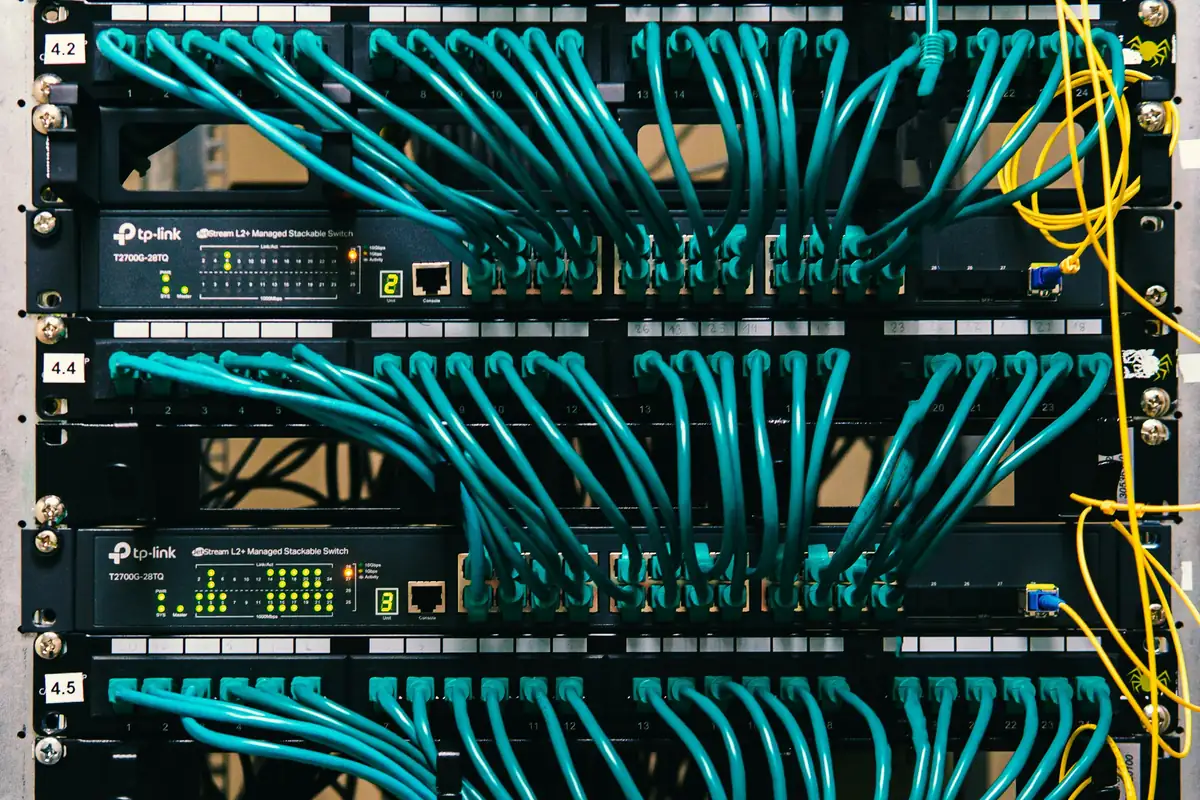
Networking & IT · Guide

UPS for Network Equipment

Power cuts take down the internet before they take down the lights. A small UPS fixes that.

The grid fails on its own schedule, and your fence, cameras and lights go with it.

Read on: it takes a few minutes and could save you a lot more than that.

In this guide you will see:
  • Put the fibre terminal, router, switch and access points on a UPS.
  • DC UPS units suit routers and cameras efficiently.
  • Size by load and desired runtime.
By Qyvea LimitedPublished 2026-10-16Updated 2026-10-162 min read
On this page01. Which UPS?02. Sizing in four steps03. Get advice04. FAQ
UPS for Network Equipment
Quick answer

Network equipment draws little power, so a small UPS can keep a router, fibre terminal, switch and access points online for hours. Choose between a standard UPS and a DC UPS made for routers, size it from the total load and the hours you want, and protect against surges when power returns. Remember that the ISP's own street equipment may also lose power.

Real products, live prices, in stock now
See the actual productsLive prices from the Qyvea store
Shop all inverter products →

Key takeaways

  • Put the fibre terminal, router, switch and access points on a UPS.
  • DC UPS units suit routers and cameras efficiently.
  • Size by load and desired runtime.
  • Surge protection protects when power returns.
  • Your ISP's equipment can also fail in outages.

01Which UPS?

TypeGood forNotes
Standard (AC) UPSComputers, switches, serversFamiliar and widely available
DC UPS / mini UPSRouters, ONTs, small camerasEfficient for small loads
Larger rack UPSServer roomsBigger load and runtime
Solar and battery backupLong outagesA bigger project

02Sizing in four steps

  1. 01
    List devicesAnd their power rating.
  2. 02
    Add the loadTotal watts, plus margin.
  3. 03
    Choose runtimeHow many hours you want.
  4. 04
    Pick the UPSCapacity and type to match.
  5. 05
    TestSwitch off mains and time it.

03Get advice

See also best UPS for Wi-Fi router and POS.

When to call a professionalWe size and install backup power for your network. Call 0113 301 244 or WhatsApp us.

04Frequently asked questions

How long will a UPS keep my router on?

Depends on battery size and load; small DC units can run a router for hours.

Does my ISP's line still work?

Only if their street equipment has power; ask your provider.

Is solar backup possible?

Yes; ask about solar and battery backup for longer outages.
Why customers choose Qyvea

Genuine brandsManufacturer warranty on what we sell, so you are not gambling on the box.
One team, start to finishThe people who advise you also install and support it.
Fast answersWhatsApp replies usually within 30 minutes, and delivery within 24 hours in Nairobi.
Easy to buyPay by M-Pesa, bank transfer or card. Free delivery in Nairobi on orders over KES 5,000.
Risk taken off you7-day returns and exchanges on products, and a workmanship warranty on installations.
Customers say soRated 4.6/5 from 57 Google reviews.

Your next step takes one minute: send us a photo of the place on WhatsApp and we will tell you what it needs.

Related articles

Solar & Electrical · Guide
What Is the Best UPS for My Wi-Fi Router and POS?
A small UPS keeps the router, POS and phone charger alive through short outages, so you do not lose sales.
2 min readREAD FULL ARTICLE →
Networking & IT · Troubleshooting
Router Keeps Disconnecting? How to Find the Cause
Power, heat, ISP line or settings: narrow down why the connection keeps dropping.
3 min readREAD FULL ARTICLE →
Networking & IT · Technology Explained
Failover Internet and Dual WAN
Two internet lines and a router that switches between them turn an outage into a blip.
2 min readREAD FULL ARTICLE →
← PreviousStructured Cabling ExplainedNext →VLANs: Separating CCTV from the Office Network

Need this system installed?

Talk to Qyvea. We design, install and maintain it.

Chat with us — 30 min response
