
Networking & IT · Guide

How to Improve Your Wi-Fi Signal

Free fixes first, then the right hardware for thick Kenyan walls and multi-storey homes.

Most network problems are cable problems that nobody labelled.

Read on: it takes a few minutes and could save you a lot more than that.

In this guide you will see:
  • Placement is the biggest free fix.
  • Concrete and stone walls block Wi-Fi heavily.
  • Change the channel if neighbours crowd it.
By Qyvea LimitedPublished 2026-10-07Updated 2026-10-072 min read
On this page01. Free fixes02. When you need hardware03. Is it Wi-Fi or the internet?04. FAQ
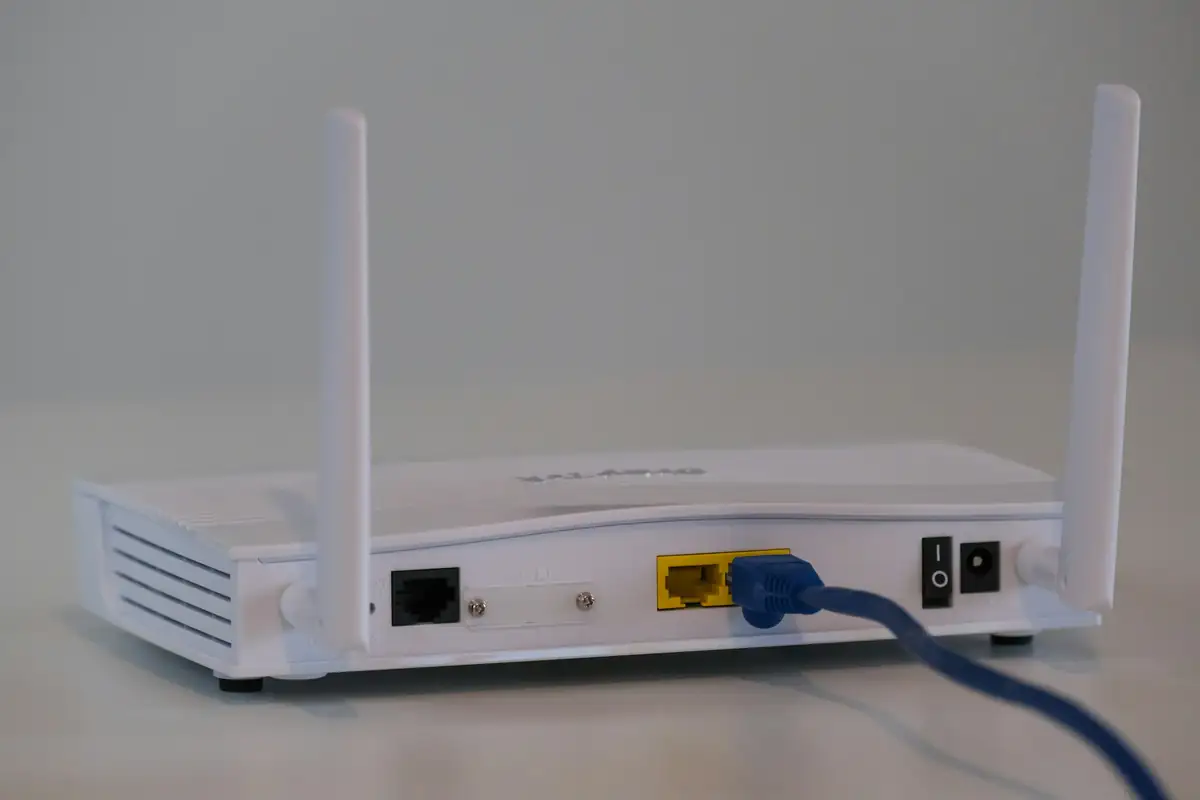
Wi-Fi router
Quick answer

Start with the free fixes: move the router to a central, raised, open spot, away from metal and the kitchen; restart it; change the Wi-Fi channel; and use 5 GHz near the router and 2.4 GHz further away. If the signal still can't get through stone or concrete walls, add a mesh system or wired access points rather than a cheap extender.

Real products, live prices, in stock now
See the actual productsLive prices from the Qyvea store
Shop all router products →

Key takeaways

  • Placement is the biggest free fix.
  • Concrete and stone walls block Wi-Fi heavily.
  • Change the channel if neighbours crowd it.
  • 5 GHz is faster but shorter range.
  • Wired access points beat extenders for big homes.

01Free fixes

  1. 01
    Move the routerCentral, about chest height or higher, in the open, not in a cabinet or behind the TV.
  2. 02
    Restart itClears overloads; schedule weekly restarts if it slows down.
  3. 03
    Change the channelSee how to change your Wi-Fi channel.
  4. 04
    Use the right band5 GHz near the router, 2.4 GHz for range.
  5. 05
    Disconnect idle devicesOld phones and smart TVs streaming in the background slow everyone.

02When you need hardware

SituationBest fix
One weak roomExtender or powerline adapter
Whole house patchyMesh Wi-Fi system
Multi-storey, thick wallsWired access points on network cable
Office or estateManaged access points

Compare options in booster vs extender vs mesh.

03Is it Wi-Fi or the internet?

Run a speed test next to the router, then in the weak room. If it's slow next to the router too, the problem is your internet package or provider, not Wi-Fi.

When to call a professionalQyvea surveys and installs Wi-Fi for homes and offices. See business Wi-Fi installation. Call 0113 301 244 or WhatsApp us.

04Frequently asked questions

Why is my Wi-Fi weak upstairs?

Concrete floors block signal. Put an access point or mesh node on that floor.

Does a Wi-Fi booster really work?

It helps a single weak spot, but halves speed on many cheap models. Mesh or wired access points work better.

Should I use 2.4 GHz or 5 GHz?

5 GHz for speed near the router, 2.4 GHz for range and smart devices.

Why customers choose Qyvea

Genuine brandsManufacturer warranty on what we sell, so you are not gambling on the box.
One team, start to finishThe people who advise you also install and support it.
Fast answersWhatsApp replies usually within 30 minutes, and delivery within 24 hours in Nairobi.
Easy to buyPay by M-Pesa, bank transfer or card. Free delivery in Nairobi on orders over KES 5,000.
Risk taken off you7-day returns and exchanges on products, and a workmanship warranty on installations.
Customers say soRated 4.6/5 from 57 Google reviews.

Your next step takes one minute: send us a photo of the place on WhatsApp and we will tell you what it needs.

Related articles

Networking & IT · Comparison
Wi-Fi Booster vs Extender vs Mesh vs Access Point
Which device actually fixes your dead zones, and which one just moves the problem.
2 min readREAD FULL ARTICLE →
Networking & IT · Guide
How to Change Your Wi-Fi Channel
Find the least crowded channel and change it in a few minutes, on any router.
2 min readREAD FULL ARTICLE →
Networking & IT · Guide
How to Change Your Wi-Fi Password
Change the Wi-Fi name and password on any home router in Kenya, and lock it down properly.
2 min readREAD FULL ARTICLE →
← PreviousHow to Change Your Wi-Fi PasswordNext →IP Addressing Basics

Need this system installed?

Talk to Qyvea. We design, install and maintain it.

Chat with us — 30 min response