Networking & IT · Technology Explained

IP Addressing Basics

IP addresses, subnets, DHCP vs static and gateways, explained for people who manage CCTV and office networks, not network engineers.

The Wi-Fi works until the day everyone needs it at once.

Read on: it takes a few minutes and could save you a lot more than that.

In this guide you will see:
  • Unique address per device, same subnet to talk directly.
  • DHCP for laptops and phones; static/reserved for security devices.
  • Address conflicts make devices drop in and out.
By Qyvea LimitedPublished 2026-09-23Updated 2026-09-232 min read
On this page01. The terms02. Why security devices need fixed addresses03. Common problems04. FAQ
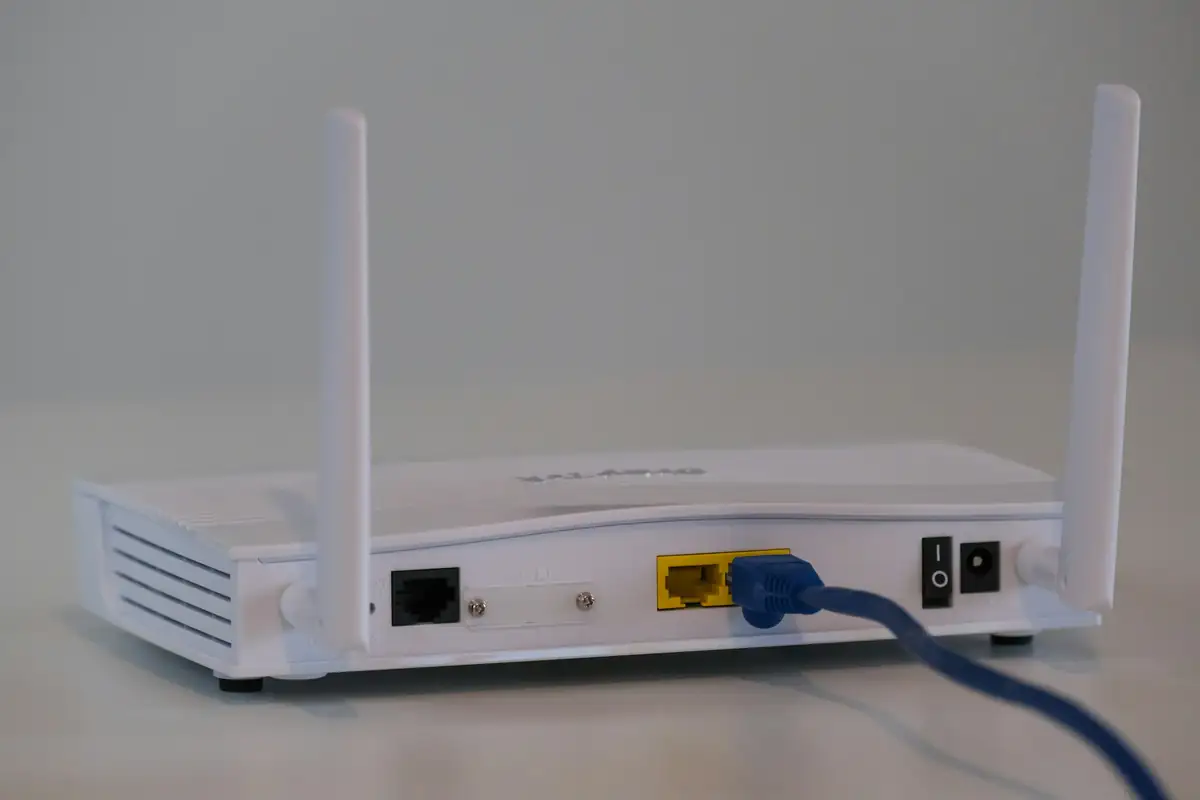
Network router
Quick answer

Every device on a network needs a unique IP address. Devices on the same subnet can talk directly; the gateway (usually the router) connects them to other networks and the internet. Phones and laptops usually get addresses automatically (DHCP), but cameras, recorders and controllers should have fixed (static or reserved) addresses so they don't move.

Real products, live prices, in stock now
See the actual productsLive prices from the Qyvea store
Shop all router products →

Key takeaways

  • Unique address per device, same subnet to talk directly.
  • DHCP for laptops and phones; static/reserved for security devices.
  • Address conflicts make devices drop in and out.
  • Keep an address list.

01The terms

TermMeaningExample
IP addressThe device's address on the network192.168.1.64
Subnet maskWhich addresses are 'local'255.255.255.0
GatewayThe router that leads to other networks192.168.1.1
DHCPRouter hands out addresses automaticallyPhones, laptops
Static / reservedDevice always has the same addressCameras, NVR, controllers
Did you know?Private ranges such as 192.168.x.x, 10.x.x.x and 172.16–31.x.x are used inside buildings and aren't reachable from the internet directly.

02Why security devices need fixed addresses

The NVR finds each camera by its address. If a camera gets a new address after a router restart, the NVR can lose it. Fixed or reserved addresses keep every device where the recorder expects it.

03Common problems

  • Two devices given the same address (conflict): both drop in and out
  • Device on a different subnet: can't be reached
  • New router with a different range: cameras 'disappear'
  • No record of which address belongs to which device

See network device offline and NVR not detecting camera. Never publish your site's internal addresses or passwords.

04Frequently asked questions

Should CCTV cameras use DHCP?

It's better to give them static or reserved addresses so they don't change.

What is an IP conflict?

Two devices with the same address. Both become unreliable until one is changed.

Why did my cameras disappear after a new router was installed?

The new router may use a different address range, so the recorder and cameras are no longer on the same subnet.
Why customers choose Qyvea

Genuine brandsManufacturer warranty on what we sell, so you are not gambling on the box.
One team, start to finishThe people who advise you also install and support it.
Fast answersWhatsApp replies usually within 30 minutes, and delivery within 24 hours in Nairobi.
Easy to buyPay by M-Pesa, bank transfer or card. Free delivery in Nairobi on orders over KES 5,000.
Risk taken off you7-day returns and exchanges on products, and a workmanship warranty on installations.
Customers say soRated 4.6/5 from 57 Google reviews.

Your next step takes one minute: send us a photo of the place on WhatsApp and we will tell you what it needs.

Related articles

Networking & IT · Technology Explained
VLANs: Separating CCTV from the Office Network
Why cameras, office PCs and guest Wi-Fi shouldn't all share one network, and how VLANs separate them on the same switches.
2 min readREAD FULL ARTICLE →
Networking & IT · Troubleshooting
Network Device Offline
A camera, terminal, controller or PC has dropped off the network. How to narrow it down from power and cable to IP address and router.
2 min readREAD FULL ARTICLE →
CCTV · Troubleshooting
NVR Not Detecting an IP Camera
A new or existing IP camera won't show up on the NVR. Power, cable, IP address, password and compatibility checks, in order.
3 min readREAD FULL ARTICLE →
← PreviousHow to Improve Your Wi-Fi SignalNext →IT Support for Small Businesses

Need this system installed?

Talk to Qyvea. We design, install and maintain it.

Chat with us — 30 min response