
Networking & IT · Guide

How to Change Your Wi-Fi Channel

Find the least crowded channel and change it in a few minutes, on any router.

How much does a slow, dropping network cost your team every single day?

Read on: it takes a few minutes and could save you a lot more than that.

In this guide you will see:
  • Router address and login are on its sticker.
  • 2.4 GHz: use only 1, 6 or 11.
  • 5 GHz has many more free channels.
By Qyvea LimitedPublished 2026-10-07Updated 2026-10-072 min read
On this page01. Step by step02. Finding the best channel03. Still slow?04. FAQ
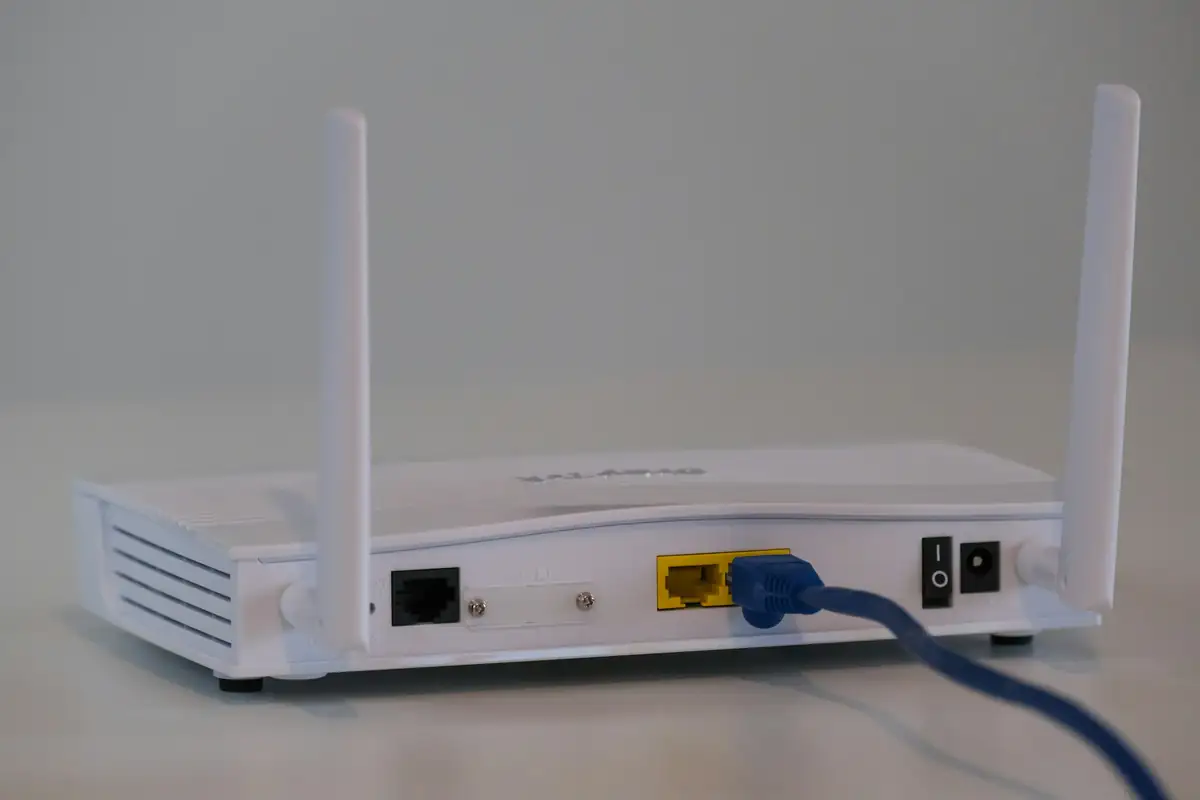
Wi-Fi router
Quick answer

Log in to your router (usually 192.168.0.1, 192.168.1.1 or 192.168.8.1; check the sticker underneath), open Wireless or WLAN settings, and change the channel from Auto to a specific channel. On 2.4 GHz use 1, 6 or 11, whichever is least used by neighbours. On 5 GHz, pick any free channel. Save, and your devices reconnect within a minute.

Real products, live prices, in stock now
See the actual productsLive prices from the Qyvea store
Shop all router products →

Key takeaways

  • Router address and login are on its sticker.
  • 2.4 GHz: use only 1, 6 or 11.
  • 5 GHz has many more free channels.
  • Use a Wi-Fi analyser app to see neighbours' channels.
  • Leave channel width at 20 MHz on crowded 2.4 GHz.

01Step by step

  1. 01
    Connect to the routerBy Wi-Fi or cable.
  2. 02
    Open the router pageType the address from the sticker into a browser.
  3. 03
    Log inAdmin username and password from the sticker, unless changed.
  4. 04
    Find Wireless settingsOften under WLAN, Wi-Fi or Advanced.
  5. 05
    Set the channelChange Auto to 1, 6 or 11 (2.4 GHz) or a free 5 GHz channel.
  6. 06
    Save and testRun a speed test in the weak room.

02Finding the best channel

Install a Wi-Fi analyser app on an Android phone. It shows every network nearby and its channel. Pick the channel with the fewest and weakest neighbours.

BandChannels to useWhy
2.4 GHz1, 6, 11Only these three don't overlap
5 GHzAny free one, e.g. 36โ€“48 or 149โ€“161Many non-overlapping channels

03Still slow?

A better channel helps in crowded apartments, but not with thick walls. See how to improve your Wi-Fi signal.

04Frequently asked questions

What is the best Wi-Fi channel?

On 2.4 GHz, whichever of 1, 6 or 11 is least crowded where you are.

Will changing the channel disconnect my devices?

Briefly; they reconnect automatically.

Should I leave the channel on Auto?

Auto often works, but in busy apartments a fixed, less crowded channel is usually better.

Why customers choose Qyvea

Genuine brandsManufacturer warranty on what we sell, so you are not gambling on the box.
One team, start to finishThe people who advise you also install and support it.
Fast answersWhatsApp replies usually within 30 minutes, and delivery within 24 hours in Nairobi.
Easy to buyPay by M-Pesa, bank transfer or card. Free delivery in Nairobi on orders over KES 5,000.
Risk taken off you7-day returns and exchanges on products, and a workmanship warranty on installations.
Customers say soRated 4.6/5 from 57 Google reviews.

Your next step takes one minute: send us a photo of the place on WhatsApp and we will tell you what it needs.

Related articles

Networking & IT · Guide
How to Improve Your Wi-Fi Signal
Free fixes first, then the right hardware for thick Kenyan walls and multi-storey homes.
2 min readREAD FULL ARTICLE →
Networking & IT · Guide
How to Change Your Wi-Fi Password
Change the Wi-Fi name and password on any home router in Kenya, and lock it down properly.
2 min readREAD FULL ARTICLE →
Networking & IT · Comparison
Wi-Fi Booster vs Extender vs Mesh vs Access Point
Which device actually fixes your dead zones, and which one just moves the problem.
2 min readREAD FULL ARTICLE →
← PreviousGuest Wi-Fi, Hotspots and VouchersNext →How to Change Your Wi-Fi Password

Need this system installed?

Talk to Qyvea. We design, install and maintain it.

Chat with us โ€” 30 min response