CCTV · Guide

Hik-Connect: How to View Hikvision CCTV on Your Phone

What Hik-Connect needs to work, how live view, playback and alerts work, how much data it uses, and what to check when it stops connecting.

A camera that records nothing useful is the most expensive thing on your wall.

Read on: it takes a few minutes and could save you a lot more than that.

In this guide you will see:
  • Needs: recorder online + Hik-Connect service enabled + device added to an account.
  • Works on Wi-Fi or mobile data anywhere.
  • Sub-stream (lower quality) saves data on mobile.
By Qyvea LimitedPublished 2026-09-23Updated 2026-09-232 min read
On this page01. How the connection works02. What you can do in the app03. Mobile data and quality04. When it stops working05. FAQ
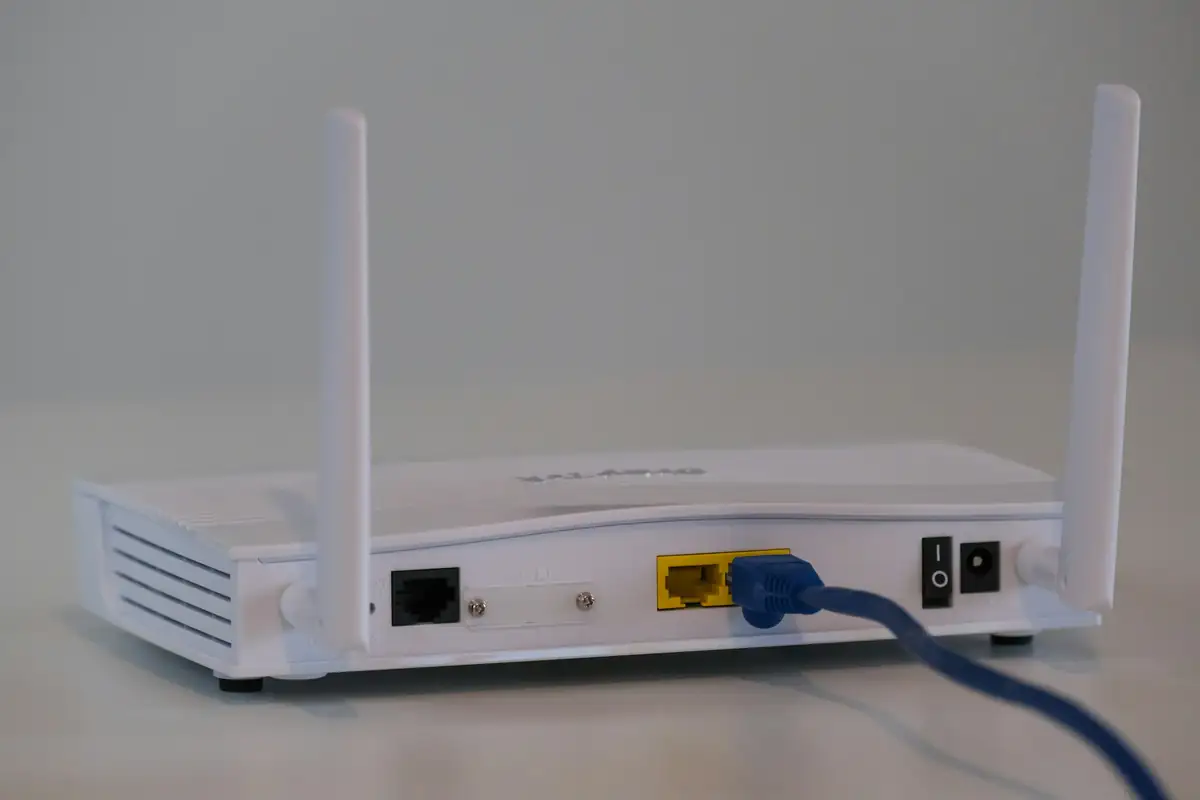
Internet router with network cable
Quick answer

Hik-Connect is Hikvision's app for viewing cameras remotely. The recorder connects to the internet and registers with Hikvision's cloud service, which relays video to your phone, so you don't need a static IP or port forwarding. You need internet at the site, the recorder added to your account, and a phone with data or Wi-Fi.

Real products, live prices, in stock now
See the actual productsLive prices from the Qyvea store
Shop all camera products →

Key takeaways

  • Needs: recorder online + Hik-Connect service enabled + device added to an account.
  • Works on Wi-Fi or mobile data anywhere.
  • Sub-stream (lower quality) saves data on mobile.
  • Share access with family or staff instead of sharing one password.
  • If the site internet is down, remote viewing stops but recording continues.

01How the connection works

02What you can do in the app

Live viewOne camera or a grid of several
PlaybackScroll back through recordings by time
NotificationsAlerts for events such as human or vehicle detection
Clips & snapshotsSave evidence to your phone
Two-way audioOn cameras and intercoms that support it
SharingGive others their own access with chosen permissions

03Mobile data and quality

Viewing in main-stream (full) quality uses much more data than sub-stream. On mobile data, use sub-stream for live grids and switch to main stream only when you need detail.

TipShare access to each family member or staff member separately. When someone leaves, remove their access without changing everyone's password.

04When it stops working

  • Site internet down or router restarted
  • Recorder lost its network settings or IP address
  • Hik-Connect service disabled on the recorder
  • Device removed from the account or password changed
  • App out of date

Step-by-step checks are in CCTV not showing on phone. Never post your device's QR code or verification code publicly: they give access to the system.

05Frequently asked questions

Do I need internet for Hik-Connect?

Yes, at the site (for the recorder) and on your phone. Recording continues on site without internet.

Can more than one person view the cameras?

Yes. Share the device to other accounts with chosen permissions.

Is Hik-Connect free?

The basic app and remote viewing service are provided by Hikvision for its devices.

Why customers choose Qyvea

Genuine brandsManufacturer warranty on what we sell, so you are not gambling on the box.
One team, start to finishThe people who advise you also install and support it.
Fast answersWhatsApp replies usually within 30 minutes, and delivery within 24 hours in Nairobi.
Easy to buyPay by M-Pesa, bank transfer or card. Free delivery in Nairobi on orders over KES 5,000.
Risk taken off you7-day returns and exchanges on products, and a workmanship warranty on installations.
Customers say soRated 4.6/5 from 57 Google reviews.

Your next step takes one minute: send us a photo of the place on WhatsApp and we will tell you what it needs.

Related articles

CCTV · Technology Explained
Does CCTV Work Without Internet? What Still Works When It's Down
Recording and local viewing keep going; phone viewing and alerts stop. What happens when the internet drops, and how to design for sites without internet.
2 min readREAD FULL ARTICLE →
CCTV · Troubleshooting
CCTV Not Showing on Phone
Remote viewing stopped working? Checks for the app, the internet connection and the recorder.
2 min readREAD FULL ARTICLE →
CCTV · Technology Explained
CCTV Explained: How a Complete CCTV System Works
Camera, cable, recorder, storage, network and phone: how each part of a CCTV system works, and why the weakest link decides how good the whole system is.
4 min readREAD FULL ARTICLE →
← PreviousHidden Cameras and CCTV Privacy in Kenya: What the Law AllowsNext →Hikvision AcuSense: Human & Vehicle Detection Explained

Need this system installed?

Talk to Qyvea. We design, install and maintain it.

Chat with us — 30 min response