On this page
01. What you need for audio02. Turning audio on03. Privacy before you record sound04. FAQ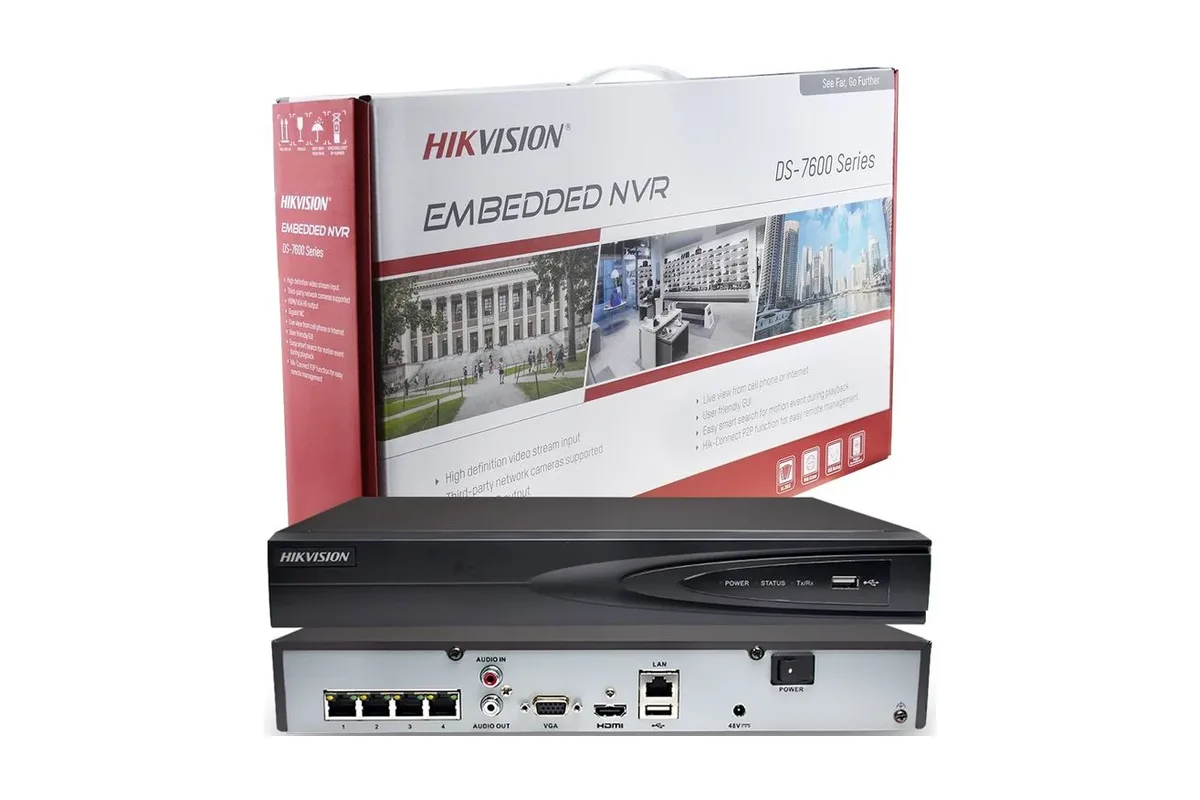
Hikvision records audio only when the camera has a built-in microphone (or an external microphone connected to an audio input) and audio is switched on in the stream settings. Many standard cameras have no microphone, so they record video only. Recording conversations also raises privacy obligations, so decide where audio is really needed.
Key takeaways
- Audio needs a camera with a mic or audio input.
- Set the stream type to Video & Audio on camera and recorder.
- Analogue (Turbo HD) audio cameras need a DVR that supports audio over coax.
- Use audio only where it's justified and tell people about it.
01What you need for audio
- A camera with a built-in microphone (check the model's spec sheet), or an audio input with an external microphone
- A recorder that supports audio on that channel
- Stream type set to Video & Audio for the main stream
Some Hikvision models also have a speaker for two-way talk, letting you speak to a visitor at the gate from the app.
02Turning audio on
- 01Open the camera's video settingsOn the recorder or the camera's web page.
- 02Set stream typeChange Video to Video & Audio for the main stream.
- 03Check the audio inputSelect the built-in mic or the external input and adjust the volume.
- 04Test playbackPlay back a recording with sound to confirm.
03Privacy before you record sound
Recording conversations is more intrusive than video. Under Kenya's Data Protection Act, CCTV operators should be able to justify what they record and tell people they are being recorded, usually with clear signage. Many businesses keep audio to specific points such as a cash counter or gate, not offices or staff areas.
04Frequently asked questions
Do all Hikvision cameras have a microphone?
No. Only models listed with a built-in mic or audio input record sound.
Can I hear audio on Hik-Connect?
Yes, if the camera captures audio and audio is enabled in the stream settings.
Can I talk through a Hikvision camera?
Models with a built-in speaker support two-way audio from the app.