On this page
01. The parts02. Forced and held-open alarms03. Safety first04. See it in a real installation05. FAQ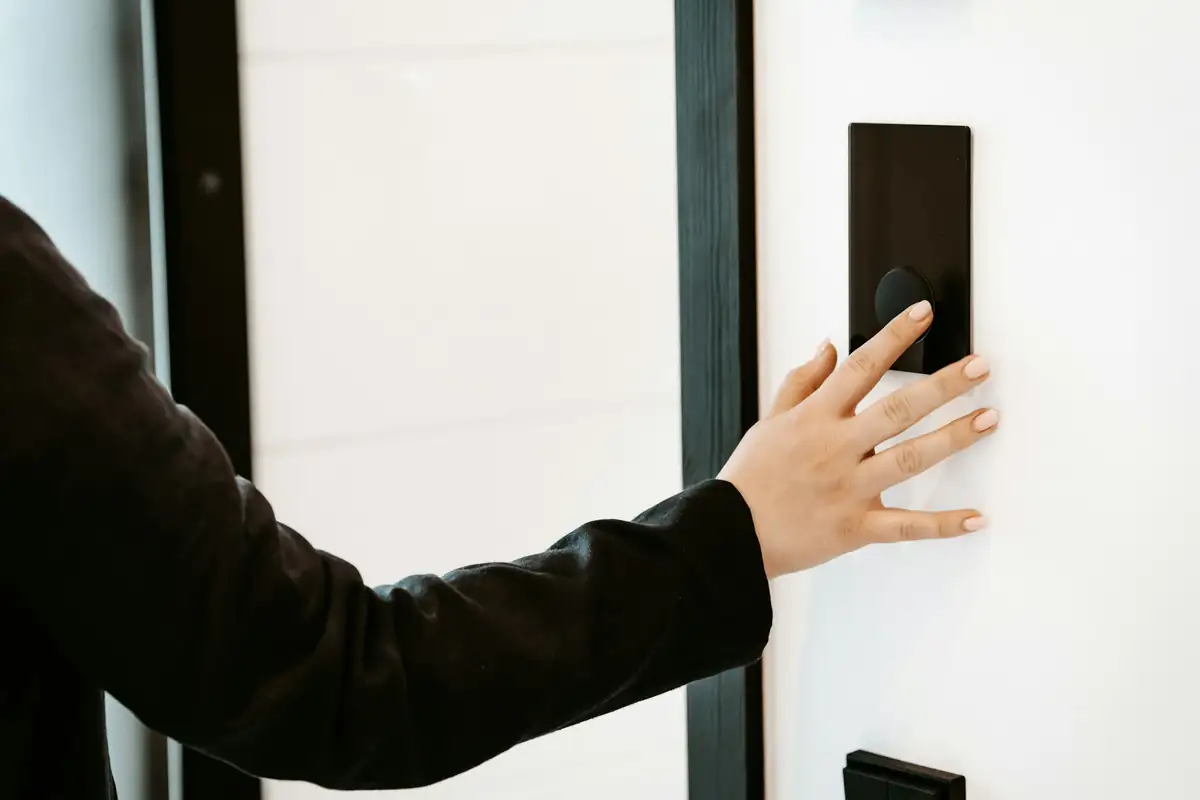
Getting in is only half of access control. Exit buttons (or request-to-exit sensors) let people out, an emergency break-glass cuts power to the lock in an emergency, door position sensors tell the system whether the door is actually shut, and a door closer makes sure it shuts. Together they make the door both safe and secure.
Key takeaways
- Exit button: releases the lock from the inside.
- Break-glass: emergency release that cuts lock power directly.
- Door sensor: detects doors forced or held open.
- Door closer: without it, the lock can't do its job.
01The parts
02Forced and held-open alarms
With a door sensor, the system can raise two useful alarms: door forced (opened without a valid credential or exit) and door held open (propped open too long). These catch the most common real-world weakness: a door wedged open for convenience.
03Safety first
04See it in a real installation
Hikvision Face Recognition with a No-Touch Exit Button
A fully touch-free door: staff enter with Hikvision face recognition and leave by waving a hand over an infrared no-touch exit button.
05Frequently asked questions
What is a break-glass unit?
An emergency release, usually green, that cuts power to an electric lock so the door can be opened in an emergency.
Why add a door sensor?
It tells the system if a door is forced or propped open, and confirms the door actually closed.
Is an exit button enough for a fire exit?
Usually not on its own. Break-glass release and fail-safe locking are common additional safeguards.