On this page
01. What it is02. When it makes sense03. When it does not04. Measure05. A simple test06. What sponsorship cannot fix07. Budgeting for sponsorship08. Which products deserve it09. A typical scenario10. Common mistakes11. Quick checklist12. Frequently asked questions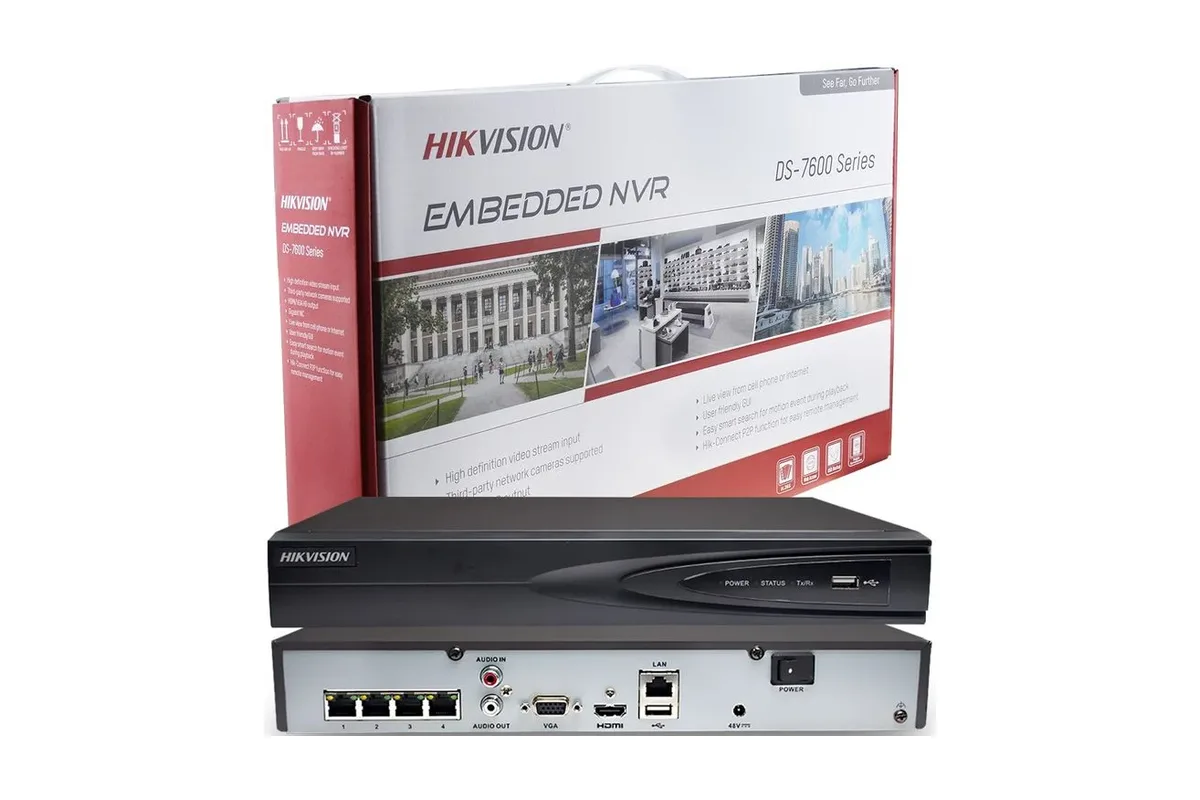
Top up a wallet and sponsor chosen products for priority and more store visibility. Orders are still allocated fairly, so sponsor only products with healthy margins and stock.
Key takeaways
- Sponsorship is optional.
- Paid from a wallet you top up.
- Sponsor winners, not weak lines.
01What it is
Extra visibility for products you choose, with fair rotation among sponsors.
02When it makes sense
- The product has good stock.
- Your margin can absorb the cost.
- It already sells.
03When it does not
- Thin margins.
- Low stock.
- Unclear photos or specs.
04Measure
Use views and sales insights on your dashboard to see whether sponsorship pays.
05A simple test
Before you spend more, run a small test. Choose one product with good stock and a healthy margin. Sponsor it with a modest top-up. Record its views and sales for the month before sponsorship and for the month during it. If views and orders rise enough to cover the cost and leave profit, repeat with another product. If not, stop and improve the listing instead.
06What sponsorship cannot fix
- Poor photos and weak titles.
- A price far above the market.
- Stock that is often unavailable.
- A history of late deliveries.
Fix those first. Promotion makes a good listing more visible. It does not make a weak listing good.
07Budgeting for sponsorship
Decide a monthly ceiling before you top up, for example a small percentage of the margin you earned the previous month. Treat sponsorship as a marketing line in your accounts, not as an emergency fix for slow sales. If you do not know your margin, the payout calculator and your statements will tell you.
08Which products deserve it
- Products that already sell and have stock depth.
- Products with a healthy margin.
- Products with excellent photos and specs.
- Products that match what the demand board shows shoppers want.
09A typical scenario
A vendor sponsors one strong-selling switch with 40 units in stock and watches views and sales for a month before sponsoring another.
Illustrative example based on common cases, not a named vendor.
10Common mistakes
- Sponsoring slow movers.
- No tracking.
- Spending more than margin.
11Quick checklist
- Pick one winner.
- Top up modestly.
- Track results.
12Frequently asked questions
Is it mandatory?
No.
Can I get my wallet money back?
Check the Vendor Terms.
Does sponsorship guarantee orders?
No. Allocation stays fair.
How do I top up?
From your dashboard wallet.
This guide describes how supplying through Qyvea works at the time of writing. The Vendor Terms and the Sell on Qyvea page are the final word on fees, returns and payment. Examples marked illustrative are not real vendors or earnings.