
Home › Solar light guides › Installation and care
How to Use the Remote Control on Your Solar Street Light
You got a remote in the box. Here is how to use it well and what to do when it seems to stop working.
Basics
Stand within a few metres of the light, point the remote at the light unit and press the button. If it does not respond, move closer or change the remote batteries.
Explore carefully
Test the buttons one at a time at dusk so you can see what each does. Write down the settings you like.
Ready to light up your place?
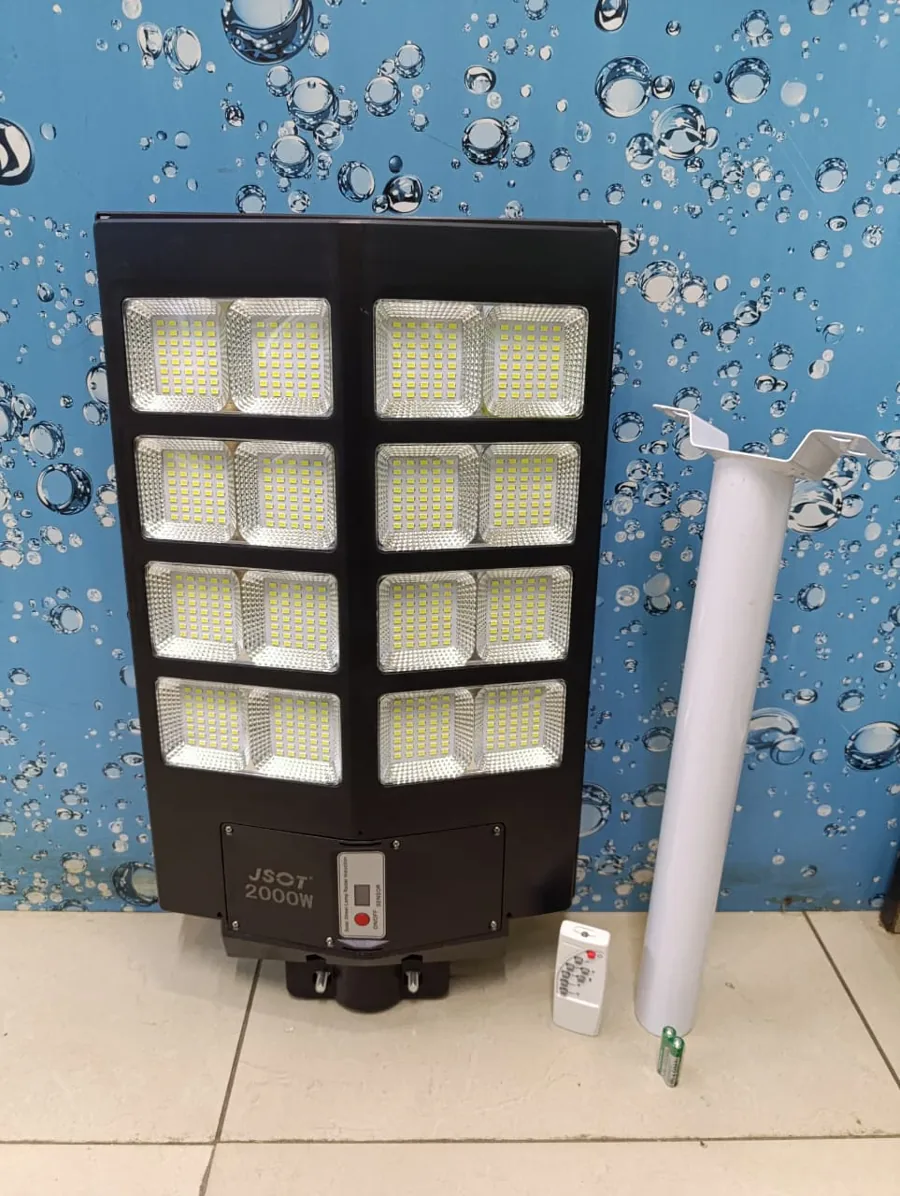
Motion-sensor solar lights with the pole included. No wiring, no power bill. Pick your size:
Ask us on WhatsApp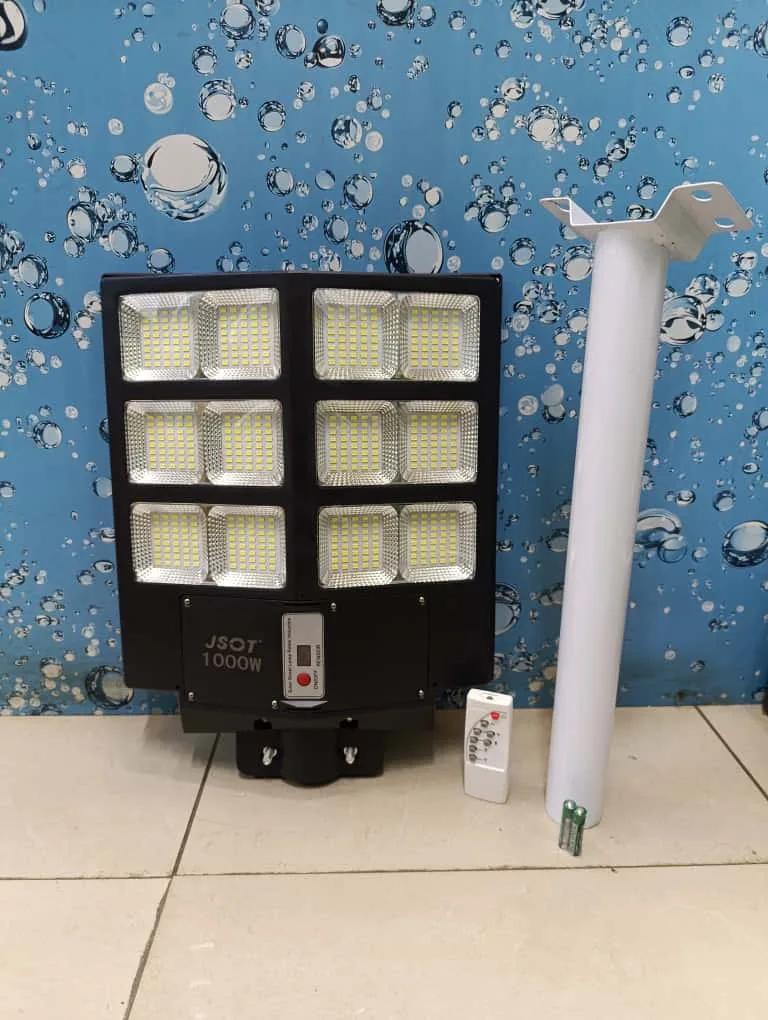
Keep it safe
Store the remote where the manager or caretaker can find it. Take a photo of its buttons.
If it stops working
Replace the batteries. Check that nothing blocks the sensor window. Ask us if the problem continues.
Frequently asked questions
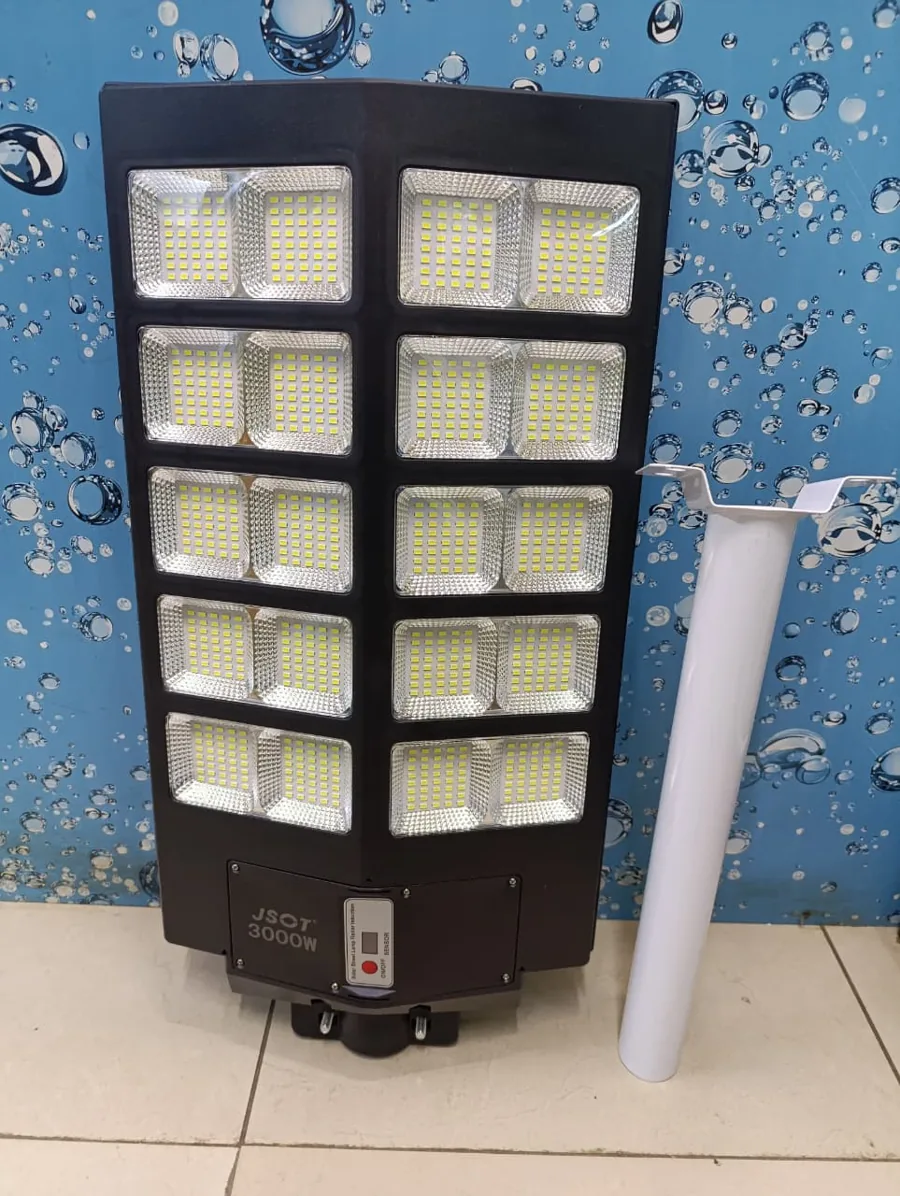
Does the 3000W have a remote?
It has an ON/OFF control on the unit.
Can I use another remote?
Use the one supplied or ask us for a matching one.
Need help choosing?
Tell us where you want the light and we will recommend the right size, even if it means a cheaper one.
Chat on WhatsAppSee all solar lights and pricesKeep reading
Solar lights for homes · Estates · Schools · Warehouses · Areas we serve