Networking & IT · Technology Explained

PoE Explained: PoE Switch vs PoE Injector

How one network cable powers an IP camera, the PoE standards and power levels, switch vs injector, and why power budgets matter.

A camera that records nothing useful is the most expensive thing on your wall.

Read on: it takes a few minutes and could save you a lot more than that.

In this guide you will see:
  • One cable for power and data.
  • 802.3af (PoE): up to 15.4 W per port; 802.3at (PoE+): up to 30 W; 802.3bt: up to 60–90 W.
  • PoE switch for many devices, injector for one.
By Qyvea LimitedPublished 2026-09-23Updated 2026-09-232 min read
On this page01. The standards02. Switch vs injector03. Power budget04. See it in a real installation05. FAQ
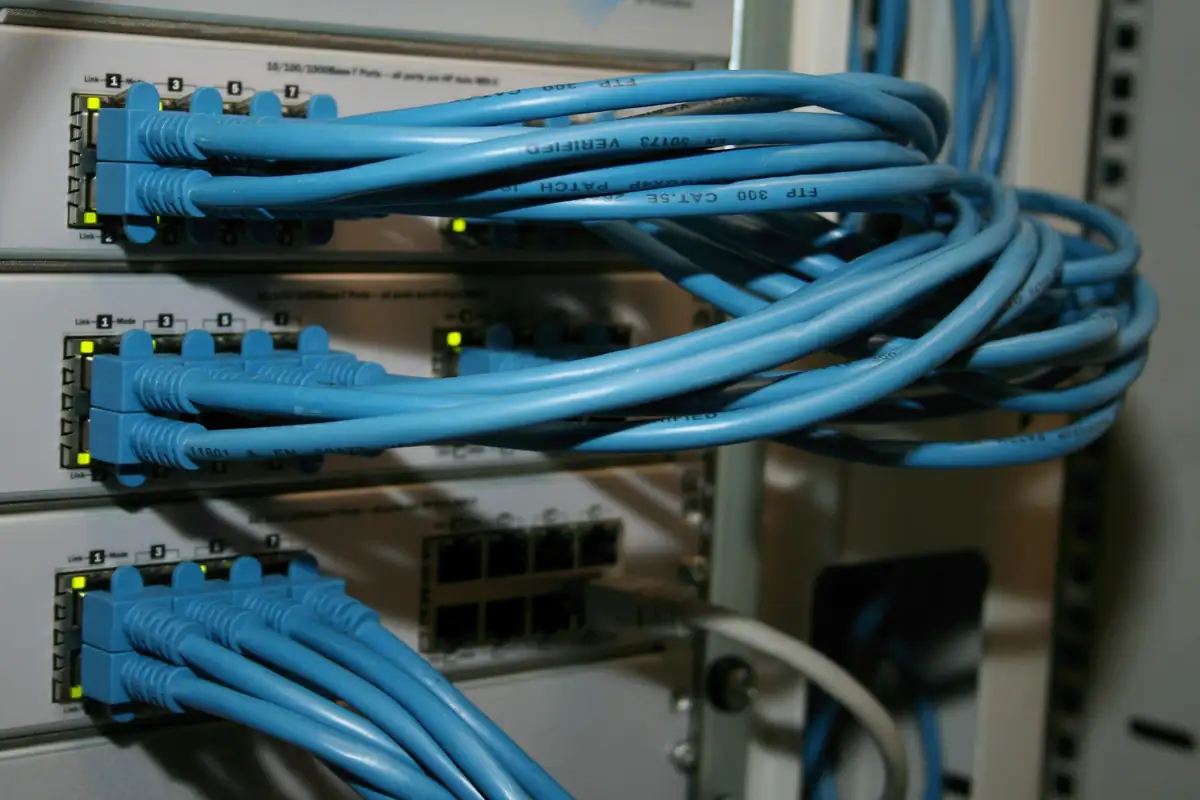
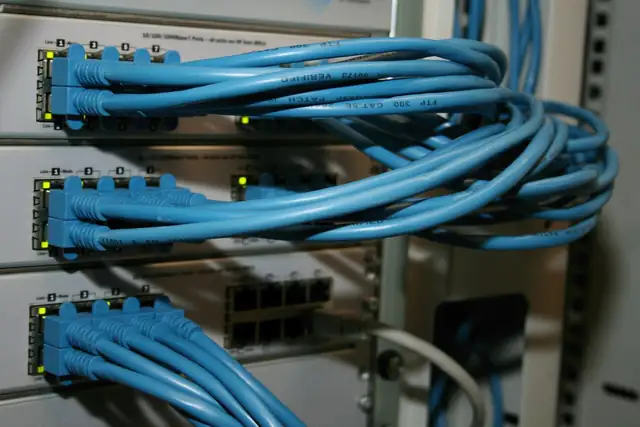
Network switches with blue patch cables
Quick answer

Power over Ethernet (PoE) sends power and data down the same network cable, so IP cameras, access readers and Wi-Fi access points don't need separate power supplies. A PoE switch powers many devices from its ports; a PoE injector adds power to a single cable. Every switch has a total power budget that limits how many devices it can power.

Real products, live prices, in stock now
See the actual productsLive prices from the Qyvea store
Shop all camera products →

Key takeaways

  • One cable for power and data.
  • 802.3af (PoE): up to 15.4 W per port; 802.3at (PoE+): up to 30 W; 802.3bt: up to 60–90 W.
  • PoE switch for many devices, injector for one.
  • Check the switch's total PoE budget.
  • Distance limit is still about 100 m.

01The standards

StandardNameMax at the switch portTypical devices
IEEE 802.3afPoE15.4 WMost fixed IP cameras, readers
IEEE 802.3atPoE+30 WCameras with heaters/IR, Wi-Fi access points
IEEE 802.3btPoE++60–90 WPTZ cameras, larger devices

The device receives a little less than the port supplies, because some power is lost in the cable.

02Switch vs injector

PoE switch

Powers many devices
One power supply in the rack
Easier to back up with a UPS
Watch the total budget

PoE injector

Adds power to one cable
Good for a single camera or AP
Another adapter to power and protect
Simple and cheap
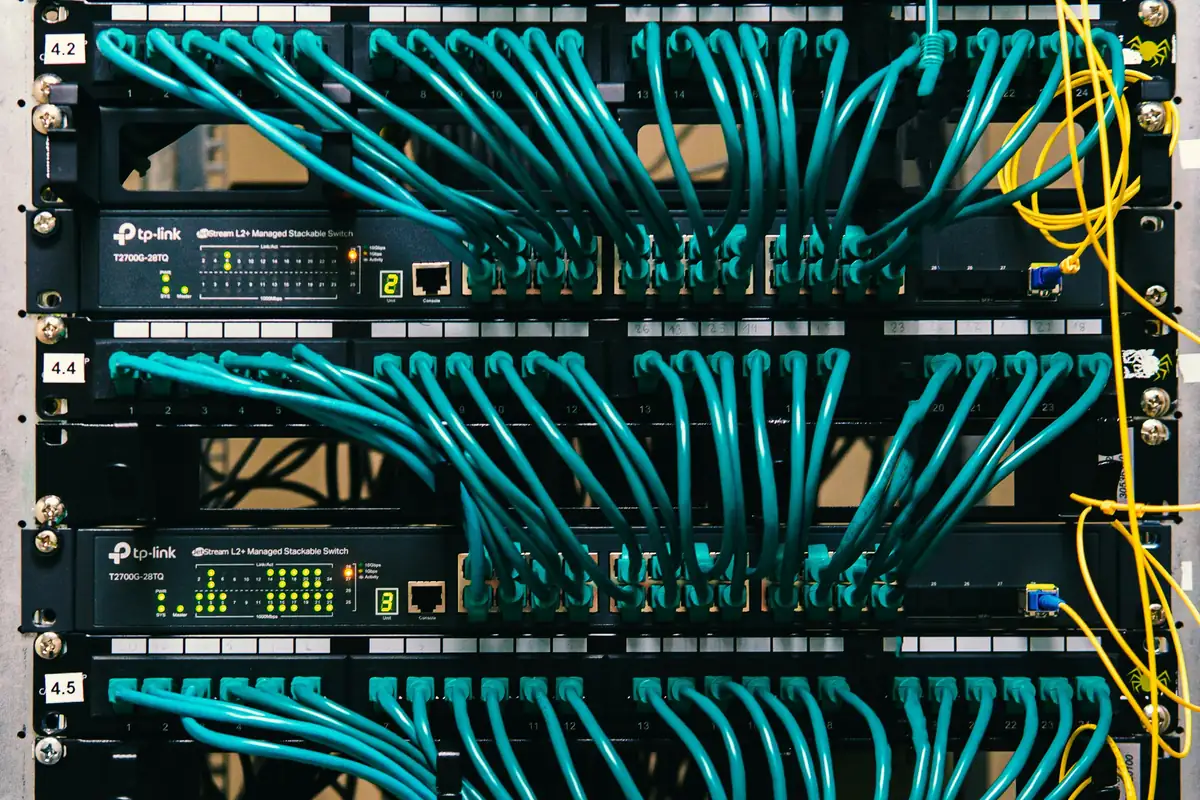
PoE switches in a rack

03Power budget

A 16-port PoE switch doesn't necessarily power 16 cameras at full power. Add up each device's maximum draw (IR on at night uses more) and compare with the switch's total PoE budget, leaving headroom.

TipPut the PoE switch on a UPS: then every camera it powers stays up during a power cut.

Cameras not powering? See NVR not detecting camera and network switch not working.

04See it in a real installation

IP CCTV System Upgrade: Before & After

Before: exposed, weathered cable joints and an old camera on a parapet. After: a tidy IP CCTV system with proper cabling and protected connections.

05Frequently asked questions

Can PoE damage non-PoE devices?

Standards-based (802.3af/at/bt) PoE negotiates before sending power, so it won't power devices that don't request it. Passive PoE injectors are different, so check.

How far can PoE go?

About 100 m, the same as Ethernet. Extenders or switches are needed for longer runs.

Why do my cameras restart at night?

Infrared increases power draw; if the switch's PoE budget is exceeded, cameras can drop or restart.
Why customers choose Qyvea

Genuine brandsManufacturer warranty on what we sell, so you are not gambling on the box.
One team, start to finishThe people who advise you also install and support it.
Fast answersWhatsApp replies usually within 30 minutes, and delivery within 24 hours in Nairobi.
Easy to buyPay by M-Pesa, bank transfer or card. Free delivery in Nairobi on orders over KES 5,000.
Risk taken off you7-day returns and exchanges on products, and a workmanship warranty on installations.
Customers say soRated 4.6/5 from 57 Google reviews.

Your next step takes one minute: send us a photo of the place on WhatsApp and we will tell you what it needs.

Related articles

Networking & IT · Comparison
Cat5e vs Cat6 vs Cat6A
Bandwidth, speed, distance and cost compared, and which category of cable suits CCTV, offices and future upgrades.
2 min readREAD FULL ARTICLE →
CCTV · Comparison
HD CCTV vs IP CCTV
A visual side-by-side of both CCTV architectures, and when each one fits.
4 min readREAD FULL ARTICLE →
CCTV · Troubleshooting
NVR Not Detecting an IP Camera
A new or existing IP camera won't show up on the NVR. Power, cable, IP address, password and compatibility checks, in order.
3 min readREAD FULL ARTICLE →
← PreviousOffice Wi-Fi and Network Installation in KenyaNext →Point-to-Point Wireless Links

Need this system installed?

Talk to Qyvea. We design, install and maintain it.

Chat with us — 30 min response