Vehicle Security · Guide

Dash Camera Installation: Front, Rear & Parking Mode

What a dash camera records, why hardwiring and parking mode matter, and how to make sure the footage is there when you need it.

If your car disappeared tonight, how fast could you find it?

Read on: it takes a few minutes and could save you a lot more than that.

In this guide you will see:
  • Loop recording overwrites old footage; impact clips are locked automatically.
  • Hardwiring gives a tidy install and enables parking mode.
  • Use a good-quality memory card and check it regularly.
By Qyvea LimitedPublished 2026-09-23Updated 2026-09-232 min read
On this page01. Camera options02. Hardwiring and parking mode03. Making sure the footage is there04. FAQ
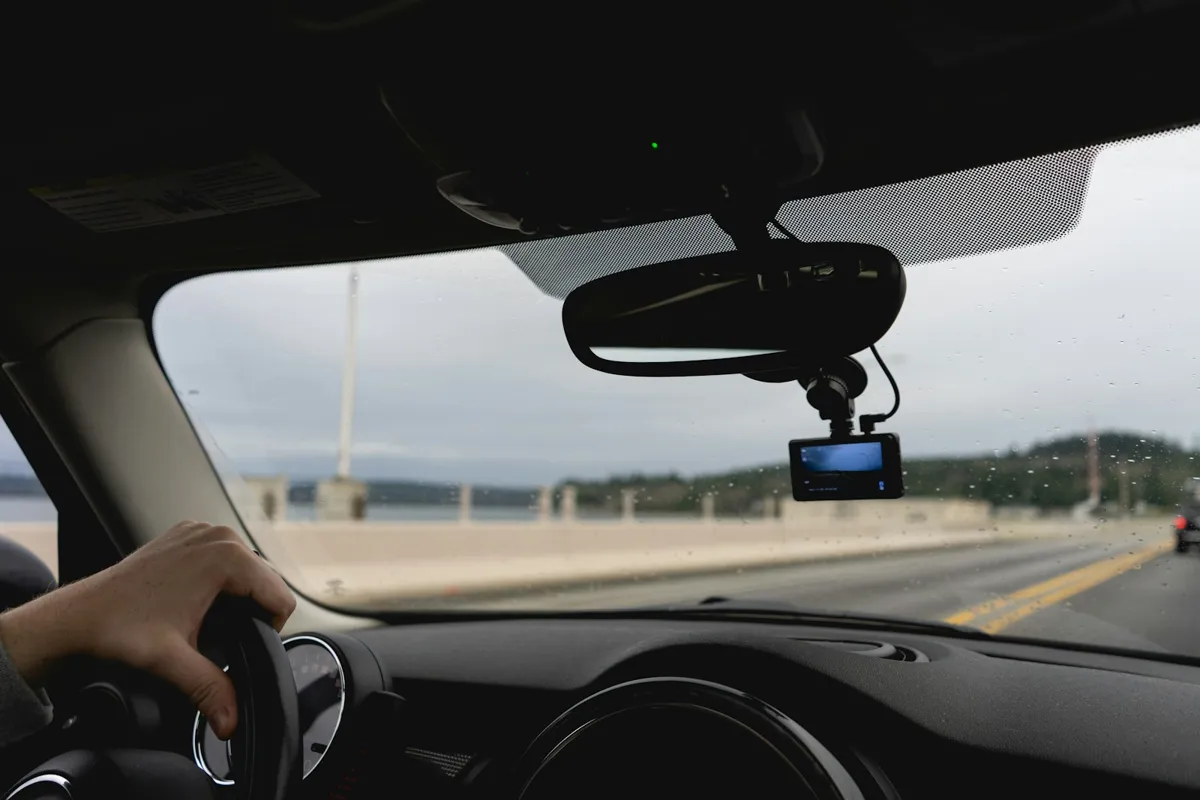
Dash camera mounted behind the rear-view mirror
Quick answer

A dash camera records the road through the windscreen, and optionally the rear or the cabin, onto a memory card that loops by overwriting the oldest footage. When it senses an impact it locks the current clip so it isn't overwritten. Hardwiring it to the vehicle's fuse box, rather than the lighter socket, gives a tidy installation and allows parking mode, which records incidents while the car is parked.

Real products, live prices, in stock now
See the actual productsLive prices from the Qyvea store
Shop all camera products →

Key takeaways

  • Loop recording overwrites old footage; impact clips are locked automatically.
  • Hardwiring gives a tidy install and enables parking mode.
  • Use a good-quality memory card and check it regularly.
  • Front + rear covers most accidents; add a cabin camera for taxis and fleets.

01Camera options

SetupRecordsSuits
Front onlyThe road aheadPrivate cars, the basic evidence need
Front + rearAhead and behind, including rear-end collisionsMost drivers
Front + cabinRoad and inside the vehicleTaxis, ride-hailing, company drivers
Fleet dash camsVideo linked to the tracking platformBusinesses with several vehicles
Camera mounted on a car windscreen

02Hardwiring and parking mode

  1. 01
    MountBehind the rear-view mirror, out of the driver's line of sight.
  2. 02
    Route the cableHidden along the headliner and pillar trim, clear of airbags.
  3. 03
    ConnectTo the fuse box with a hardwire kit that protects the car battery.
  4. 04
    Set upDate/time, resolution, impact sensitivity and parking mode.
  5. 05
    TestCheck recording, locked clips and playback before handover.
ImportantA proper hardwire kit cuts power before the car battery runs too low. Without one, parking mode can leave you with a flat battery.

03Making sure the footage is there

  • Use a memory card rated for continuous recording
  • Format or check the card periodically; cards wear out
  • Confirm the date and time are correct, because it matters when footage is used as evidence
  • After an incident, save the clip to your phone or computer as soon as possible

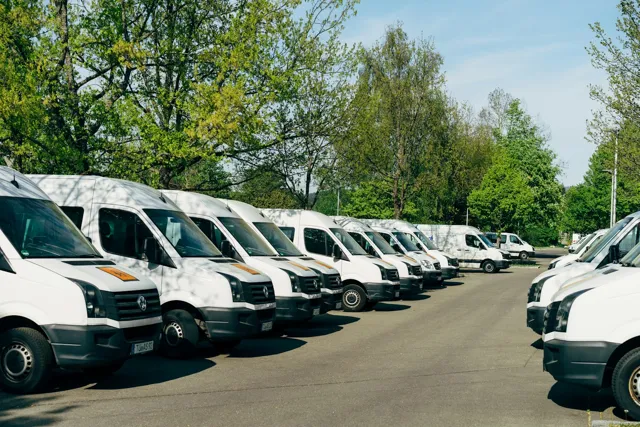
Dash cameras fit alongside trackers in a fleet management system.

04Frequently asked questions

Will a dash camera drain my car battery?

Not with a proper hardwire kit, which switches the camera off before the battery gets too low.

How long does a dash camera record?

It depends on the memory card size and resolution. Loop recording means it always keeps the most recent footage.

Can I view dash camera footage on my phone?

Many models connect to a phone app over Wi-Fi, and fleet cameras can upload clips to the tracking platform.
Why customers choose Qyvea

Genuine brandsManufacturer warranty on what we sell, so you are not gambling on the box.
One team, start to finishThe people who advise you also install and support it.
Fast answersWhatsApp replies usually within 30 minutes, and delivery within 24 hours in Nairobi.
Easy to buyPay by M-Pesa, bank transfer or card. Free delivery in Nairobi on orders over KES 5,000.
Risk taken off you7-day returns and exchanges on products, and a workmanship warranty on installations.
Customers say soRated 4.6/5 from 57 Google reviews.

Your next step takes one minute: send us a photo of the place on WhatsApp and we will tell you what it needs.

Related articles

Vehicle Security · Guide
Fleet Management Systems: Tracking, Reports & Drivers
From 'where is the van?' to trip reports, driver behaviour, fuel and maintenance: what a fleet platform does for a business with several vehicles.
2 min readREAD FULL ARTICLE →
Vehicle Security · Technology Explained
Vehicle Security Explained: How the Layers Work Together
Trackers find a vehicle, immobilizers stop it being driven, alarms draw attention and dash cameras record what happened. Here is what each layer does.
3 min readREAD FULL ARTICLE →
Vehicle Security · Technology Explained
Car Tracking Systems: How a GPS Car Tracker Works
GPS works out where the car is, the SIM sends it over the mobile network, and the platform turns it into live location, alerts and trip history on your phone.
3 min readREAD FULL ARTICLE →
← PreviousCar Tracking for InsuranceNext →Fleet Management Systems: Tracking, Reports & Drivers

Need this system installed?

Talk to Qyvea. We design, install and maintain it.

Chat with us — 30 min response