On this page
01. What a fleet platform adds02. How it fits into daily operations03. Choosing a fleet system04. FAQ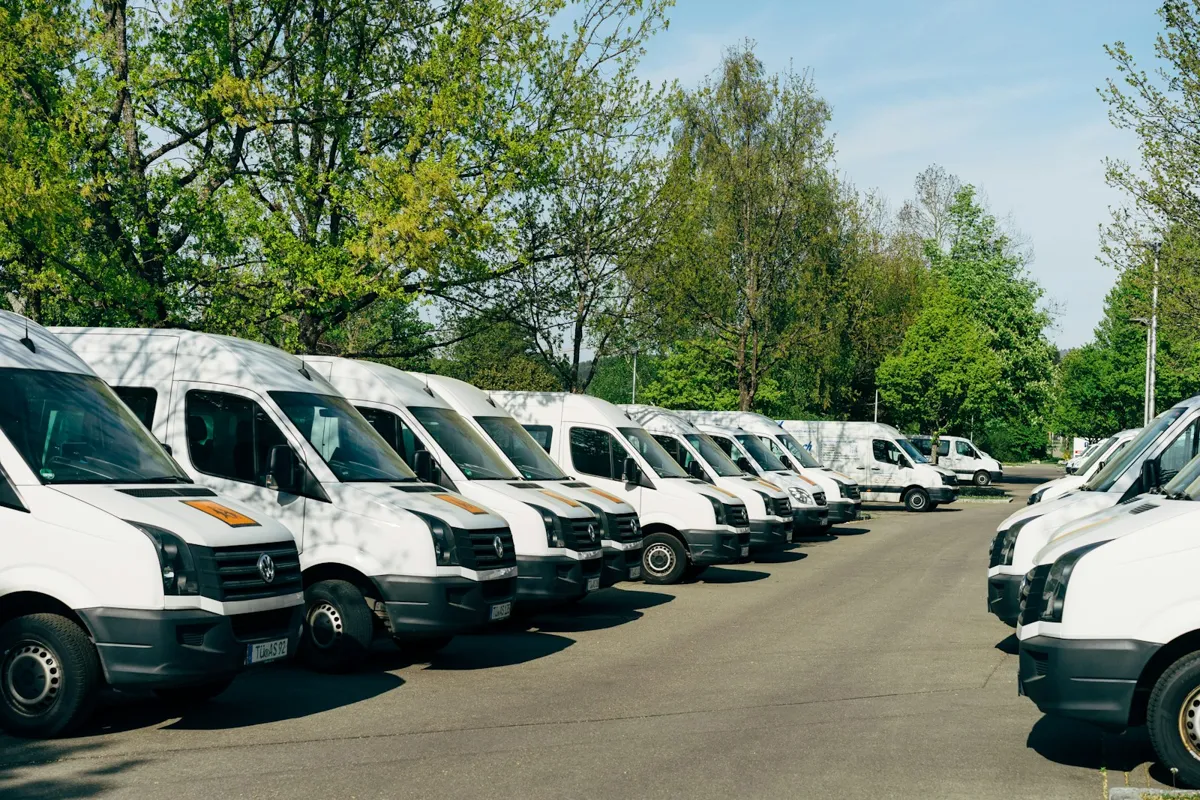
Quick answer
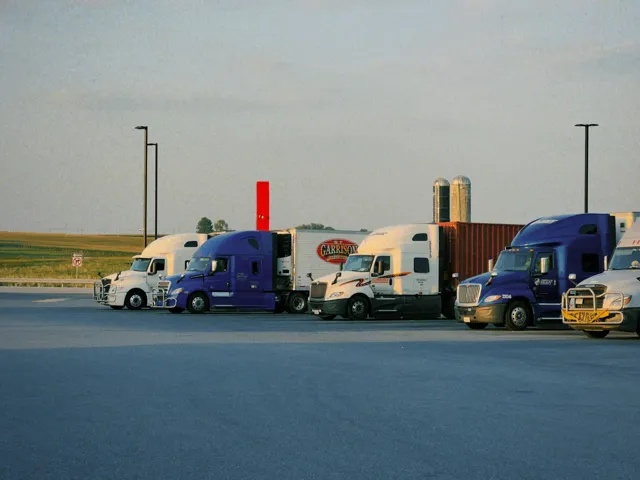
A fleet management system is GPS tracking with a business layer on top. Every vehicle carries a tracker; the platform shows them all on one map and turns the data into reports: trips, stops, idle time, over-speeding, harsh driving, fuel and maintenance. Managers use it to answer customer questions, cut unauthorised use, plan routes and keep vehicles serviced on time.
Real products, live prices, in stock now
See the actual productsLive prices from the Qyvea store
Shop all camera products →Key takeaways
- One map for every vehicle, plus reports managers actually use.
- Geofences and after-hours alerts expose unauthorised trips.
- Driver behaviour reports (speeding, harsh braking, idling) reduce wear and fuel.
- Maintenance reminders by distance or engine hours keep vehicles on the road.
01What a fleet platform adds
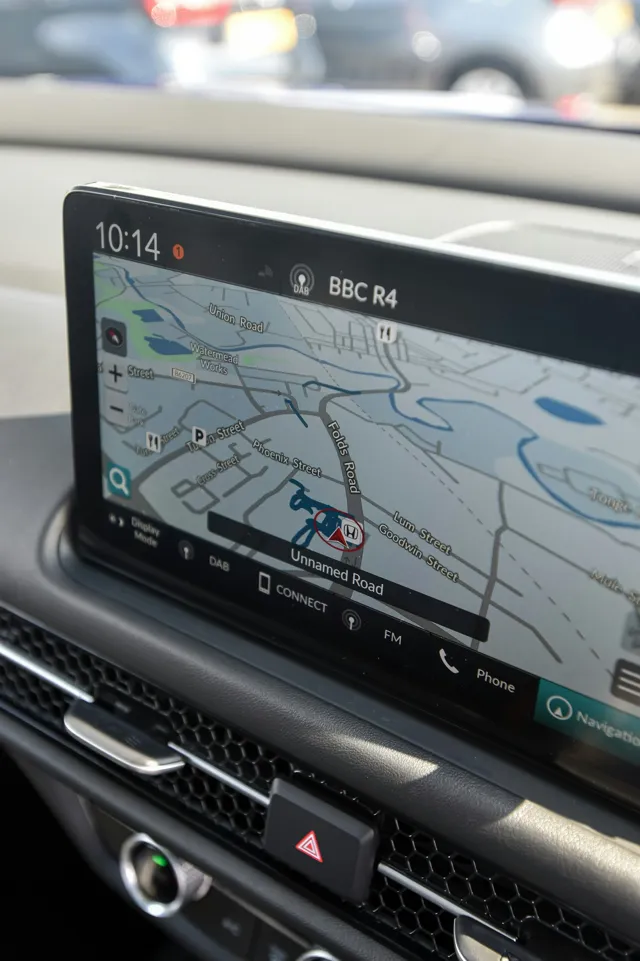
Live fleet mapEvery vehicle, its status and last position
Trip & stop reportsWhere each vehicle went, how long it stopped
GeofencesDepots, customer sites and no-go areas with entry/exit alerts
Driver behaviourSpeeding, harsh braking and acceleration, idling
FuelConsumption estimates, or fuel-level sensors for accurate figures
MaintenanceService reminders by kilometres or engine hours
02How it fits into daily operations
Fleet data flow
Tracker in each vehicleplus optional fuel, driver-ID, camera
Tracking platform
Dispatcherlive map, customer ETAs
Fleet managerreports, alerts
Accountsfuel and mileage
- Dispatch: see which vehicle is closest to a job
- Customers: answer 'where is my delivery?' with facts
- Security: after-hours movement and power-cut alerts
- Cost control: idling, unauthorised trips and fuel variance
03Choosing a fleet system
- Which reports do you actually need each week?
- How many users need access, and with what permissions?
- Do you need driver identification (tags) to know who was driving?
- Is fuel monitoring worth adding? See fuel monitoring for fleets
- Can data be exported for payroll, billing or accounts?
When to call a professionalStart with a pilot on a few vehicles, confirm the reports are useful, then roll out to the full fleet. Talk to Qyvea about fleet tracking.
04Frequently asked questions
How many vehicles do I need for a fleet system?
Fleet platforms work from a single vehicle upward. The reporting pays off most once you're managing several vehicles or drivers.
Can I see which driver was using a vehicle?
Yes, with driver identification such as a tag or card each driver presents before the trip.
Can drivers switch the tracker off?
A properly installed tracker is hidden and wired so it can't simply be switched off, and it sends an alert if its power is cut.