Quick answer
A camera missing from a Dahua recorder is usually a power or cable fault, an IP address the recorder can't reach, a camera password that doesn't match, the wrong protocol, or a recorder that has reached its incoming bandwidth limit. Work from the cable outwards.
Real products, live prices, in stock now
See the actual productsLive prices from the Qyvea store
Shop all camera products →Key takeaways
- Check the PoE port light and the cable first.
- The camera must be on the same network range as the NVR.
- A camera password different from the NVR's stops it connecting.
- Use the Dahua (Private) protocol for Dahua cameras, ONVIF for others.
- Too many high-resolution cameras can exceed the NVR's bandwidth.
01Work through these checks
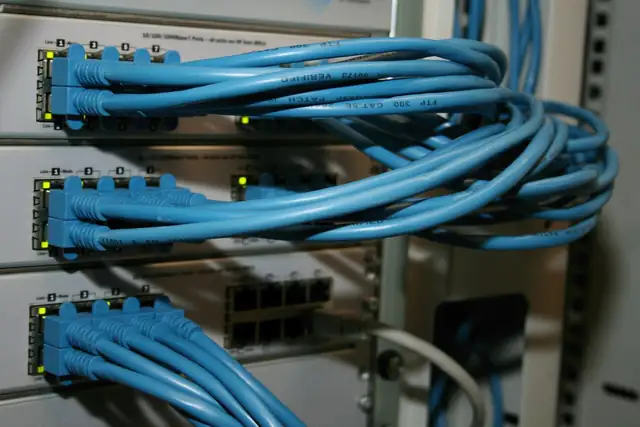
- 01Power and cableIs the PoE port lit? Try another port and a short test cable.
- 02Find the cameraIn Camera / Registration, search the network or use ConfigTool to see its IP.
- 03Match the networkPut the camera on the NVR's network range, or plug it into the NVR's PoE ports for plug-and-play.
- 04Password and protocolEnter the camera's own password; pick Private for Dahua, ONVIF for other brands.
- 05Bandwidth and resolutionCheck the NVR's incoming bandwidth and maximum decoding resolution in its spec sheet.
02Dahua DVR (XVR) not working
- No picture on one channel: swap the camera to another channel to see if the camera or the port is at fault
- Black screen at night only: infrared or power supply problem at the camera
- Recorder beeping: disk error or video loss alarm
- Recorder restarting: test another power adapter and the hard disk
More general steps in NVR not detecting camera and camera no picture.
03Need a hand?
When to call a professionalQyvea repairs Dahua systems: cameras, cabling, PoE and recorders. Call 0113 301 244 or WhatsApp us.
04Frequently asked questions
Why is my Dahua camera showing offline?
Usually power, cable, a changed IP address or a mismatched password. Check the PoE port light first.
Can I add a Hikvision camera to a Dahua NVR?
Often yes, using ONVIF, though some smart features only work with same-brand cameras.
What is ConfigTool?
Dahua's free PC tool that finds cameras and recorders on the network and changes their IP settings.