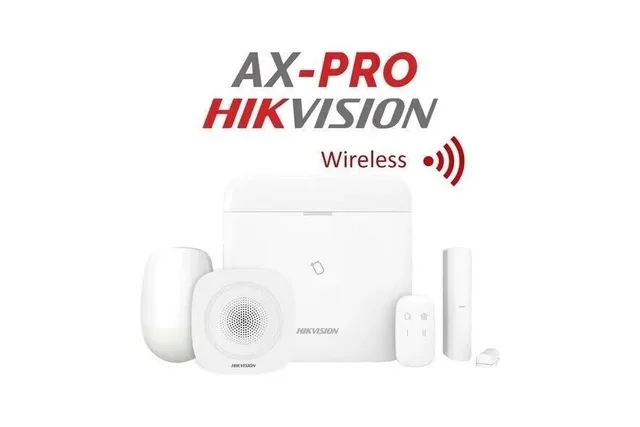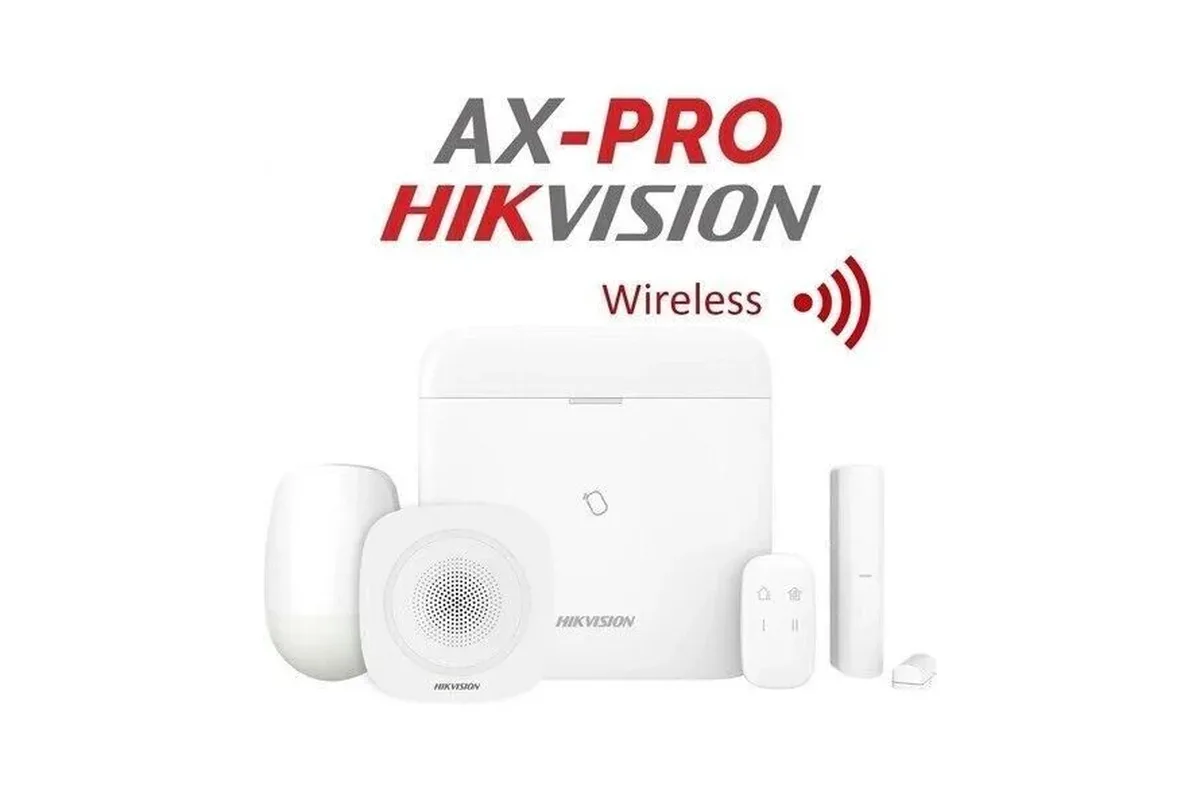
Apartment and rental homes suit wireless alarms: no cutting walls, quick to install and easy to take with you when you move. Protect the main door and balcony door with contacts, cover the living area with a motion sensor, add an indoor siren and a panic button, and use the phone app to arm and check. Check your lease or ask your landlord before drilling, and use adhesive mounts where possible.
Key takeaways
- Wireless kits suit rentals: quick, tidy and portable.
- Protect the main door, balcony door and living area first.
- Use adhesive mounts if you cannot drill.
- An indoor siren and a panic button add safety.
- Combine with a door chain and a strong lock.
01A simple apartment setup
| Item | Where |
|---|---|
| Alarm hub or panel | Central, near the router and power |
| Door contact | Main door and balcony door |
| Motion sensor | Living area or corridor facing the entry |
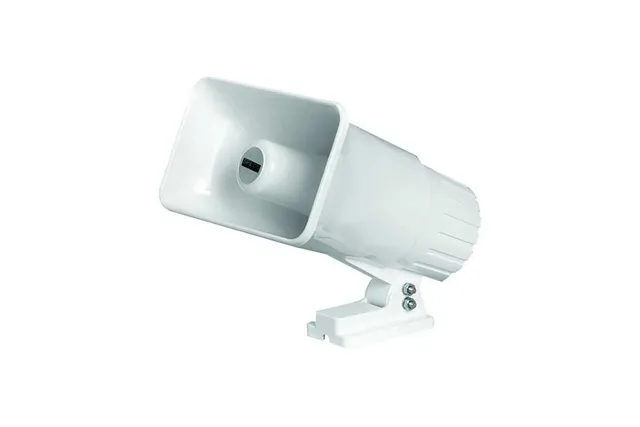
| Indoor siren | Inside, loud enough for neighbours |
| Panic button | Bedside or near the door |
| Key fob or app | To arm and disarm |
02Rental checklist
- Ask the landlord about drilling or use adhesive mounts.
- Keep the box and mounts so you can remove everything when you leave.
- Pick pet-immune sensors if you have a pet.
- Ask us about a GSM module in case of Wi-Fi outages.
- Pair the alarm with a peephole or video door phone.
03See also
Read door and window alarms for renters and panic buttons for home and shop.
04Frequently asked questions
Can I take the alarm with me when I move?
Yes, wireless kits can be removed and re-installed in your new home.
Do I need the landlord's permission?
Ask before drilling; use adhesive mounts where you can.
What is the minimum I need?
A hub, a door contact for the main door and a motion sensor or siren; we recommend after a survey.
Will my neighbours hear it?
An indoor or outdoor siren is loud; choose a placement that suits the building.