Quick answer
Short-stay hosts need to know when doors open, protect empty properties between guests and avoid disputes. A wireless alarm with door contacts, a smart lock or keypad with unique codes, an outdoor camera at the entrance and an app that logs events gives you that. Never place cameras or recording inside guest areas; disclose any cameras clearly and follow the platform's rules and the Data Protection Act.
Real products, live prices, in stock now
See the actual productsLive prices from the Qyvea store
Shop all alarm products →Key takeaways
- Door contacts and logs show when entry happens.
- Unique keypad codes per guest end key-copy risk.
- Outdoor cameras at the entrance, never inside guest areas.
- Disclose cameras and respect guest privacy.
- Arm the alarm between stays.
01What to install
| Item | Why |
|---|---|
| Door contacts | See every entry and exit |
| Smart lock or keypad | A unique code per guest and no key copies |
| Outdoor camera | Records the entrance and the compound |
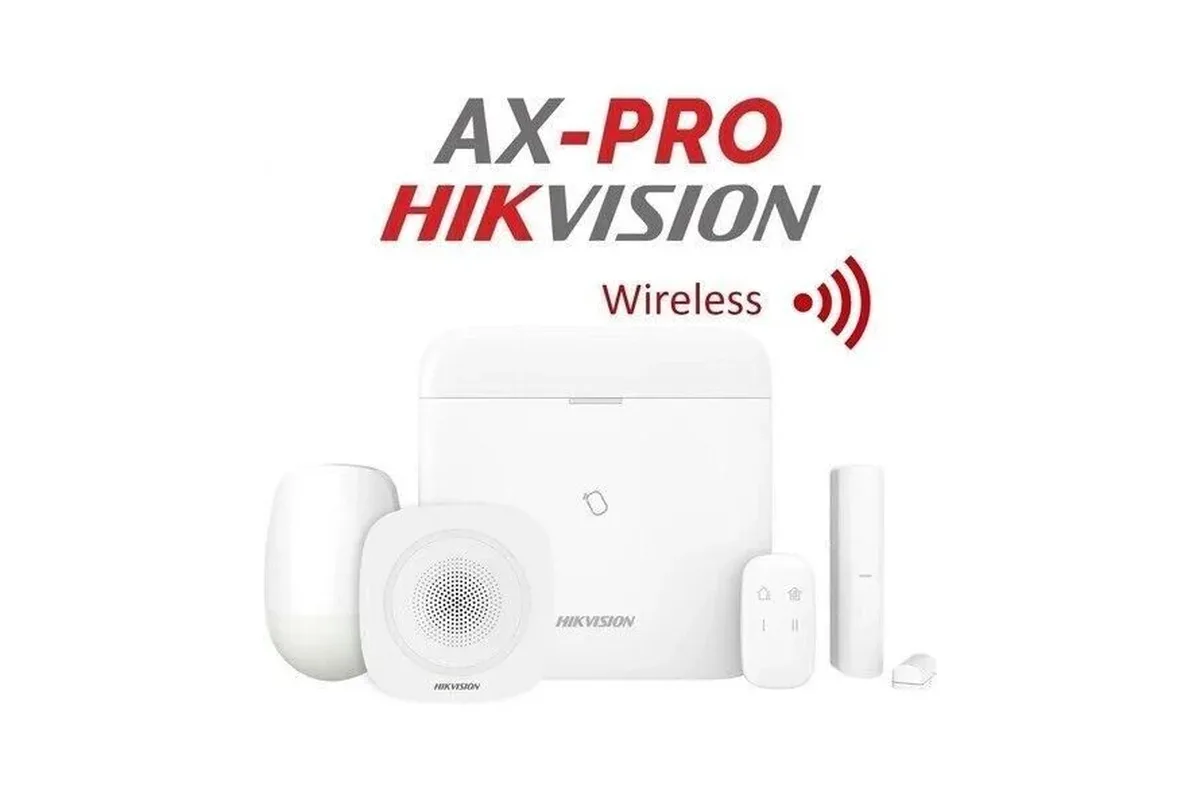
| Alarm hub and siren | Protects the empty property between stays |
| Phone app | Alerts and logs wherever you are |
02Privacy and trust
- Never put cameras or microphones inside bedrooms or bathrooms.
- Disclose any outdoor cameras in your listing.
- Do not record guest conversations.
- Delete footage on a schedule.
ImportantFollow your platform's rules and the Data Protection Act 2019. Read hidden cameras law in Kenya.
03Get a host-friendly setup
When to call a professionalWe design a discreet alarm, lock and outdoor-camera setup for short-stay properties. Call 0113 301 244 or WhatsApp us.
04Frequently asked questions
Can I use a camera inside the apartment?
No cameras in private spaces; use outdoor cameras at the entrance and disclose them.
Can I give each guest a different code?
Yes, with a keypad or smart lock that supports temporary codes.
Can I monitor several properties?
Yes; one app can manage multiple sites.
What if the guest forgets to lock?
A door contact and app alert tells you if the door is open.