
Quick answer
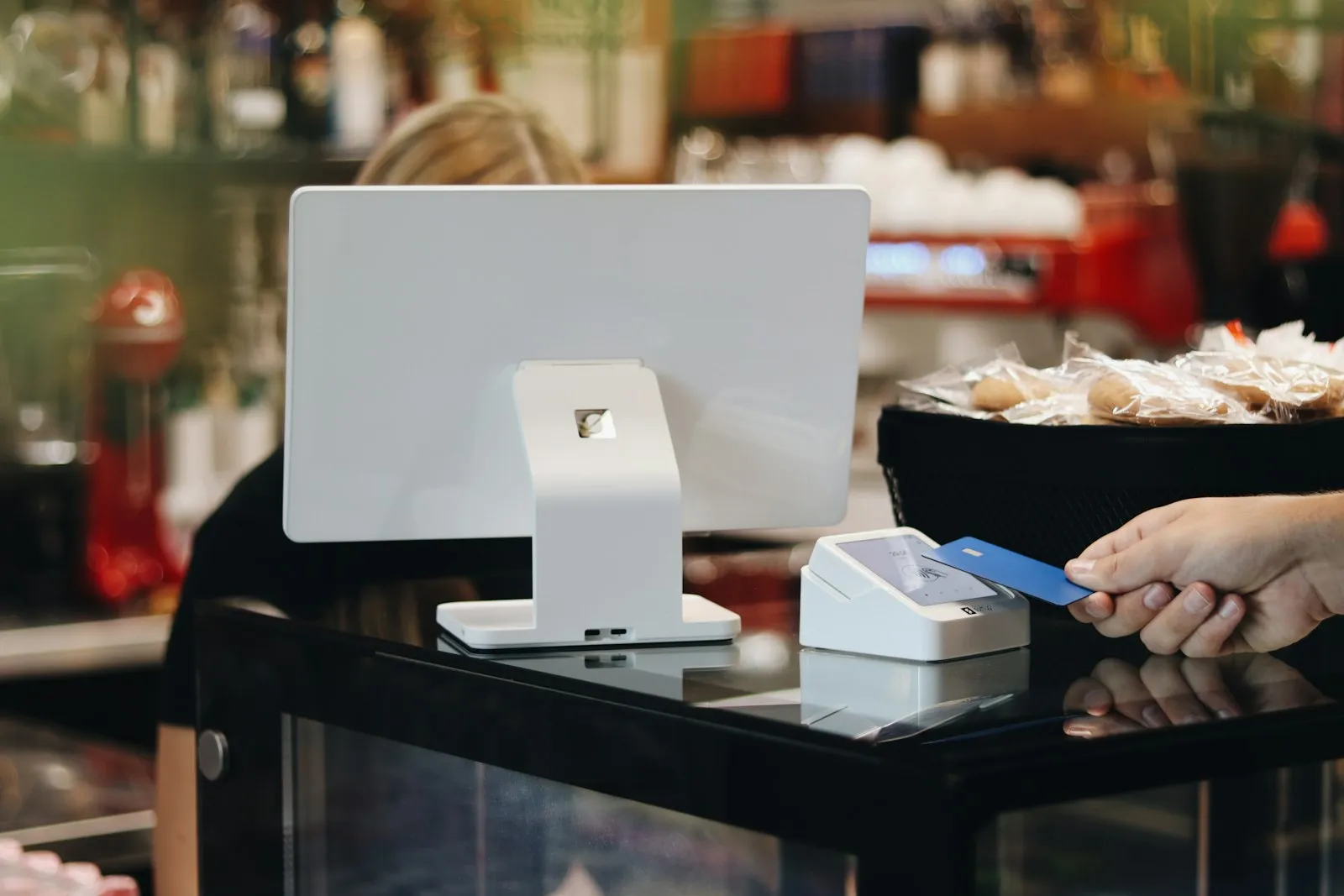
A tablet POS is compact and portable, ideal for cafes, boutiques, pop-ups and table-side ordering. Self-checkout kiosks let customers scan and pay without a cashier and suit high-volume retail with space and supervision. For most Kenyan shops, a standard till with a scanner is still the fastest and simplest, and tablets are a good addition for roaming service.
Real products, live prices, in stock now
See the actual productsLive prices from the Qyvea store
Shop all scanner products →Key takeaways
- Tablets suit small spaces, pop-ups and table service.
- Self-checkout needs space, supervision and volume.
- Standard tills remain the best for most shops.
- Plan for payments, receipts and power.
- Start with one device and test.
01Where each fits
| Option | Best for | Watch out for |
|---|---|---|
| Standard till | Most shops and supermarkets | Needs counter space |
| Tablet POS | Cafes, boutiques, pop-ups, table service | Battery, stand and printer pairing |
| Mobile handheld POS | Delivery, van sales, queue busting | Screen size and battery |
| Self-checkout kiosk | High-volume supermarkets | Cost, supervision, theft control |
02Making it work
- Use a stable stand and a secure charging point.
- Pair the printer reliably (cable or Bluetooth).
- Keep a backup payment method.
- Train staff to help customers.
- Review shrinkage at self-checkout.
03Try it
When to call a professionalWe will advise on whether it fits your shop. Call 0113 301 244 or WhatsApp us.
04Frequently asked questions
Are tablets reliable enough for a busy till?
Commercial tablets with good stands and printers work well; we specify accordingly.
Do I need a special printer?
Receipt printers that pair with your software; we supply tested ones.
Is self-checkout common in Kenya?
It is still limited to a few large retailers; most shops do better with a fast standard till.
