
On this page
01. What is in the bundle02. Sizes to quote03. How we install it04. Day-one checklist05. Extras worth offering06. Available now at Qyvea07. Get a quote08. FAQ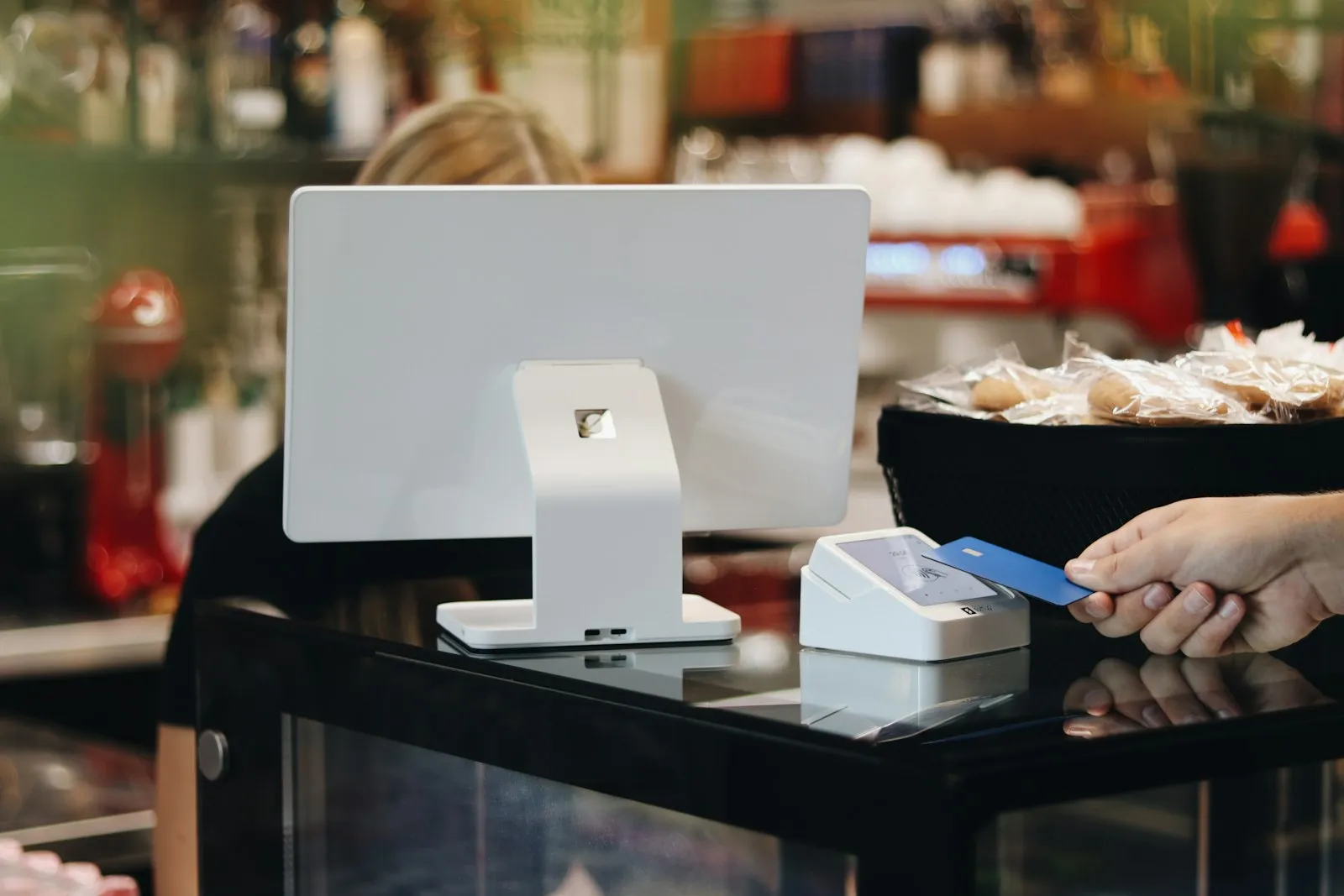
Quick answer
A agrovet POS bundle is a short list of parts that work together. Quote it by size, install it in a day and train the owner before you leave.
Real products, live prices, in stock now
See the actual productsLive prices from the Qyvea store
Shop all agrovet POS equipment →Key takeaways
- Price-computing scale
- POS terminal
- Barcode scanner
- Receipt printer
01What is in the bundle
A good bundle means the owner buys one thing, not twelve. This is the list we use for agrovets.
| Item | Why a agrovet needs it |
|---|---|
| Price-computing scale | Feeds and seeds by weight |
| POS terminal | Sales and farmer accounts |
| Barcode scanner | Packed items and chemicals |
| Receipt printer | Receipts that farmers keep |
| Label printer | Repack labels with date and weight |
| UPS | Protects the till in rural power cuts |
02Sizes to quote
| Size | What to put in the quote |
|---|---|
| Small agrovet | Scale, terminal, printer, drawer |
| Agrovet with chemicals | Add scanner and label printer |
| Agrovet and feed store | Second counter, handheld scanner, back office |
03How we install it
- 01Visit and measureWe visit the counter, the feed store and the chemical shelf and check power and signal.
- 02Choose the sizePick the small, medium or large bundle that matches the site, and add extras only where they earn their place.
- 03Cable, power and fitEquipment placed, cable run, UPS fitted so the POS survives a power cut.
- 04Set up and testProducts, prices or ticket lines entered, then a full test with a real customer and a real receipt or ticket.
- 05Train and hand overThe owner and staff run it themselves before we leave, and keep a one-page cheat sheet.
04Day-one checklist
- Farmer accounts entered
- Feed prices per kilo loaded
- Scale tested
- Expiry dates entered for chemicals
- Receipt prints with shop details
05Extras worth offering
Offer these after the main bundle is agreed. Each one solves a problem the owner already has.
- Label printer for repacks
- Handheld scanner for stock
- Second UPS or small solar kit
- SMS reminders for debts (software dependent)
06Available now at Qyvea
These are real products from the Qyvea store with live prices. Delivery is across Kenya, free in Nairobi on orders over KES 5,000.
Agrovet POS equipment in stock nowLive prices from the Qyvea store
Shop all agrovet POS equipment →07Get a quote
When to call a professionalTell us the size of the business and we will quote the full bundle, supplied, delivered and installed if you want it. Call 0113 301 244 or WhatsApp us.
08Frequently asked questions
Can it work offline?
Many POS systems do; confirm with your software.
Can I record credit?
Yes, with customer accounts.
Can I weigh by the scoop?
Convert to weight and set a price per kilo.
Do I need internet?
Not for basic sales.

