On this page
01. What to look for before you buy02. Best prices in stock today03. Why buy from Qyvea04. FAQ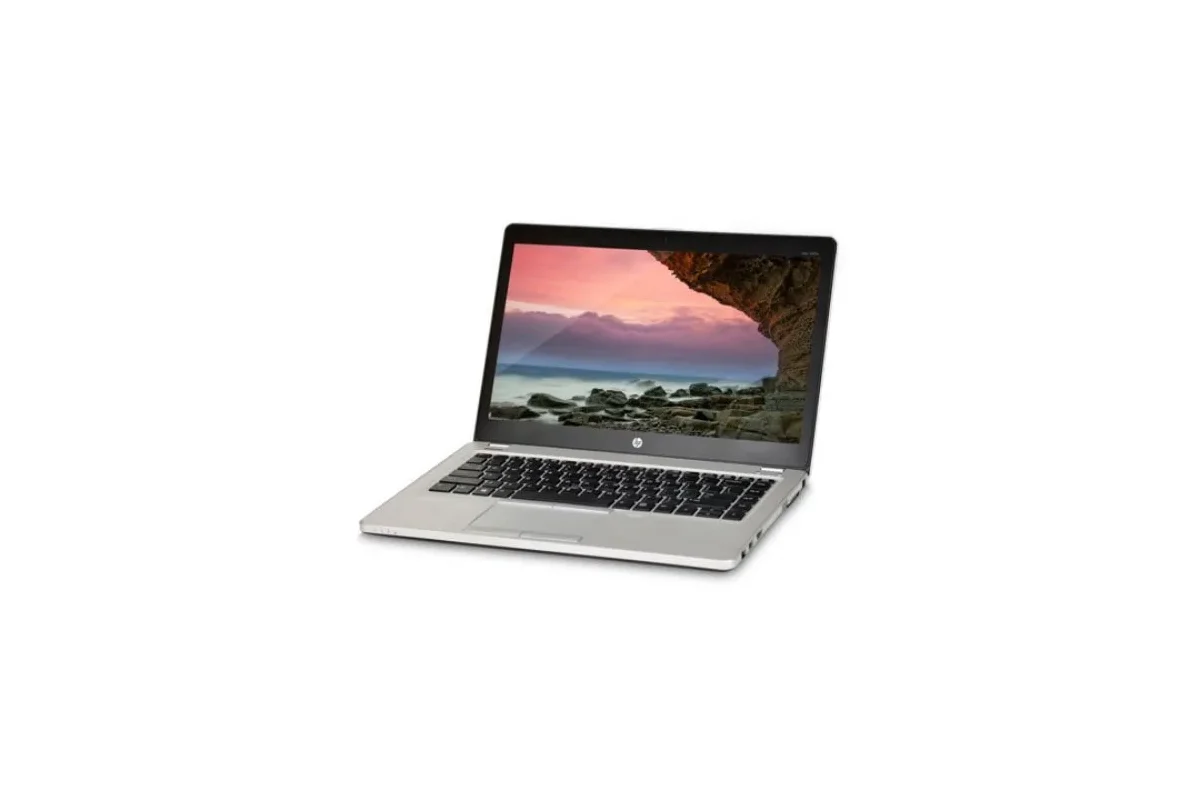
A laptop that will not start is often a power problem, not a dead board. Check the socket and charger light, try another charger, hold the power button for 30 seconds with the charger disconnected, remove the battery if your model allows, and listen for fans or beeps. If the lights come on but the screen stays black, test an external monitor. Only after the simple checks does a technician need to test the board, memory or screen.
Key takeaways
- Check the charger and socket first.
- Hold the power button with the charger unplugged, then try again.
- Lights on but black screen: test an external monitor.
- Then see a technician.
01What to look for before you buy
- 01Check the socket and chargerTry another socket, another charger and check the charger light.
- 02Hard resetUnplug everything, hold the power button for 30 seconds, then plug the charger in.
- 03Remove the batteryIf your model allows, try on charger alone.
- 04Look and listenDo the fan, lights or beeps show life?
- 05Test a monitorConnect an external screen to separate screen and board faults.
- 06See a technicianMemory, board and port faults need testing.
02Best prices in stock today
Prices update live from the Qyvea store. Tap any product to see full specs, stock and delivery options, or ask us on WhatsApp for a recommendation.
03Why buy from Qyvea
Why Kenyans buy from Qyvea
- Genuine branded products sold with the manufacturer's warranty (typically 6–24 months, varies by product)
- 7-day returns and exchanges; damaged or wrong item? Report it within 48 hours for a free replacement or full refund
- Pay with M-Pesa, bank transfer or card; refunds go back the same way
- Free delivery in Nairobi on orders over KES 5,000, and delivery across Kenya
- Delivered to your door, dispatched once payment is confirmed, rated 4.6/5 from 57 Google reviews (bought from us? leave a review)
- Talk to a person on WhatsApp 0113 301 244, usually within 30 minutes
Full details: return & refund policy.
04Frequently asked questions
Why does it show lights but no picture?
It can be the screen, the cable, the memory or the graphics. An external monitor helps tell which.
Could the battery be the cause?
Yes. A dead or faulty battery can stop some laptops starting; try on the charger alone if you can remove the battery.
Is my data lost?
Usually not. The drive can be read even when the laptop will not start; see our back-up guide.
Should I open the laptop myself?
Only if you are confident; opening can void a warranty and damage parts.