On this page
01. Why it matters02. How a patient moves through it03. What to check before you buy04. How we set it up05. Available now at Qyvea06. How to put it to the hospital or clinic07. Get a free survey and quote08. FAQ
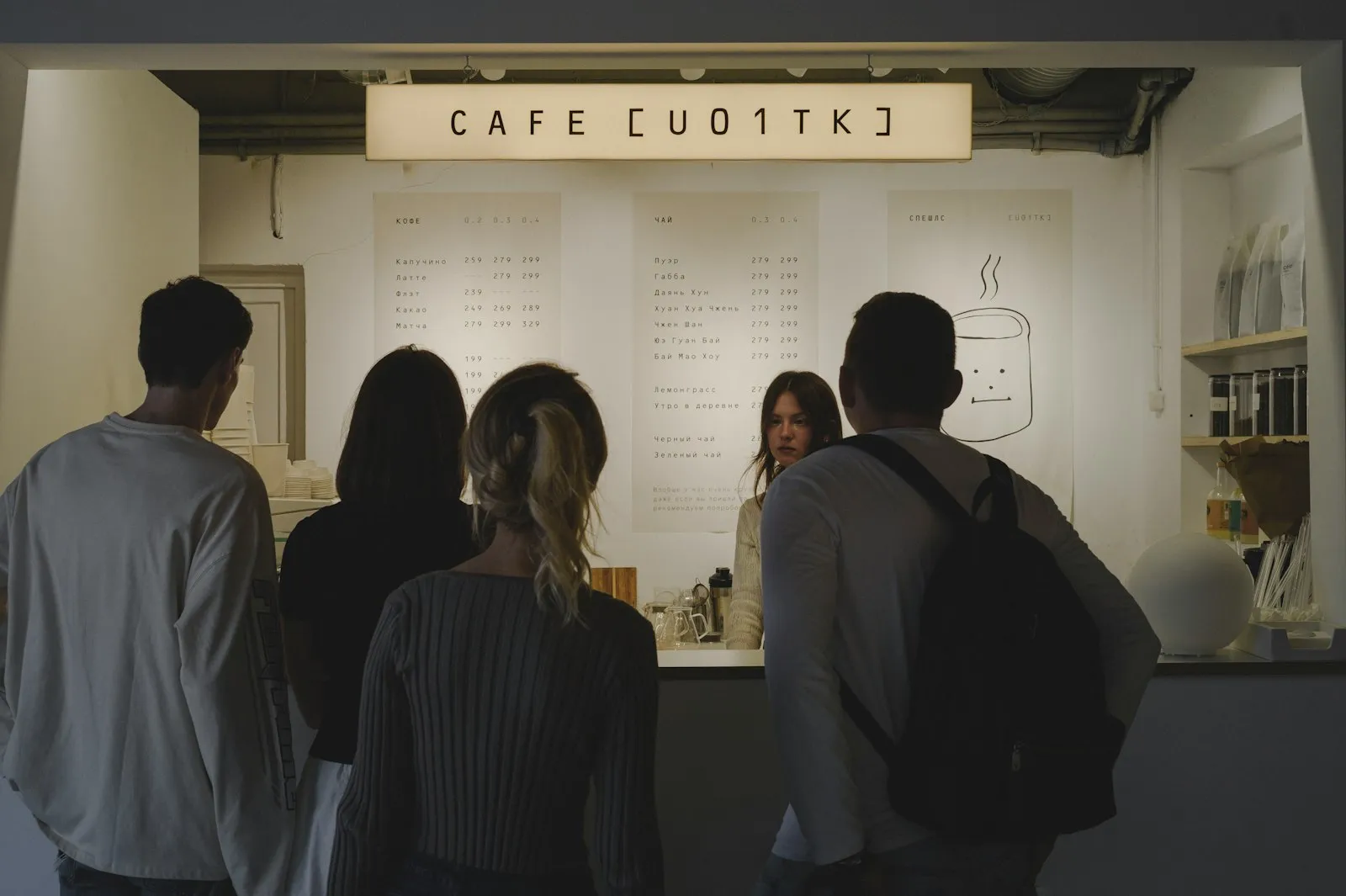
The cashier desk is where patients are most impatient. A ticket, a call screen and a fast receipt printer keep the line moving and the money counted.
Key takeaways
- Orderly line at the cashier
- Fast receipts
- Cash and mobile money
- Clear separate lines
01Why it matters
Billing is the last stop and the one patients dread. Insurance checks, M-Pesa payments and receipts all take time, and a crowd forms. A queue system with a clear order and a good POS counter takes the pressure off the staff.
02How a patient moves through it
03What to check before you buy
| Check | Why it matters |
|---|---|
| Receipt printer | Thermal 80mm for fast, quiet printing |
| Barcode scanner | Reads patient folder or bill barcodes |
| Cash drawer | Lockable, linked to the printer |
| Note detector | Checks notes at the counter |
| Queue tickets by payment type | Cash, insurance and clearance lines |
| UPS for the counter | Keeps the POS running in a power cut |
| Staff training | Short session on the POS and the keypad |
04How we set it up
- 01Count the countersWe note cashiers and insurance desks.
- 02Install the POS hardwarePrinter, scanner, cash drawer and UPS at each counter.
- 03Add the queue kioskTicket choices for the type of payment.
- 04Set up screensDisplay above the counters showing the number being called.
- 05Train the cashiersOn the POS and the queue keypad.
05Available now at Qyvea
These are real products from the Qyvea store with live prices. Delivery is across Kenya, free in Nairobi on orders over KES 5,000.
06How to put it to the hospital or clinic
Pitch the finance manager: faster receipts and a visible queue reduce complaints and make cash handling easier to supervise. Quote POS hardware and queue equipment together.
07Get a free survey and quote
08Frequently asked questions
Does it work with our billing software?
Most hospital billing software prints to a standard thermal printer. Confirm the printer model with your software vendor.
Can we accept M-Pesa?
That depends on your billing software; hardware does not change it.
What paper do we need?
Check the receipt width of your printer and buy the matching rolls.
Can we add a second counter later?
Yes. Add another printer, scanner and keypad.